
Color Blindness Simulator (Image)Simulate how images appear to people with various types of color vision deficiency.
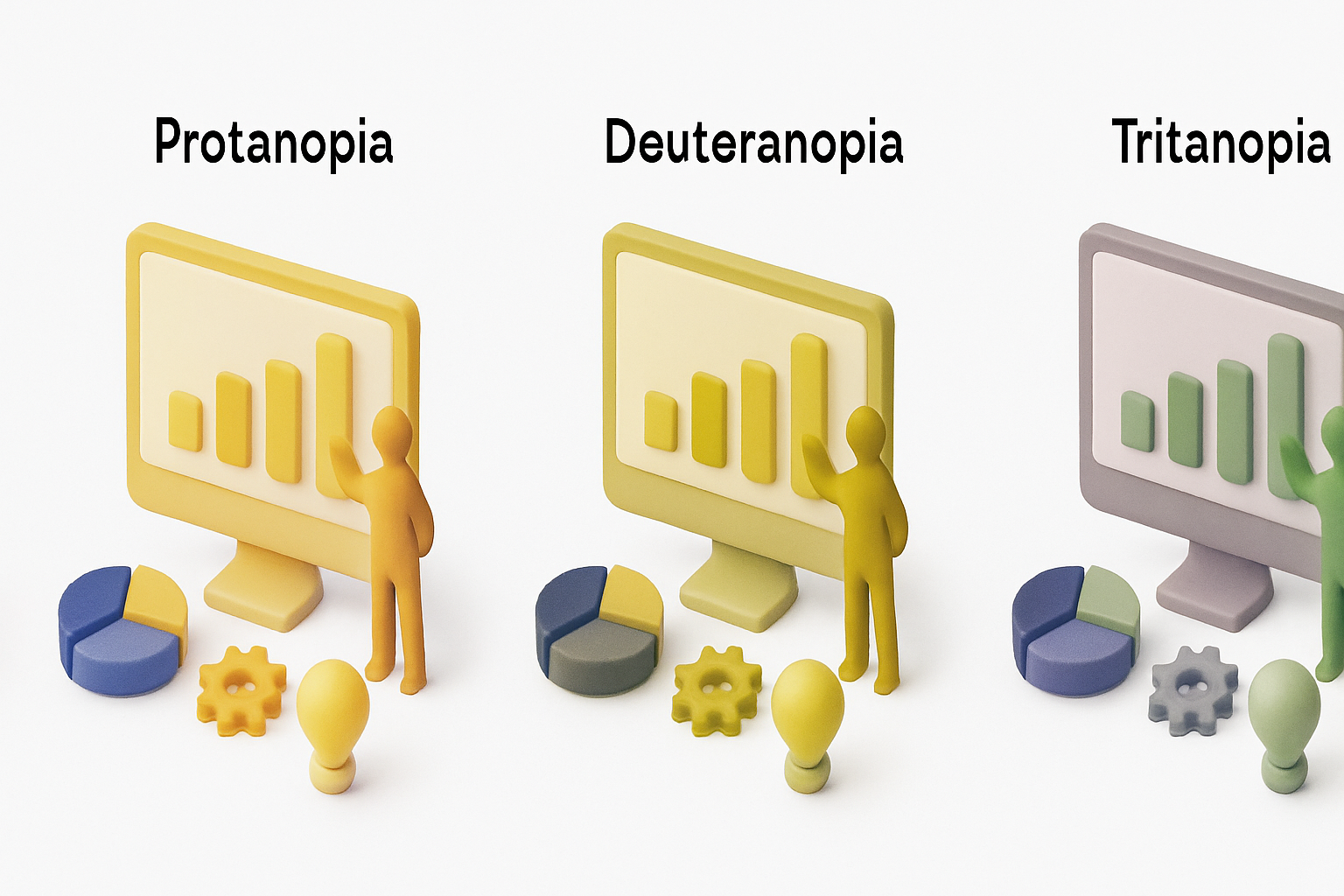
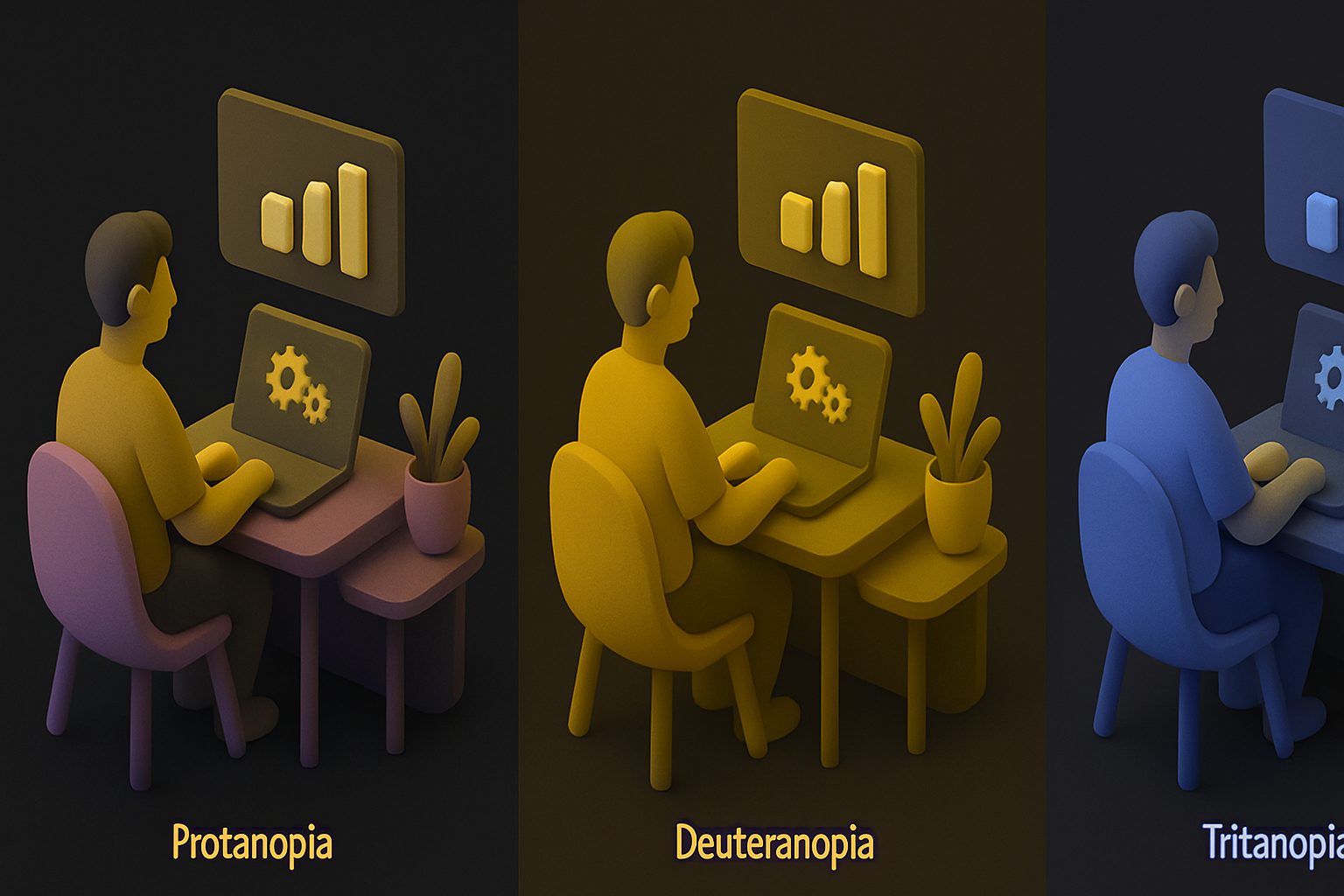
Color Blindness Simulator (Image)
Simulate how images appear to people with various types of color vision deficiency.
Upload Image
Drop or select an image to test for color accessibility.
Choose Type
Select a color vision deficiency type to simulate.
Compare
View simulated result alongside the original and download.
What Is Color Blindness Simulator (Image)?
A color blindness simulator showing how images appear to people with different color vision deficiencies. Supports protanopia (red-blind), deuteranopia (green-blind), tritanopia (blue-blind), achromatopsia (total color blindness), and partial anomalies. Essential for accessibility testing of UI designs, infographics, charts, and visual content. Uses scientifically accurate color transformation matrices applied per-pixel via Canvas API.
Why Use Our Color Blindness Simulator (Image)?
- Scientifically accurate color transformation matrices
- Multiple types: protan, deutan, tritan, achromat
- Side-by-side original vs simulated comparison
- Essential for accessible design testing
Common Use Cases
UI Design
Test interface designs for color accessibility.
Data Visualization
Ensure charts and graphs are readable for all.
Marketing
Check brand colors and materials are accessible.
Education
Understand how color vision deficiency affects perception.
Technical Guide
Each deficiency is modeled as a 3x3 color transformation matrix applied to RGB values. Protanopia uses the Brettel algorithm for absent L-cone response. Deuteranopia simulates absent M-cone. Tritanopia simulates absent S-cone. Pixel data extracted via getImageData, RGB multiplied by transformation matrix, and written back via putImageData.
Tips & Best Practices
- 1Test with deuteranopia first — affects ~6% of males
- 2Avoid relying solely on red/green differences
- 3Use texture, patterns, or labels in addition to color
- 4Test all important UI states and data visualizations
Related Tools
Image Color Picker
Click anywhere on an image to pick the exact color value in HEX, RGB, and HSL.
 Image Tools
Image Histogram
Visualize the color distribution of an image with RGB and luminance histograms.
Image Tools

Image Resizer
Resize images by exact pixel dimensions or percentage while maintaining aspect ratio.
Image Tools

Image Crop
Crop images with a visual selection rectangle to remove unwanted areas.
Image Tools
Image Rotate
Rotate images by any angle with preset options for 90, 180, and 270 degrees.
Image Tools
Image Flip Horizontal
Mirror an image horizontally (left to right) with instant processing.
Image ToolsFrequently Asked Questions
QAccuracy?
QTypes simulated?
QHow common?
QSide by side?
QModifies original?
About Color Blindness Simulator (Image)
Color Blindness Simulator (Image) is a free online tool from FreeToolkit.ai. All processing happens directly in your browser — your data never leaves your device. No registration required. No ads. Just fast, reliable tools.