
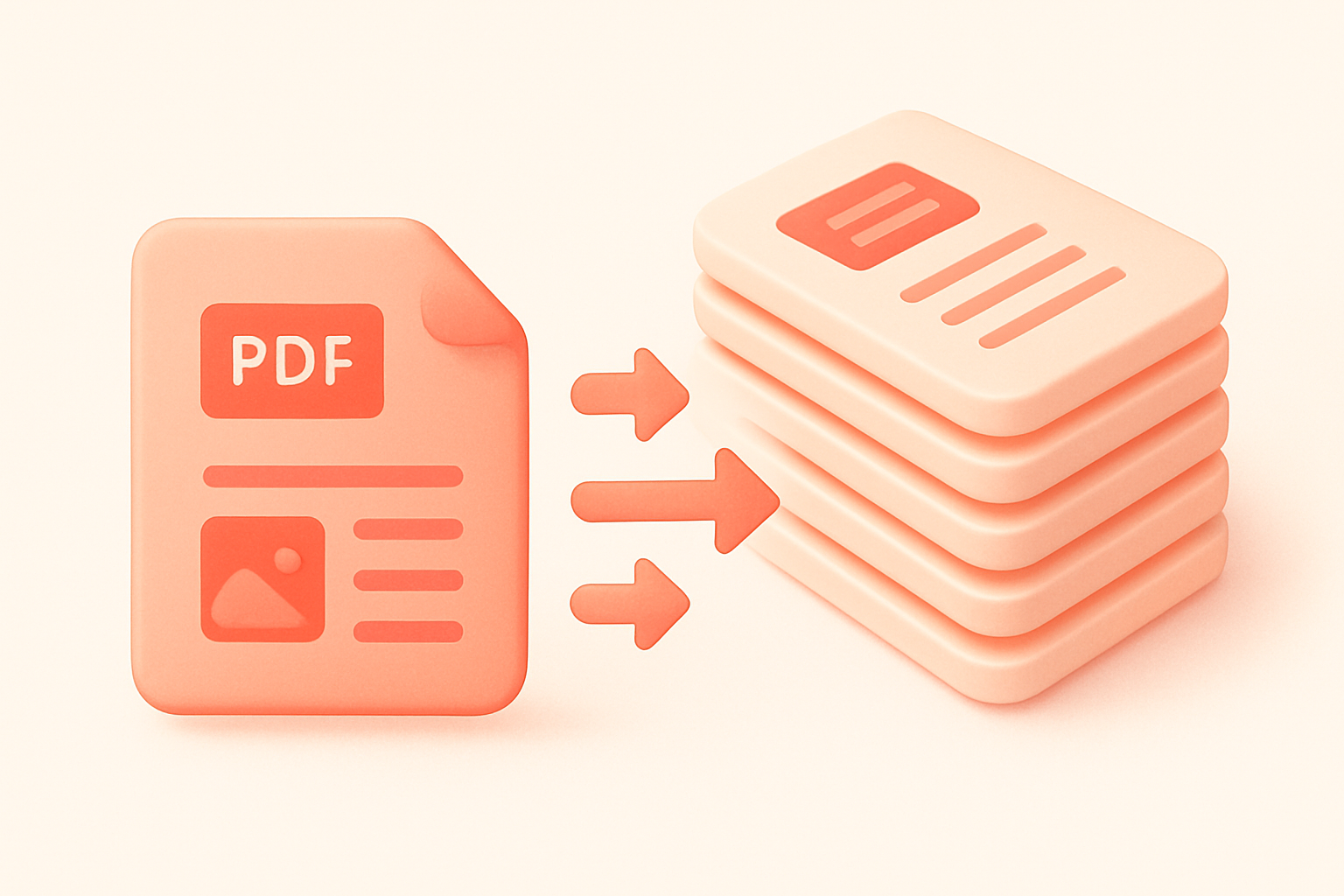
PDF Duplicate PagesDuplicate specific pages within a PDF document.
PDF Duplicate Pages
Duplicate specific pages within a PDF document.
Upload PDF
Drop your PDF file.
Select Pages
Choose all pages or specific page numbers.
Download
Get your PDF with duplicated pages.
What Is PDF Duplicate Pages?
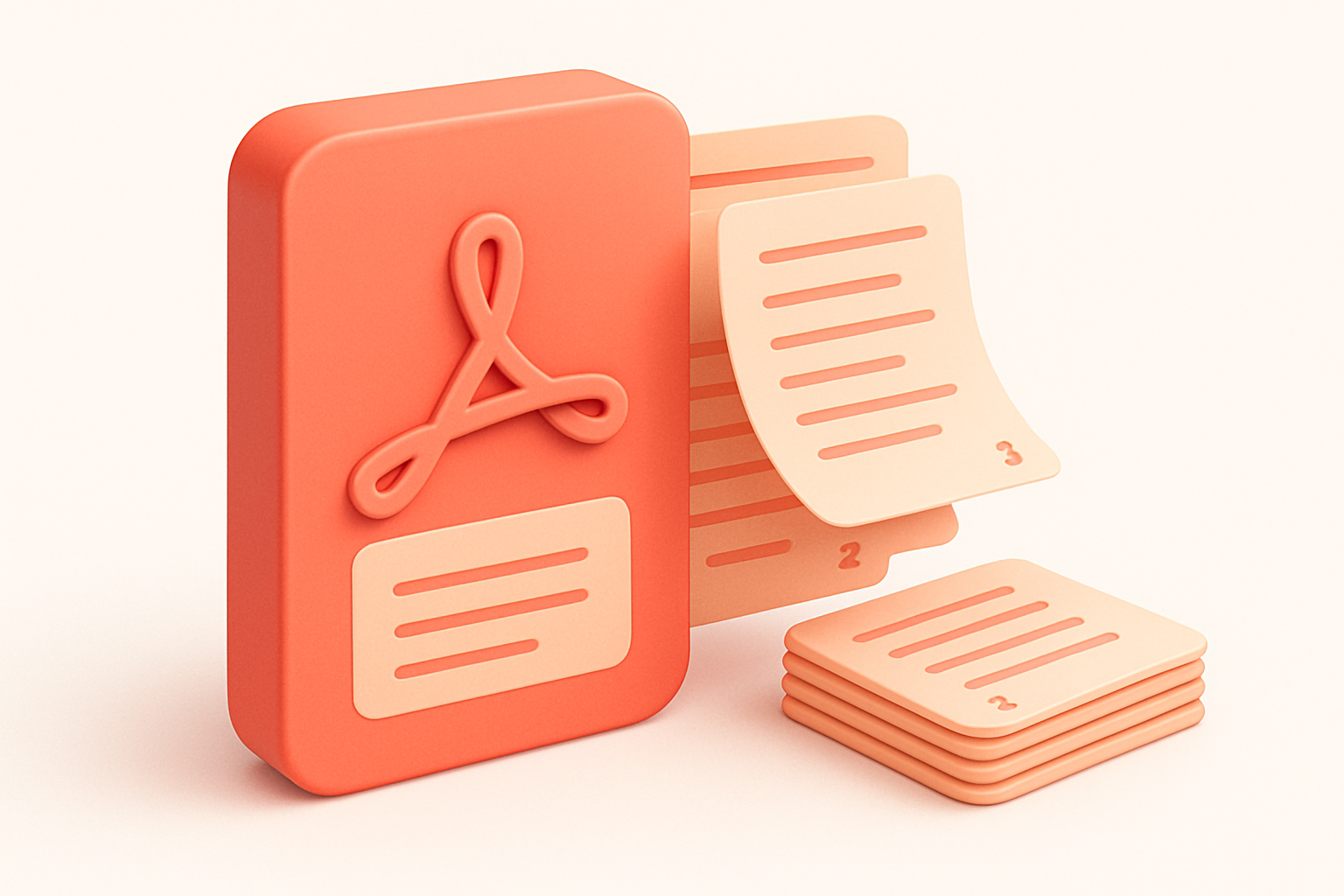
The PDF Duplicate Pages tool creates multiple copies of selected pages within your PDF. Duplicate all pages or specify individual page numbers to copy. Set the number of copies from 2 to 20 per page. Useful for creating multi-up printing layouts, generating test documents, or producing practice worksheets. The duplicated pages maintain all original content, formatting, and quality. Processing happens entirely in your browser for privacy and speed.
Why Use Our PDF Duplicate Pages?
- Duplicate all pages or specific selections
- Configurable copies per page (2-20)
- Maintains original page quality
- Fast client-side processing
Common Use Cases
Print Multiples
Create multiple copies of a form or flyer on separate pages.
Practice Sheets
Duplicate worksheet pages for students.
Testing
Generate multi-page test documents from templates.
Backup
Create page copies within a single document.
Technical Guide
Uses pdf-lib to load the source PDF and create a new document. Pages are copied using copyPages with specific indices. For each selected page, the specified number of copies are created and added to the new document sequentially. Supports both "all pages" mode and specific page selection via comma-separated numbers. The output is a new PDF containing the duplicated pages in order.
Tips & Best Practices
- 1Use specific pages to duplicate only what you need
- 2Combine with PDF split to extract duplicated sections
- 3Page numbers are 1-based in the input
- 4Output preserves original page dimensions and content
Related Tools
 PDF Tools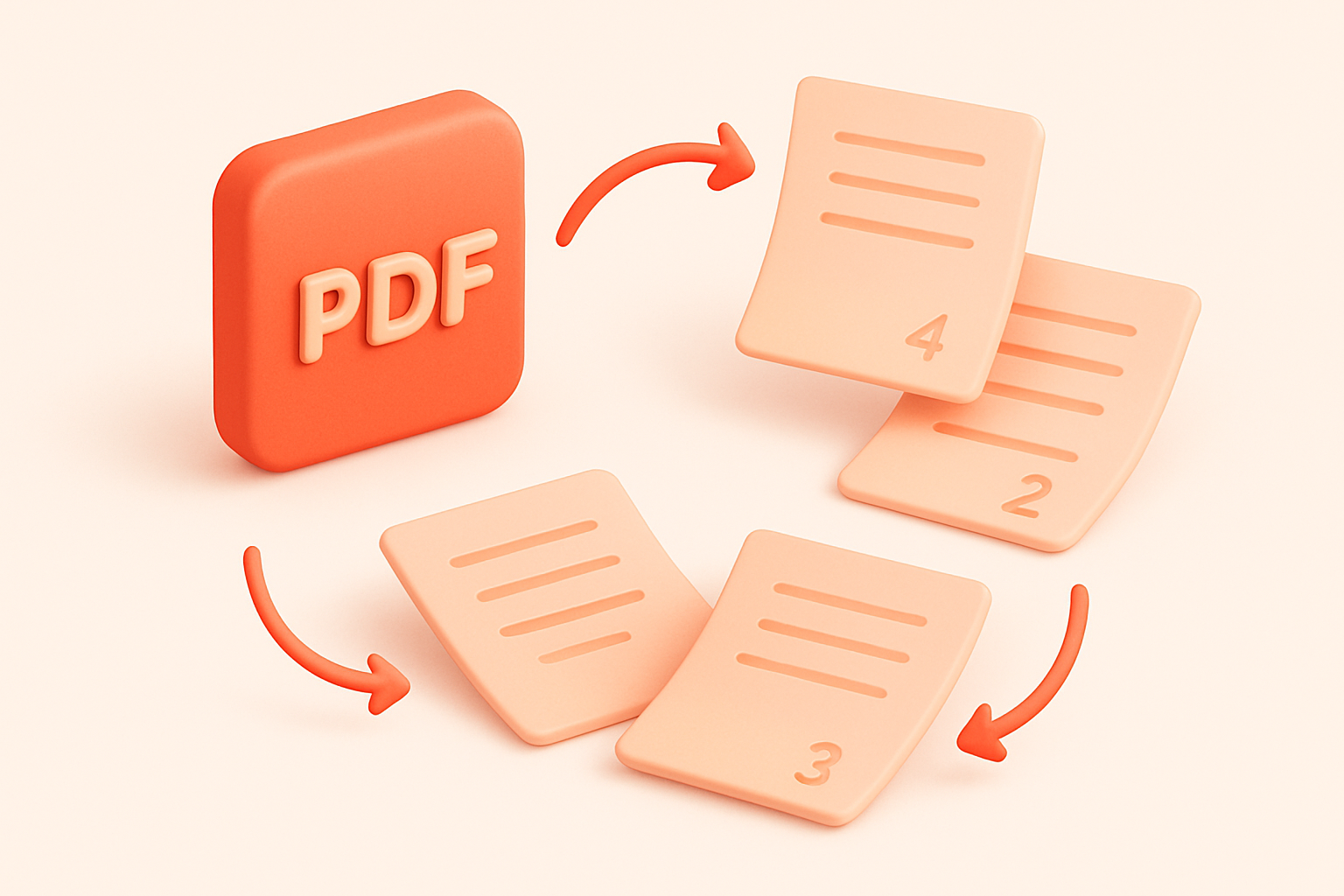
Frequently Asked Questions
QCan I duplicate just one page?
QWhat order are duplicated pages in?
QIs there a maximum number of copies?
QDoes this modify the original file?
QCan I duplicate pages from multiple PDFs?
About PDF Duplicate Pages
PDF Duplicate Pages is a free online tool from FreeToolkit.ai. All processing happens directly in your browser — your data never leaves your device. No registration required. No ads. Just fast, reliable tools.