
Presentation to PDFCreate slide-based presentation PDFs from text content.

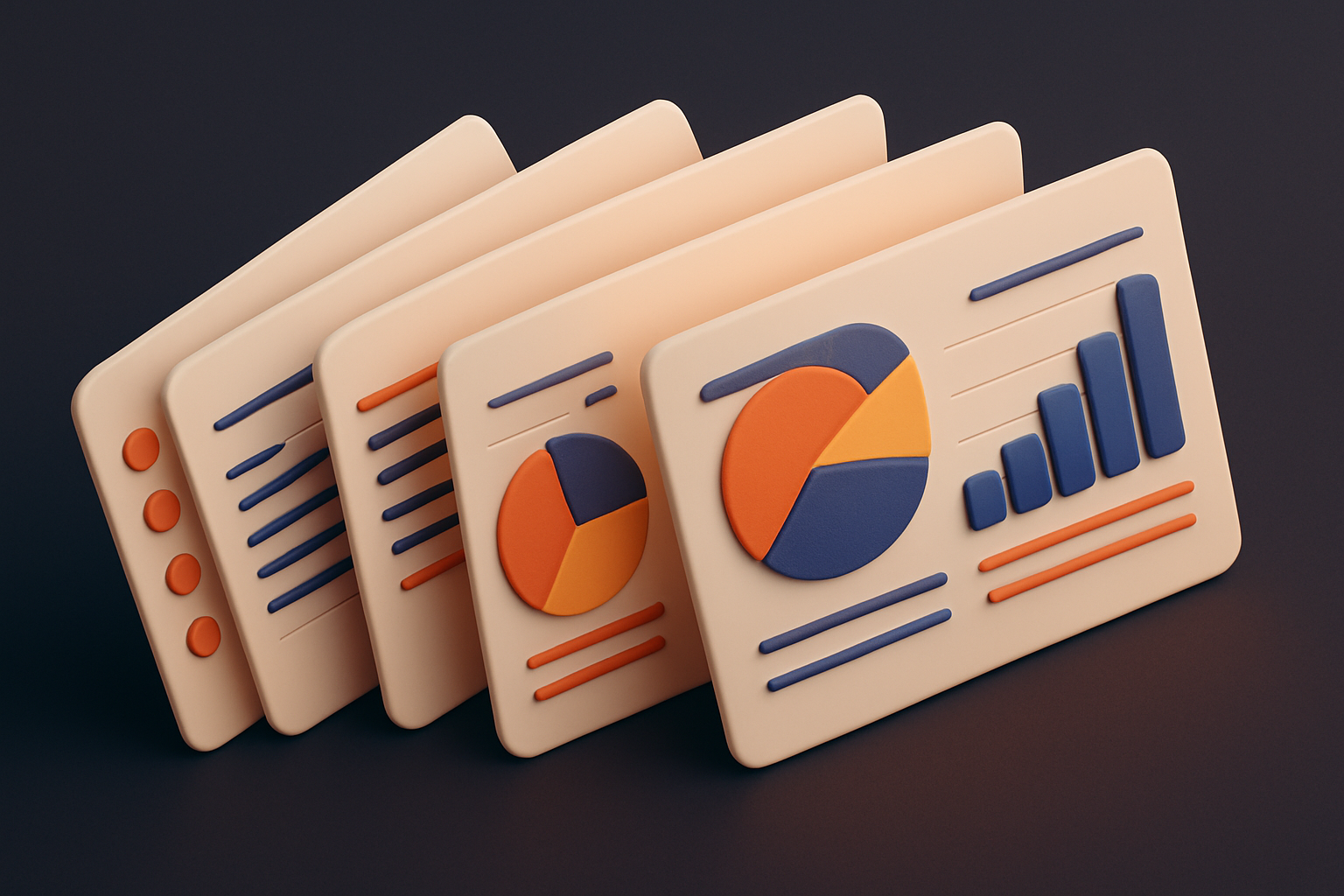
Presentation to PDF
Create slide-based presentation PDFs from text content.
Set Title
Enter presentation title and author for the title slide.
Add Slides
Create slides with titles and content.
Generate
Download a landscape PDF presentation.
What Is Presentation to PDF?
The Presentation to PDF tool creates slide-based presentations as PDF documents. Start with a title slide featuring your presentation name and author, then add content slides with titles and text. The tool generates landscape A4 slides with a clean design — dark title slides, light content backgrounds, accent header bars, and automatic page numbering. Perfect for quick presentations, lecture notes, meeting agendas, or proposal documents. Each slide is a separate PDF page viewable in any PDF reader's presentation mode.
Why Use Our Presentation to PDF?
- Professional landscape slide layout
- Dark title slide with author name
- Automatic slide numbering
- Works with any PDF reader presentation mode
Common Use Cases
Meetings
Create quick agenda and talking point presentations.
Lectures
Build course material slides.
Proposals
Generate clean proposal presentations.
Reports
Present findings in slide format.
Technical Guide
Uses jsPDF in landscape A4 mode. Title slide renders with dark background (rgb 40,40,40) and white text. Content slides have light gray backgrounds with a thin accent bar at the top. Slide titles are rendered in 24pt bold with a decorative underline. Content text uses 14pt with splitTextToSize for wrapping. Page numbers are rendered in the bottom-right corner in small gray text showing current/total format.
Tips & Best Practices
- 1Use the title slide for presentation overview
- 2Keep slide content concise for readability
- 3Use dash (-) prefix for bullet points
- 4Most PDF readers have a fullscreen/presentation mode
Related Tools
Markdown to PDF
Convert Markdown text to a formatted PDF document.
 PDF Tools
HTML to PDF
Convert HTML markup to a formatted PDF document.
PDF Tools

PDF Merge
Merge multiple PDFs.
PDF Tools

PDF Cover Page
Add a professional cover page to your PDF document.
PDF Tools
PDF Split
Split PDF into parts.
PDF Tools

PDF Extract Pages
Extract pages from PDF.
PDF ToolsFrequently Asked Questions
QCan I add images to slides?
QWhat aspect ratio are the slides?
QCan I use this for presenting?
QHow many slides can I add?
QCan I reorder slides?
About Presentation to PDF
Presentation to PDF is a free online tool from FreeToolkit.ai. All processing happens directly in your browser — your data never leaves your device. No registration required. No ads. Just fast, reliable tools.