
Emoji Picker/SearchSearch and pick emojis by name with one-click copy.

Emoji Picker/Search
Search and pick emojis by name with one-click copy.
Search or Browse
Search by name or browse emoji categories.
Click to Copy
Click any emoji to copy it and add it to your collection.
Use Collected
Copy all collected emojis at once or clear and start over.
What Is Emoji Picker/Search?
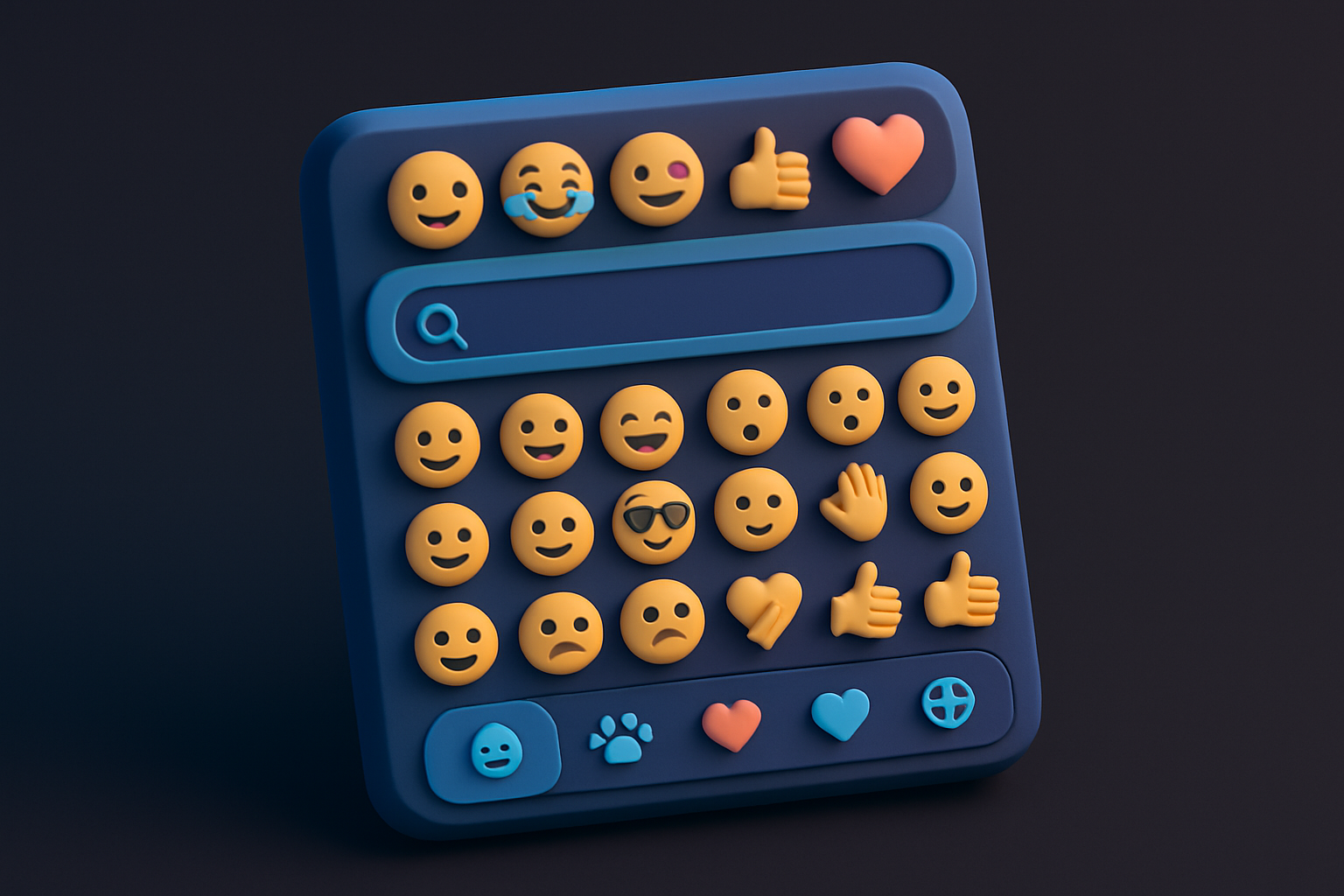
The Emoji Picker/Search tool lets you find and copy emojis by searching by name or browsing through categorized collections. Categories include Smileys, Gestures & People, Hearts & Symbols, Animals & Nature, Food & Drink, and Objects & Tech. Clicking an emoji copies it to your clipboard and adds it to a collection tray where you can accumulate multiple emojis. The collection can be copied all at once for composing messages or content with multiple emojis.
Why Use Our Emoji Picker/Search?
- Search emojis by name quickly
- Organized by categories for easy browsing
- One-click copy to clipboard
- Collect multiple emojis before copying
Common Use Cases
Social Media
Find the perfect emoji for social media posts and messages.
Content Creation
Add emojis to articles, newsletters, and marketing content.
Communication
Find specific emojis for messaging and email.
Design
Collect emojis for use in graphic design or presentations.
Technical Guide
The picker includes a curated database of 250+ emojis organized into 6 categories. Each emoji has a name field used for search matching. The search function filters emojis using case-insensitive string matching against the emoji name and the emoji character itself. Clicking an emoji triggers copyToClipboard and appends it to a collected string state. The collection tray shows all accumulated emojis and provides a "Copy All" button. Category filtering is done by mapping over the emoji database and filtering each category's emoji array, then excluding empty categories.
Tips & Best Practices
- 1Search for emojis by descriptive names like "heart", "fire", or "smile"
- 2Click any emoji to instantly copy it to your clipboard
- 3Emojis are also added to the collection tray for bulk copying
- 4Browse categories to discover emojis you might not think to search for
Related Tools


Emoji Remover
Strip all emojis and emoticons from your text instantly.
 Text Tools

Unicode Text Generator
Convert text to Unicode styled variants — bold, italic, script, fraktur, and more.
Text Tools

Fancy Text Generator
Apply fancy text styles — strikethrough, underline, fullwidth, small caps, and more.
Text Tools

Invisible Text Generator
Generate invisible Unicode characters — zero-width spaces, joiners, and more.
Text Tools

Word Counter
Count words, unique words, characters, and see word frequency in any text.
Text Tools

Character Counter
Count characters with and without spaces, plus word, line, and paragraph counts.
Text ToolsFrequently Asked Questions
QHow many emojis are available?
QCan I collect multiple emojis?
QDo the emojis work everywhere?
QCan I search for emojis?
QAre all emoji categories included?
About Emoji Picker/Search
Emoji Picker/Search is a free online tool from FreeToolkit.ai. All processing happens directly in your browser — your data never leaves your device. No registration required. No ads. Just fast, reliable tools.