
Image to Base64Convert images to Base64-encoded data URIs for embedding in HTML, CSS, and code.


Image to Base64
Convert images to Base64-encoded data URIs for embedding in HTML, CSS, and code.
Upload Your Image
Drop or select any image file to encode as Base64.
Copy Output
Copy the data URI, raw Base64 string, or complete HTML img tag.
Use in Code
Paste the Base64 data directly in your HTML, CSS, or JavaScript code.
What Is Image to Base64?
An image to Base64 encoder converts image files into text strings that can be embedded directly in HTML, CSS, or JavaScript code. Base64 encoding represents binary image data as ASCII characters, making it possible to include images inline without separate file requests. The tool generates three outputs: a complete data URI, the raw Base64 string for APIs, and a ready-to-paste HTML img tag. This is particularly useful for small icons, logos, and UI elements where reducing HTTP requests improves performance.
Why Use Our Image to Base64?
- Three output formats: data URI, raw Base64, and HTML tag
- Eliminates HTTP requests for small images
- Copy-paste ready for HTML, CSS, and JavaScript
- Shows Base64 length for size estimation
Common Use Cases
Inline Images in HTML
Embed small images directly in HTML to reduce HTTP requests.
CSS Background Images
Use Base64 data URIs in CSS background-image properties.
Email Templates
Embed images directly in HTML emails to avoid broken image links.
API Payloads
Include image data in JSON payloads for APIs that accept Base64-encoded images.
Technical Guide
Base64 encoding converts binary image data into a string of 64 ASCII characters. The FileReader API readAsDataURL method reads the file and produces a data URI. Base64 encoding increases the data size by approximately 33% because every 3 bytes of binary data become 4 Base64 characters. For this reason, it is most efficient for small images under 10KB.
Tips & Best Practices
- 1Best for small images (icons, logos) under 10KB to avoid code bloat
- 2Base64 increases file size by about 33% — don't use for large images
- 3Data URIs in CSS can't be cached separately like external images
- 4Use the HTML img tag output for quick copy-paste into web pages
Related Tools

Base64 to Image
Decode Base64 strings or data URIs back into viewable, downloadable images.
 Image Tools
Image Format Converter
Convert images between JPG, PNG, and WebP formats with quality control.
Image Tools
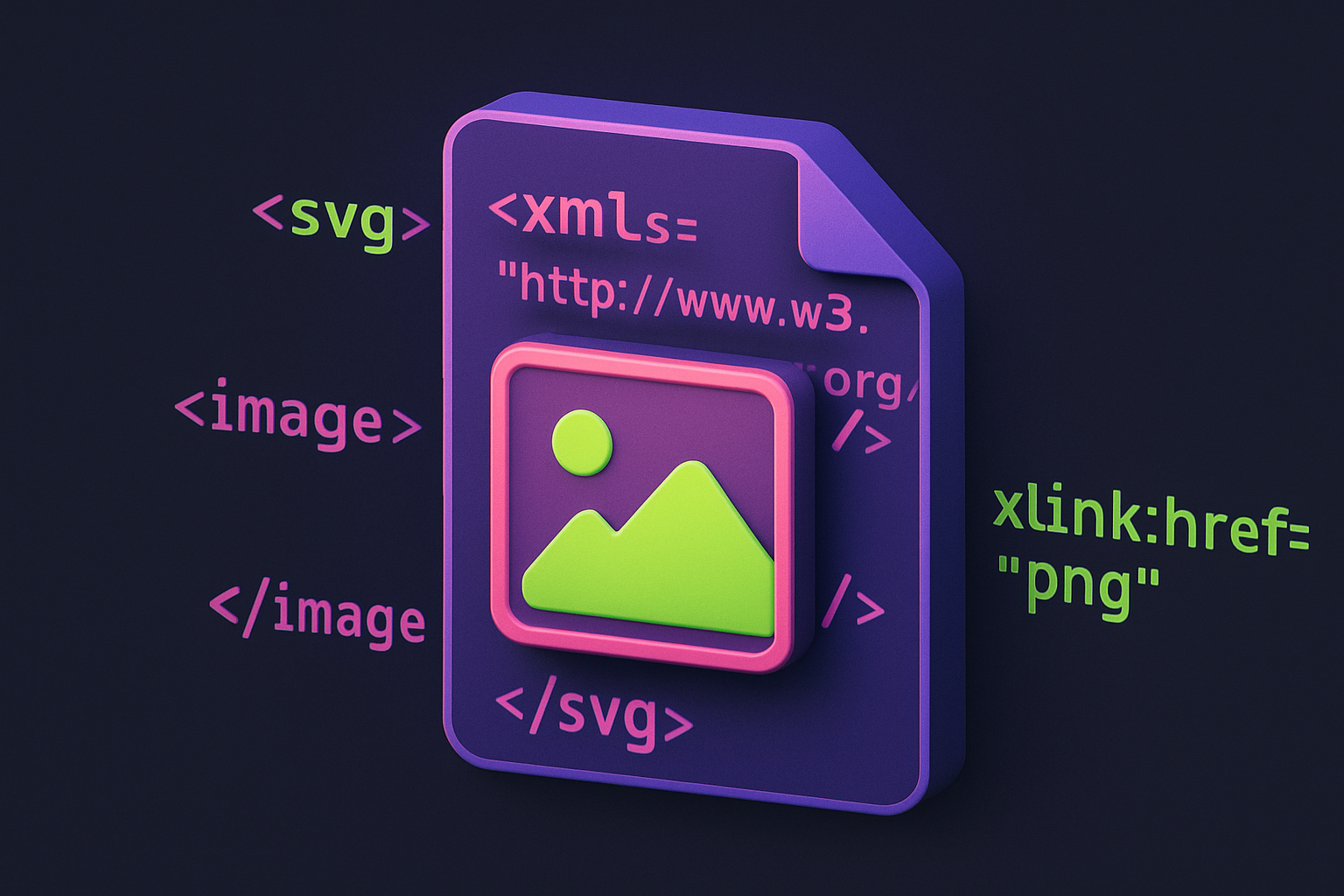
PNG to SVG
Wrap raster images in an SVG container for vector-compatible workflows.
Image Tools

Favicon Generator
Generate favicons in multiple sizes (16x16, 32x32, 48x48 and more) from any image.
Image Tools

Image Resizer
Resize images by exact pixel dimensions or percentage while maintaining aspect ratio.
Image Tools

Image Crop
Crop images with a visual selection rectangle to remove unwanted areas.
Image ToolsFrequently Asked Questions
QWhen should I use Base64 images?
QWhy is Base64 larger than the original?
QCan I use Base64 in CSS?
QDoes it work with all image formats?
QIs there a size limit?
About Image to Base64
Image to Base64 is a free online tool from FreeToolkit.ai. All processing happens directly in your browser — your data never leaves your device. No registration required. No ads. Just fast, reliable tools.