
ASCII Art GeneratorGenerate ASCII art text with multiple font styles — Standard, Banner, Doom, Big, Slant.
ASCII Art Generator
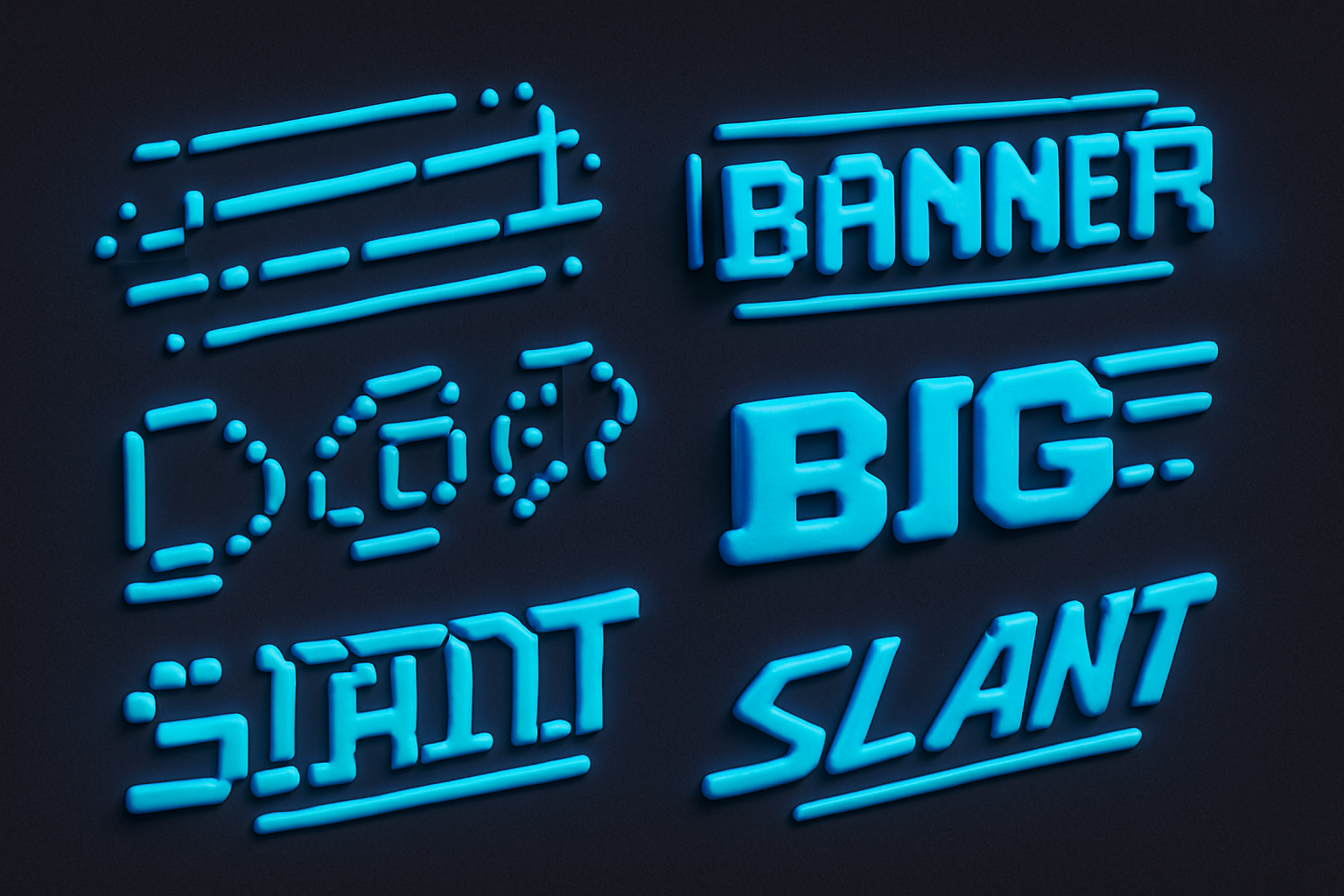
Generate ASCII art text with multiple font styles — Standard, Banner, Doom, Big, Slant.
Enter Text
Type text to convert to ASCII art.
Choose Font
Select from Standard, Banner, Doom, Big, or Slant fonts.
Copy Output
Copy the ASCII art with your chosen font style.
What Is ASCII Art Generator?
An ASCII Art Generator creates text banners using multiple FIGlet font styles. Unlike the basic Text to ASCII Art tool (which uses only the Standard font), this generator offers 5 different font options: Standard (classic), Banner (wide block letters), Doom (dramatic), Big (clean and large), and Slant (italicized). Each font gives your text a different personality, letting you choose the perfect style for terminal banners, documentation headers, or creative text displays.
Why Use Our ASCII Art Generator?
- 5 different FIGlet font styles to choose from
- Preview each font style before copying
- Standard, Banner, Doom, Big, and Slant options
- Perfect for creating distinctive text banners
- All rendering happens in the browser
Common Use Cases
CLI Applications
Create distinctive startup banners with different font styles for your command-line tools.
Documentation
Add styled section headers to technical documentation and README files.
Creative Projects
Generate ASCII art text for retro-themed websites, newsletters, or art projects.
Game Development
Create title screens and menu text for text-based or retro games.
Technical Guide
The generator uses figlet.js with multiple pre-loaded font files. Each font is imported from figlet's importable-fonts package and registered with figlet.parseFont(). Fonts are loaded at module initialization time so switching between them is instant. The rendering uses figlet.textSync() for synchronous, blocking text generation. Each font has different metrics: Banner produces the widest output, Doom has tall dramatic characters, Slant adds an italic-like lean, Big is clean and simple, and Standard is the classic balanced style.
Tips & Best Practices
- 1Try each font to find the one that best matches your project's personality
- 2Banner font works best for single words — it's very wide
- 3Doom font creates the most dramatic visual impact
- 4Slant adds an elegant lean — great for project names
- 5Big is the most readable at smaller terminal widths
Related Tools
Text to ASCII Art
Convert text to large ASCII art letters using the Standard font.
 Text Tools
Fancy Text Generator
Apply fancy text styles — strikethrough, underline, fullwidth, small caps, and more.
Text Tools
Unicode Text Generator
Convert text to Unicode styled variants — bold, italic, script, fraktur, and more.
Text Tools
Upside Down Text
Flip text upside down using Unicode characters.
Text Tools
Bubble Text Generator
Convert text to circled (bubble) Unicode characters.
Text Tools

Word Counter
Count words, unique words, characters, and see word frequency in any text.
Text ToolsFrequently Asked Questions
QWhat fonts are available?
QCan I add more fonts?
QWhich font should I choose?
QWhy is the output so wide?
QDo all characters work in all fonts?
About ASCII Art Generator
ASCII Art Generator is a free online tool from FreeToolkit.ai. All processing happens directly in your browser — your data never leaves your device. No registration required. No ads. Just fast, reliable tools.