
Social Media Calendar TemplateGenerate editable social media content calendars with platform-specific scheduling.
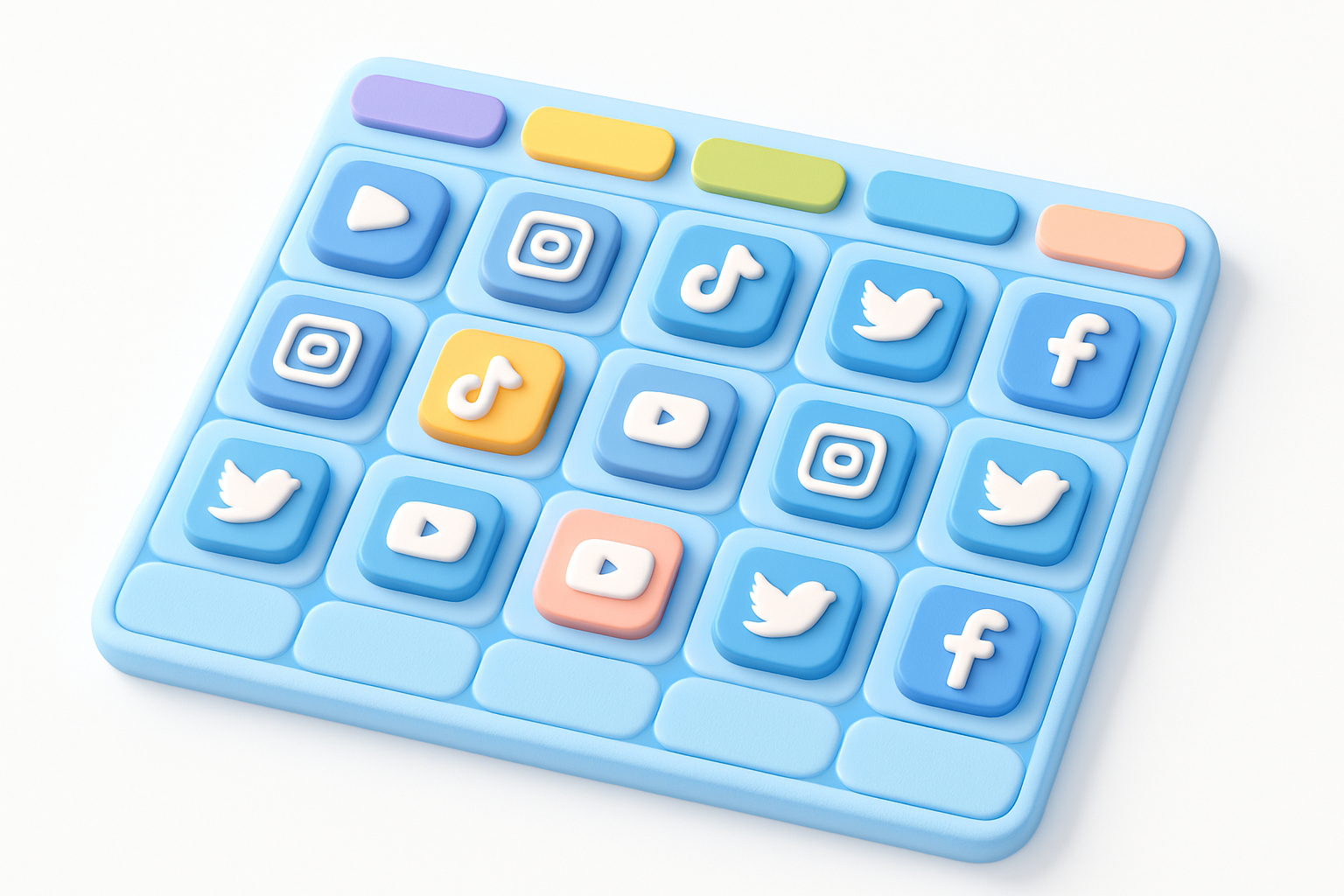

Social Media Calendar Template
Generate editable social media content calendars with platform-specific scheduling.
Configure your calendar
Choose number of weeks and select your active platforms.
Generate the calendar
Click generate to create a pre-filled content calendar.
Customize and export
Edit content types, times, and topics, then copy as text.
What Is Social Media Calendar Template?
The Social Media Calendar Template Generator creates editable content calendars customized to your platforms and posting frequency. Content planning is the foundation of successful social media marketing — random, inconsistent posting leads to poor engagement and audience confusion. This tool generates a structured calendar with daily entries for each selected platform, pre-filled with content type suggestions (educational, entertaining, promotional, behind-the-scenes, etc.) and platform-optimized posting times. You can customize content types, adjust times, and add specific topics for each slot. The calendar covers 1-4 weeks and can be exported as copyable text for use in project management tools.
Why Use Our Social Media Calendar Template?
- Multi-platform calendar generation for up to 7 platforms
- Pre-filled content type rotation for balanced content mix
- Platform-optimized default posting times
- Editable content types and topic fields
- Export as formatted text for project management tools
Common Use Cases
Agency Work
Create content calendars for multiple client accounts.
Small Business
Plan consistent social media content on a weekly basis.
Content Strategy
Map out content themes and types for strategic planning.
Team Coordination
Share planned schedules with content creation teams.
Technical Guide
A content calendar should balance the "rule of thirds" — roughly one-third educational, one-third entertaining, and one-third promotional content. Our generator uses a rotating content type assignment that ensures variety across the week while accounting for platform-specific best practices. Posting times are pre-set based on general engagement research: LinkedIn performs best in business hours (9-10 AM), Instagram around noon, and TikTok in evenings (7-9 PM). These are starting points — your specific audience may differ, which is why all fields are editable. The calendar supports up to 7 platforms simultaneously, creating entries for each platform on each day of the week for 1-4 weeks.
Tips & Best Practices
- 1Review and adjust default posting times based on your audience analytics
- 2Maintain a content mix of approximately 40% educational, 30% entertaining, 30% promotional
- 3Batch-create content for the week ahead based on your calendar
- 4Leave room for spontaneous, trend-driven content alongside planned posts
- 5Review calendar performance monthly and adjust the template accordingly
Related Tools

Content Pillar Planner
Plan and visualize content pillars with topic allocation and percentage breakdowns.
 Social Media

Best Time to Post Calculator
Find optimal posting times for each social media platform and day of the week.
Social Media
Social Media Audit Checklist
Interactive social media audit checklist with progress tracking across 5 categories.
Social Media

Social Media Report Template
Generate customizable social media performance report templates with multi-platform sections.
Social Media
Twitter Character Counter
Count characters for Twitter/X posts with a 280 limit, including URL and media handling.
Social Media

Instagram Caption Generator
Generate engaging Instagram captions with hashtag suggestions for any niche or category.
Social MediaFrequently Asked Questions
QHow far ahead should I plan content?
QHow many posts per day should I plan?
QWhat content types perform best?
About Social Media Calendar Template
Social Media Calendar Template is a free online tool from FreeToolkit.ai. All processing happens directly in your browser — your data never leaves your device. No registration required. No ads. Just fast, reliable tools.