
Image Grid MakerSplit a single image into a grid of equal-sized tiles for Instagram grids and puzzles.
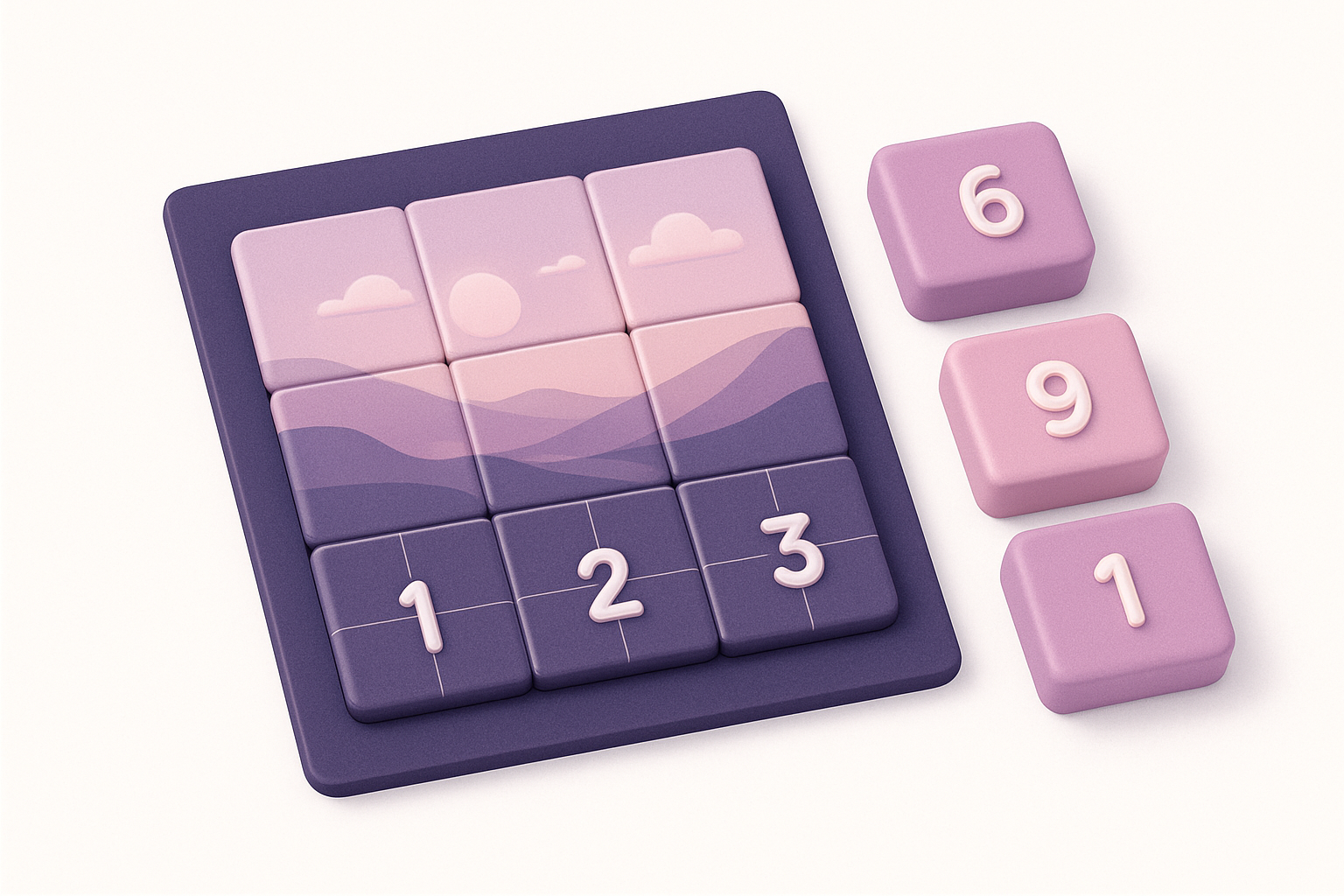
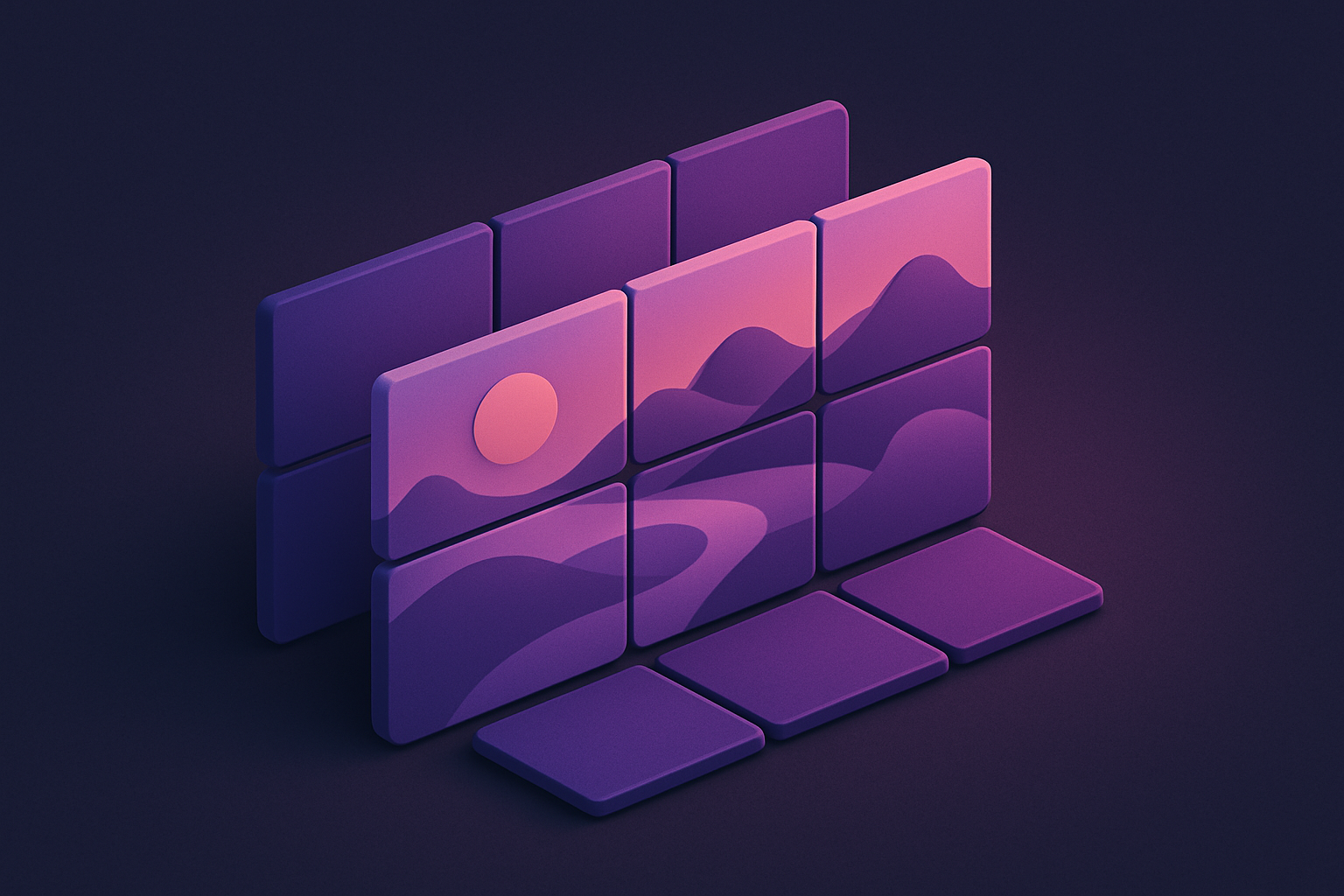
Image Grid Maker
Split a single image into a grid of equal-sized tiles for Instagram grids and puzzles.
Upload Image
Drop or select an image to split into a grid.
Set Grid Size
Choose the number of rows and columns for your grid.
Download Tiles
Preview the grid and download individual tiles or all at once.
What Is Image Grid Maker?
An image grid maker that splits a single image into perfectly equal tiles arranged in rows and columns. Ideal for creating Instagram carousel grids, image puzzles, and multi-part posts. Choose your grid dimensions (2x2, 3x3, 4x4, or custom), preview the split result, and download individual tiles or all at once. Each tile is numbered for easy reassembly. The tool uses Canvas API to crop exact regions from the source image.
Why Use Our Image Grid Maker?
- Split into any rows x columns grid
- Perfect for Instagram grid layouts
- Download individual or all tiles at once
- Tiles are numbered for easy ordering
Common Use Cases
Instagram Grids
Split panoramic images into 3x1 or 3x3 grids for seamless Instagram profiles.
Image Puzzles
Create sliding puzzle or jigsaw-style tile sets from photos.
Large Prints
Split large images into printable sections for wall displays.
Web Design
Create tiled image backgrounds and mosaic layouts.
Technical Guide
The source image is divided into equal rectangular regions based on specified rows and columns. Each tile is extracted using Canvas drawImage with source rectangle parameters calculated as image.width/cols and image.height/rows. Tiles are generated left-to-right, top-to-bottom and stored as individual data URLs.
Tips & Best Practices
- 1Use 3x1 for Instagram carousel panoramas
- 2Use 3x3 for the classic 9-post Instagram grid
- 3Post tiles in reverse order (bottom-right first) on Instagram
- 4Square source images work best for even grids
Related Tools

Image Collage
Combine multiple images into a single collage with customizable layouts and spacing.
 Image Tools

Image Crop
Crop images with a visual selection rectangle to remove unwanted areas.
Image Tools

Image Resizer
Resize images by exact pixel dimensions or percentage while maintaining aspect ratio.
Image Tools

Social Media Image Resizer
Resize images to exact dimensions for all major social media platforms.
Image Tools
Image Rotate
Rotate images by any angle with preset options for 90, 180, and 270 degrees.
Image Tools
Image Flip Horizontal
Mirror an image horizontally (left to right) with instant processing.
Image ToolsFrequently Asked Questions
QWhat grid sizes are available?
QAre tiles the same size?
QHow do I post on Instagram?
QWhat format are tiles?
QCan I split non-square images?
About Image Grid Maker
Image Grid Maker is a free online tool from FreeToolkit.ai. All processing happens directly in your browser — your data never leaves your device. No registration required. No ads. Just fast, reliable tools.