
Image MosaicCreate tile mosaic effects with customizable tile size and gap.
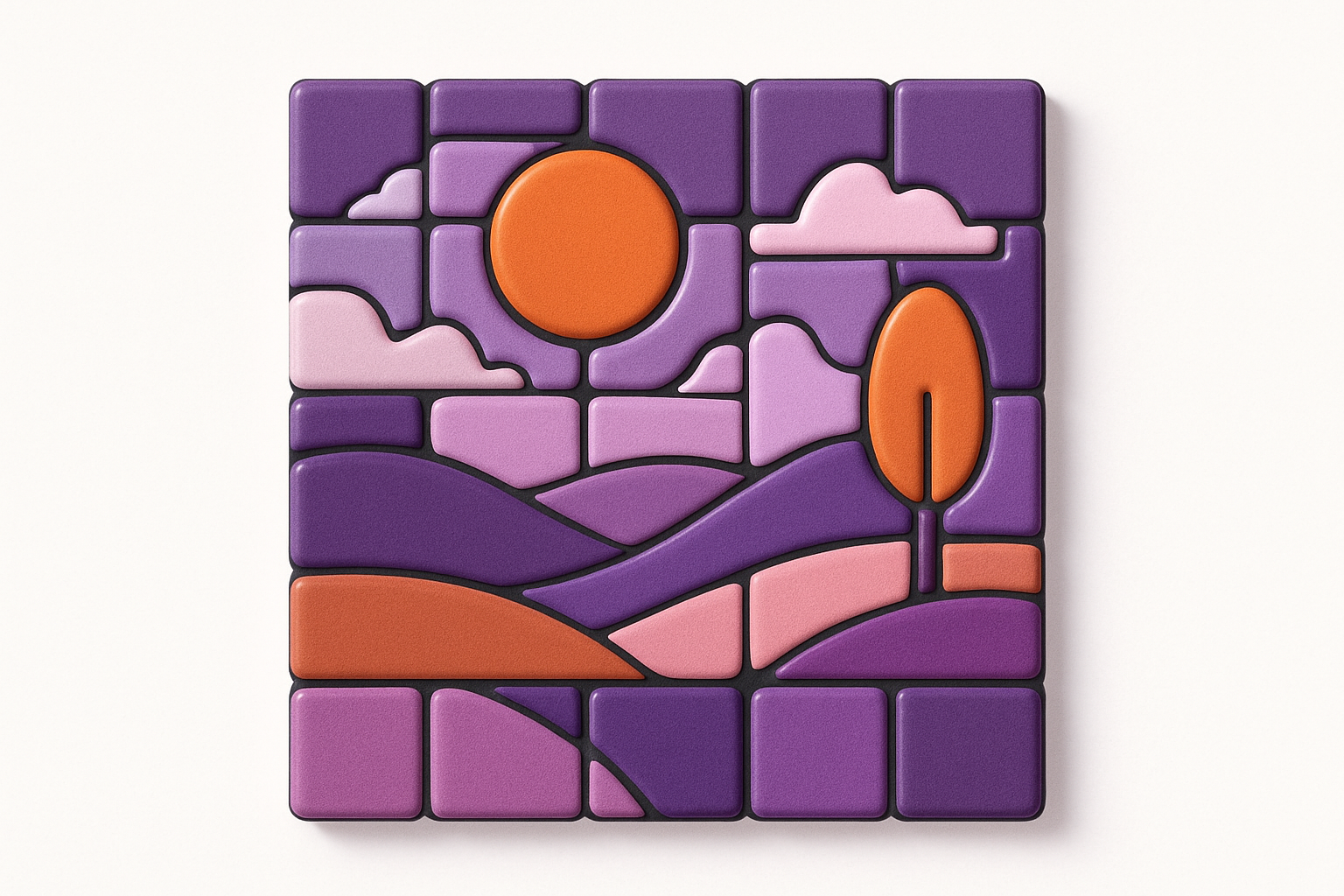
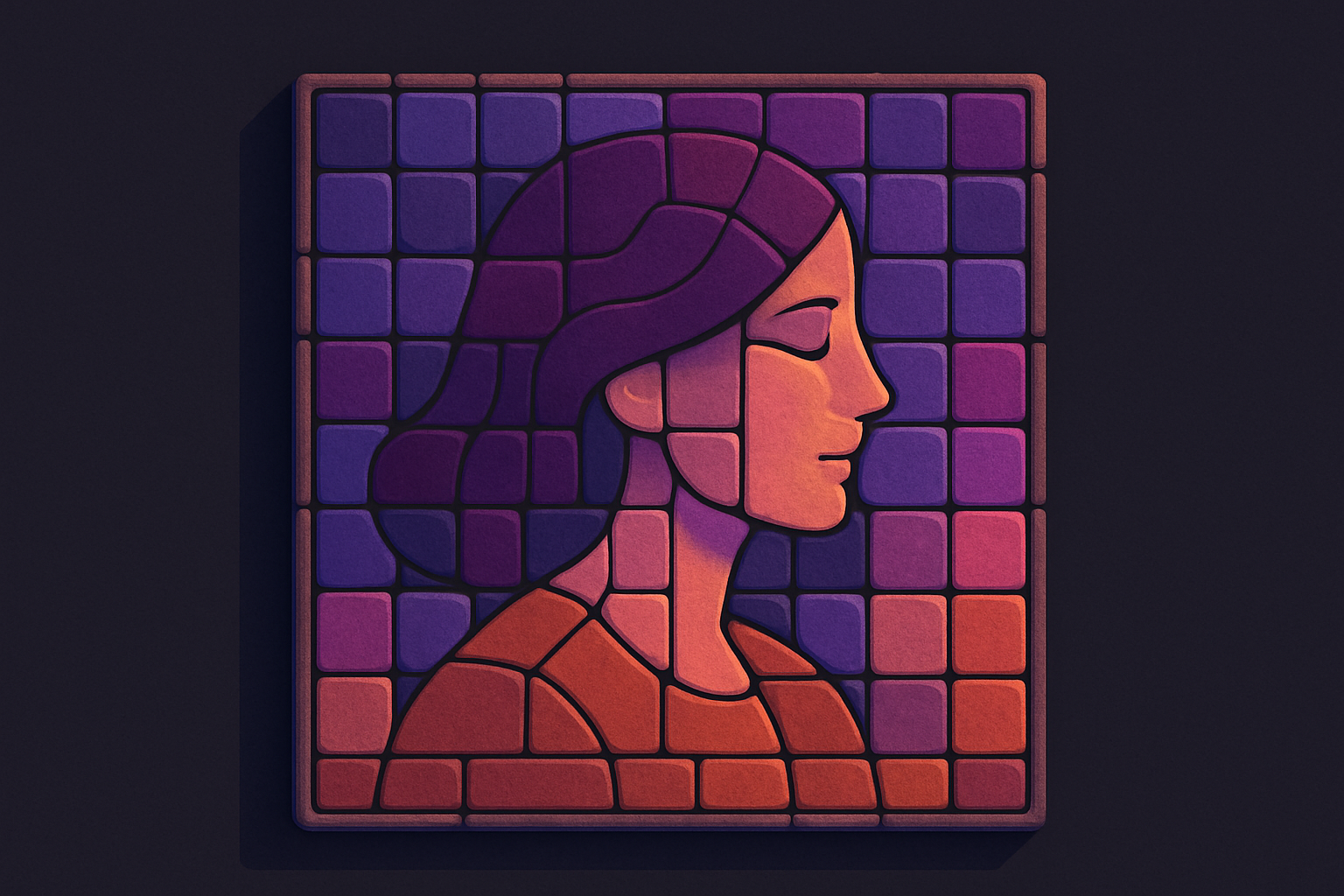
Image Mosaic
Create tile mosaic effects with customizable tile size and gap.
Upload Image
Drop or select a photo.
Set Tile Size
Adjust tile size and gap.
Apply and Download
Click Apply, preview, and download.
What Is Image Mosaic?
Divides an image into colored tiles with visible gaps, similar to ceramic mosaic. Each tile shows the average color of its pixels.
Why Use Our Image Mosaic?
- Adjustable tile size and gap
- Realistic ceramic look
- Average color per tile
- More artistic than pixelation
Common Use Cases
Artistic Prints
Mosaic-style artwork.
Privacy Masking
Obscure details artistically.
Design Backgrounds
Mosaic textures.
Decorative Art
Digital tilework designs.
Technical Guide
Divides into NxN tiles, averages RGB per tile, fills canvas with gap color, draws inset colored rectangles.
Tips & Best Practices
- 110-20 fine, 30-50 bold tiles
- 21-3px gap for realistic grout
- 3Dark gap simulates ceramic grout
- 4Colorful images work best
Related Tools
Image Pixelate
Pixelate images with adjustable block size for retro effects or privacy masking.
 Image Tools
Image Halftone
Create newspaper-style halftone dot patterns from images.
Image Tools
Image Posterize
Reduce the number of color levels per channel for a flat, poster-like effect.
Image Tools
Image Dither
Apply Floyd-Steinberg dithering for retro limited-color effects.
Image Tools

Image Resizer
Resize images by exact pixel dimensions or percentage while maintaining aspect ratio.
Image Tools

Image Crop
Crop images with a visual selection rectangle to remove unwanted areas.
Image ToolsFrequently Asked Questions
QDifferent from pixelation?
QWhat does gap do?
QWhat tile size?
QChange tile shape?
About Image Mosaic
Image Mosaic is a free online tool from FreeToolkit.ai. All processing happens directly in your browser — your data never leaves your device. No registration required. No ads. Just fast, reliable tools.