
Area CalculatorCalculate area and perimeter for 8 shapes — rectangle, circle, triangle, trapezoid, and more.

Area Calculator
Calculate area and perimeter for 8 shapes — rectangle, circle, triangle, trapezoid, and more.
Select Shape
Choose from 8 geometric shapes.
Enter Dimensions
Input the required measurements for your chosen shape.
View Results
See the calculated area, perimeter (where applicable), and formula.
What Is Area Calculator?
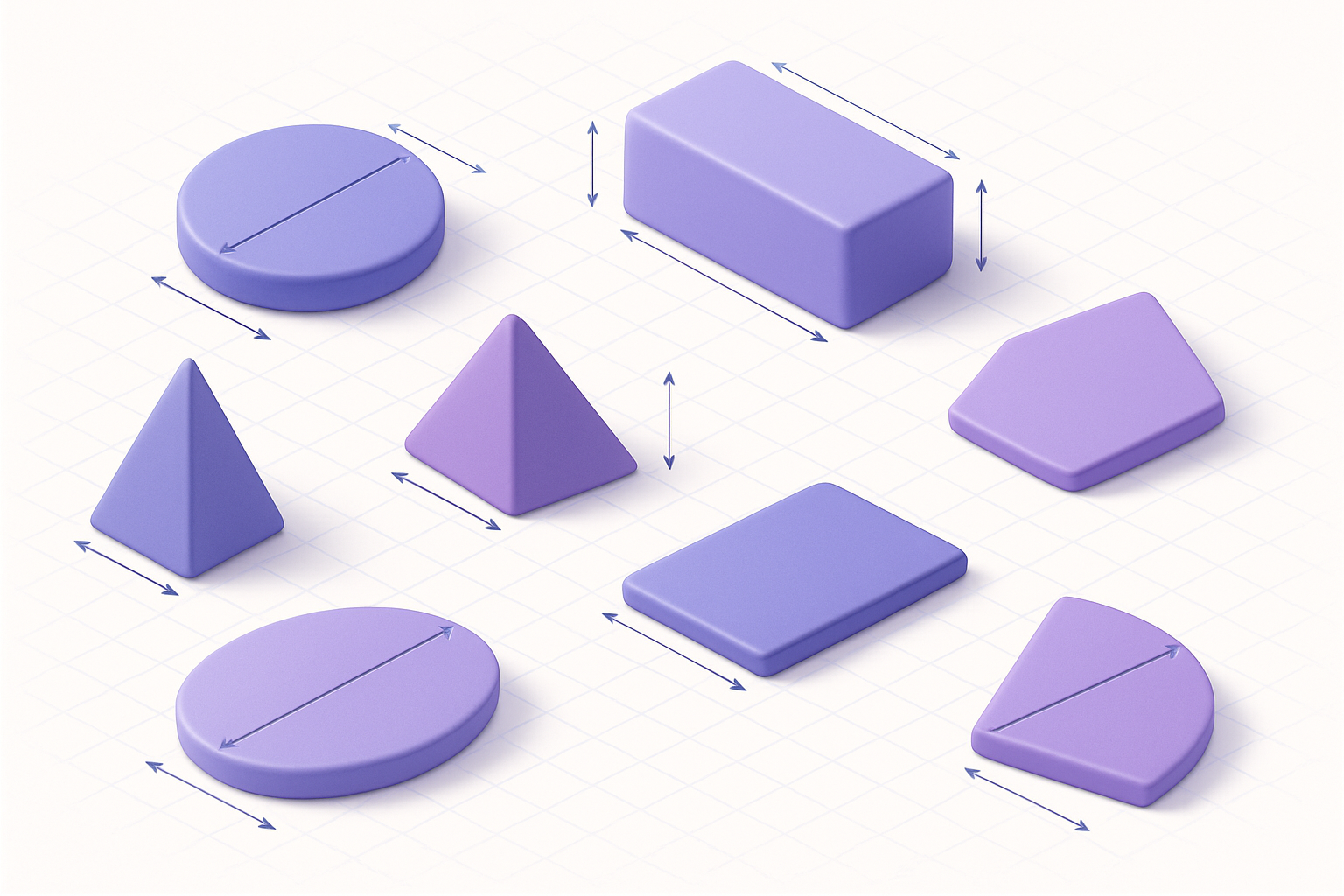
The Area Calculator computes the area (and perimeter where applicable) of eight common geometric shapes: rectangle, circle, triangle, trapezoid, ellipse, parallelogram, rhombus, and circular sector. Select a shape, choose your preferred unit of measurement, and enter the required dimensions. The calculator displays the area in square units, the perimeter in linear units, and the formula used. Multiple unit options are available including mm, cm, m, km, inches, feet, yards, and miles.
Why Use Our Area Calculator?
- Eight shapes: rectangle, circle, triangle, trapezoid, ellipse, parallelogram, rhombus, sector
- Shows both area and perimeter where applicable
- Multiple unit options (metric and imperial)
- Displays the formula used for each shape
Common Use Cases
Real Estate
Calculate floor areas, lot sizes, and room dimensions.
Construction
Determine material quantities from area calculations.
Education
Solve geometry problems and verify manual calculations.
Landscaping
Calculate garden beds, lawn areas, and planting zones.
Technical Guide
Area formulas by shape: Rectangle: A = l × w, P = 2(l+w). Circle: A = πr², P = 2πr. Triangle: A = ½bh. Trapezoid: A = ½(a+b)h. Ellipse: A = πab. Parallelogram: A = bh. Rhombus: A = ½d₁d₂. Circular Sector: A = ½r²θ (θ in radians). For the sector calculator, the angle input is in degrees and converted internally: θ_rad = θ_deg × π/180. Perimeter is computed where a simple formula exists. All area results are in square units of the selected unit; perimeter in linear units.
Tips & Best Practices
- 1For irregular shapes, try breaking them into combinations of these basic shapes
- 2Area in square units: if inputs are in meters, output is in square meters (m²)
- 3A circle has the maximum area for a given perimeter among all 2D shapes
- 4For triangles, you need base AND height — the height must be perpendicular to the base
Related Tools
Volume Calculator
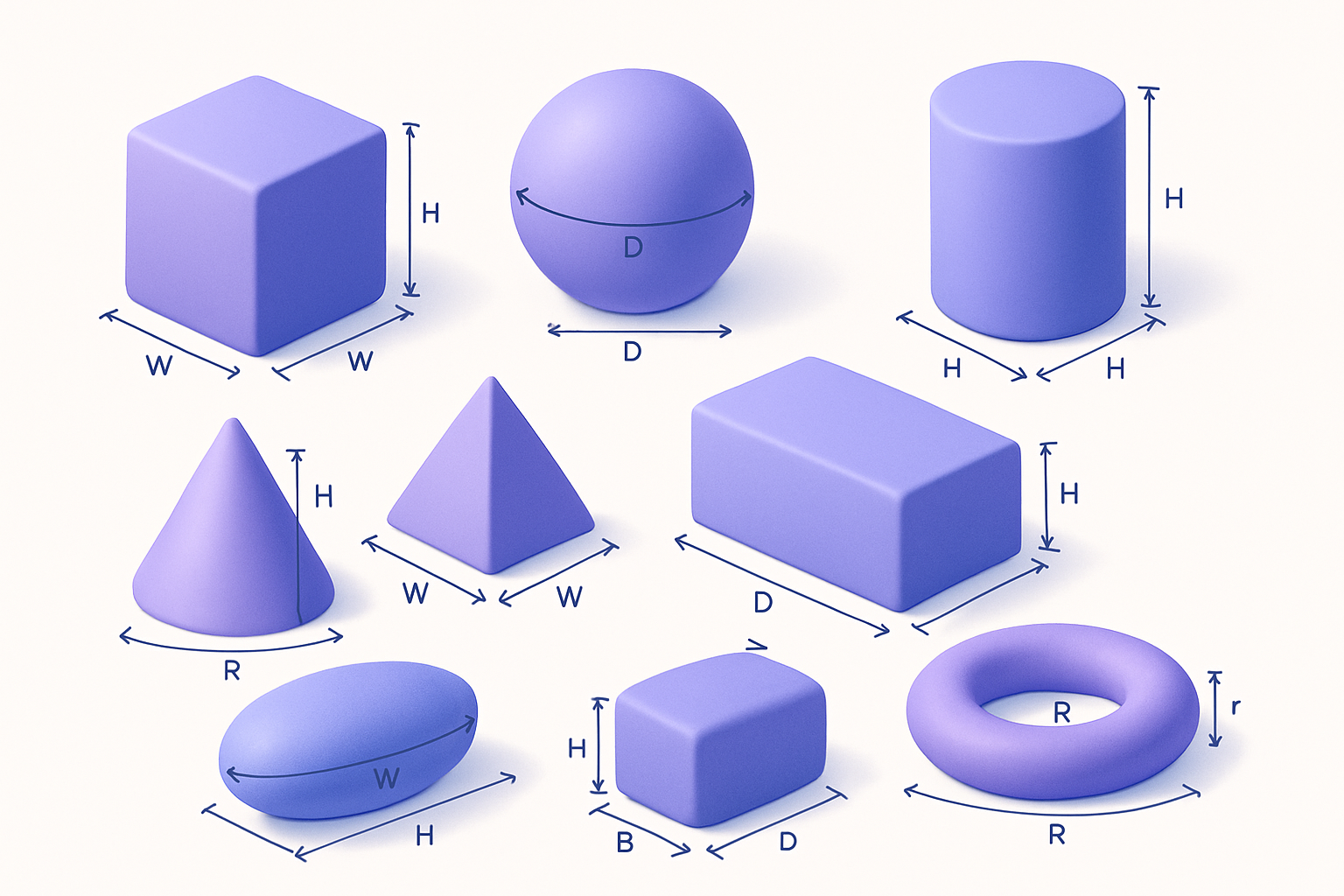
Calculate volume and surface area of 8 3D shapes — cube, sphere, cylinder, cone, and more.
 Math & Calculators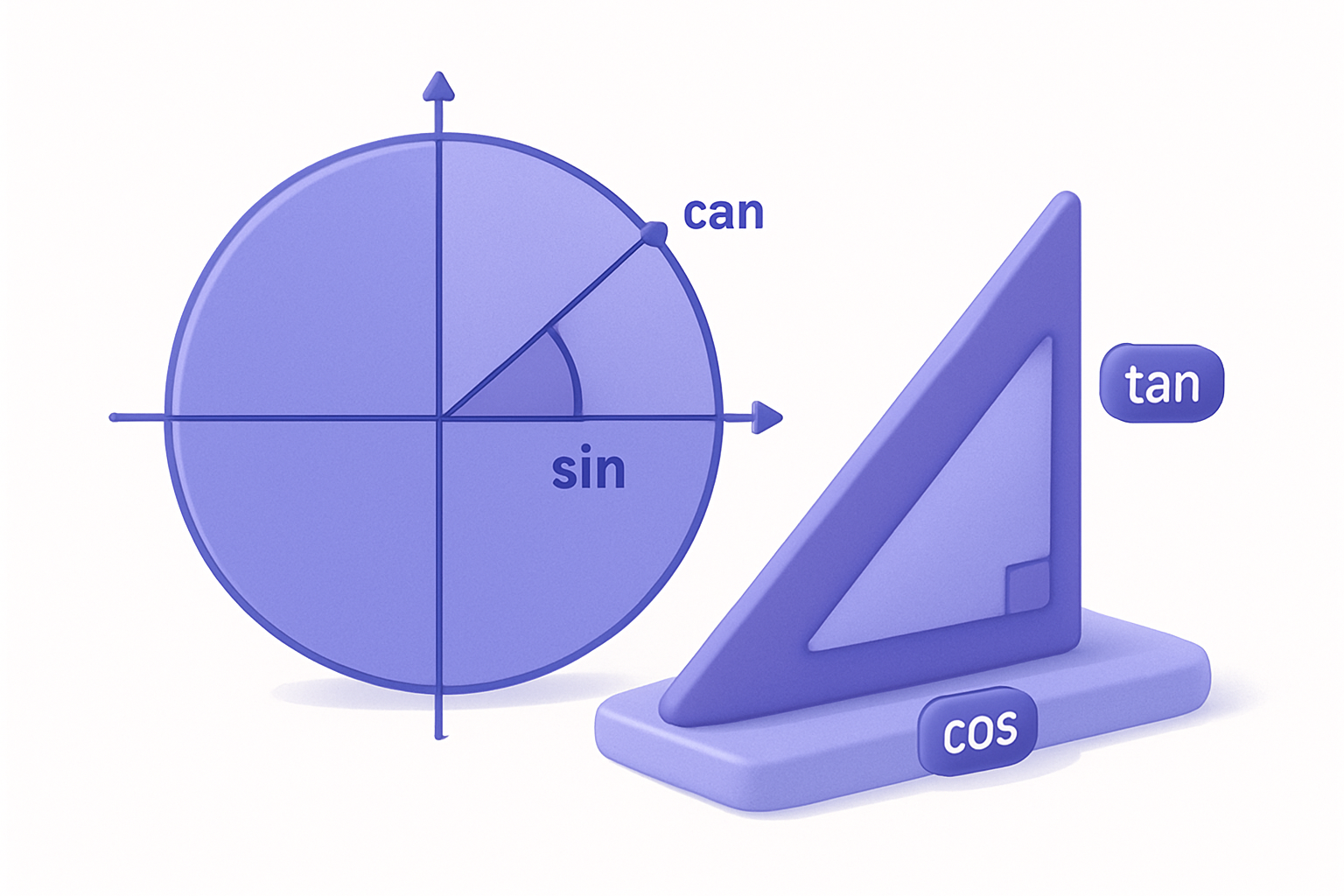
Trigonometry Calculator
Calculate all six trig functions (sin, cos, tan, csc, sec, cot) and inverse trig functions.
Math & Calculators

Percentage Calculator
Calculate percentages, percentage change, and what percent one number is of another.
Math & Calculators
Scientific Calculator
Full-featured scientific calculator with trigonometry, logarithms, factorials, and more.
Math & Calculators
Fraction Calculator
Add, subtract, multiply, and divide fractions with automatic simplification.
Math & Calculators

Matrix Calculator
Perform matrix operations: add, multiply, find determinant, inverse, and transpose for 2×2 and 3×3 matrices.
Math & CalculatorsFrequently Asked Questions
QHow do I calculate the area of an irregular shape?
QWhat is the difference between area and perimeter?
QWhat is the area of a triangle if I know all three sides?
QHow do I find the radius from circumference?
QWhat units should I use?
About Area Calculator
Area Calculator is a free online tool from FreeToolkit.ai. All processing happens directly in your browser — your data never leaves your device. No registration required. No ads. Just fast, reliable tools.