
Image Flip HorizontalMirror an image horizontally (left to right) with instant processing.
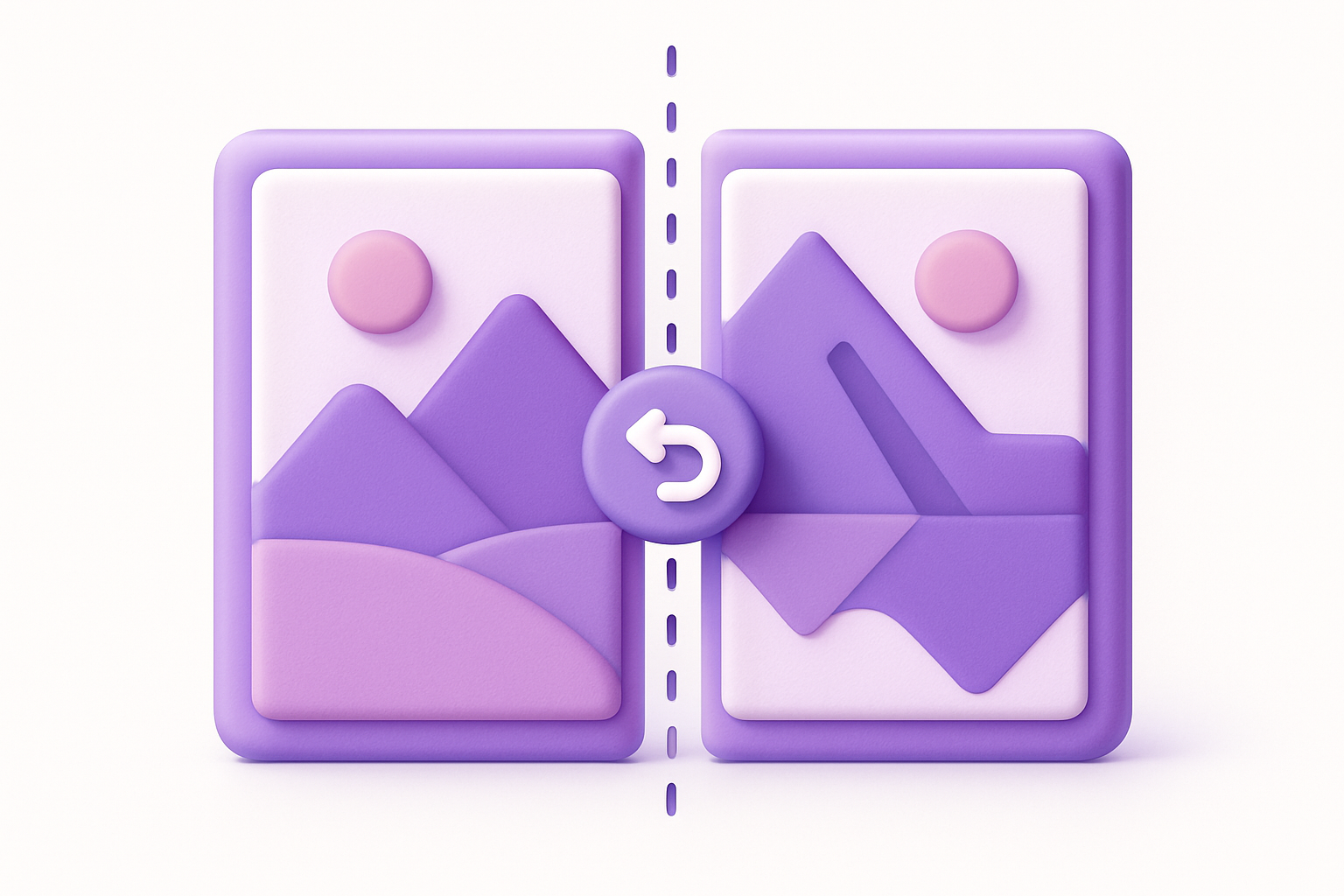
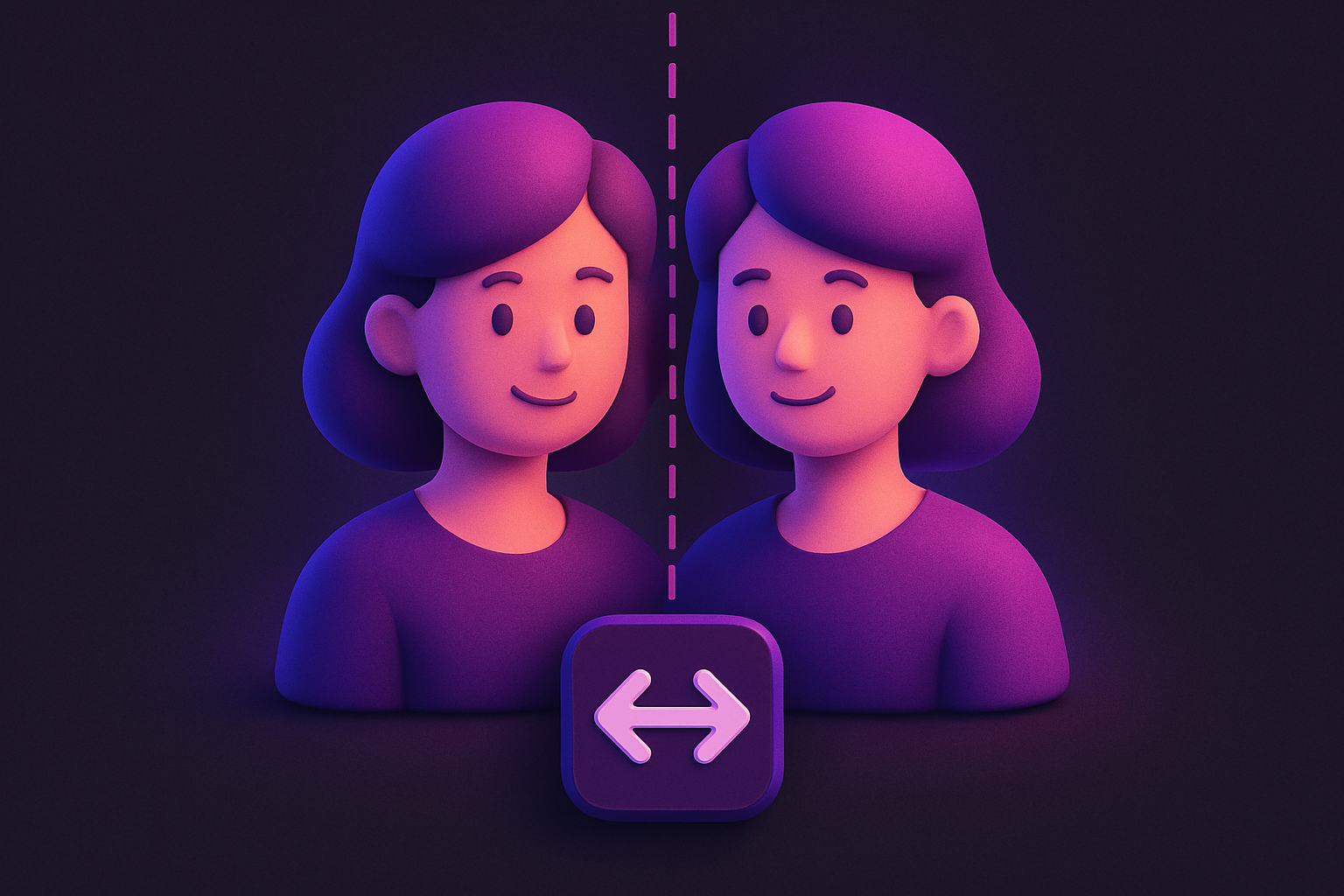
Image Flip Horizontal
Mirror an image horizontally (left to right) with instant processing.
Upload Your Image
Drop or select an image file to flip horizontally.
Automatic Processing
The image is instantly flipped horizontally upon upload.
Download
Preview the mirrored result and click Download to save it.
What Is Image Flip Horizontal?
A horizontal image flipper mirrors your image along the vertical axis, effectively reversing left and right. The transformation is applied instantly upon upload. This is particularly useful for correcting selfie camera mirrors, creating symmetric designs, or preparing images for transfer printing. The flip operation is lossless and preserves the exact same pixel data, just rearranged. Text in the image will appear reversed after flipping. The tool processes images entirely in your browser using the Canvas API.
Why Use Our Image Flip Horizontal?
- Instant processing — flip happens automatically on upload
- Lossless quality — no pixel degradation
- One-click download of the mirrored result
- Perfect for fixing selfie mirror effects
Common Use Cases
Selfie Correction
Un-mirror selfie photos that appear reversed from the front camera.
Design Layouts
Create mirrored versions of images for symmetric design compositions.
Print Transfers
Flip artwork horizontally for iron-on transfers or screen printing.
Before/After Comparisons
Create mirrored versions for side-by-side visual comparisons.
Technical Guide
Horizontal flipping uses the Canvas 2D context translate and scale methods. The context is translated to the canvas width, then scaled by (-1, 1) which reverses the x-axis while keeping the y-axis normal. When drawImage is called, each pixel is placed at its mirror position. The transform is then reset to the identity matrix. This operation is mathematically equivalent to reflecting each pixel x-coordinate: newX = imageWidth - originalX - 1. The operation runs in O(n) time handled efficiently by the GPU-accelerated canvas implementation.
Tips & Best Practices
- 1Text in the image will appear reversed after horizontal flipping
- 2Flip twice to get back to the original orientation
- 3Combine with vertical flip to achieve a 180 degree rotation effect
- 4Useful for creating seamless tileable patterns
Related Tools
Image Flip Vertical
Flip an image vertically (upside down) with instant processing.
 Image Tools
Image Rotate
Rotate images by any angle with preset options for 90, 180, and 270 degrees.
Image Tools

Image Crop
Crop images with a visual selection rectangle to remove unwanted areas.
Image Tools

Image Resizer
Resize images by exact pixel dimensions or percentage while maintaining aspect ratio.
Image Tools
Image Compress
Compress images by adjusting quality to reduce file size while maintaining visual quality.
Image Tools
Image Format Converter
Convert images between JPG, PNG, and WebP formats with quality control.
Image ToolsFrequently Asked Questions
QIs horizontal flip the same as mirror?
QWill it affect image quality?
QCan I flip a PNG with transparency?
QWhat is the difference from vertical flip?
QCan I use this for mirror-image text?
About Image Flip Horizontal
Image Flip Horizontal is a free online tool from FreeToolkit.ai. All processing happens directly in your browser — your data never leaves your device. No registration required. No ads. Just fast, reliable tools.