
Quoted-Printable EncodeEncode text to Quoted-Printable format for email transport.

Quoted-Printable Encode
Encode text to Quoted-Printable format for email transport.
Enter Text
Type or paste the text to encode.
View QP Output
The Quoted-Printable result appears instantly.
Copy Result
Click Copy to copy the encoded text.
What Is Quoted-Printable Encode?
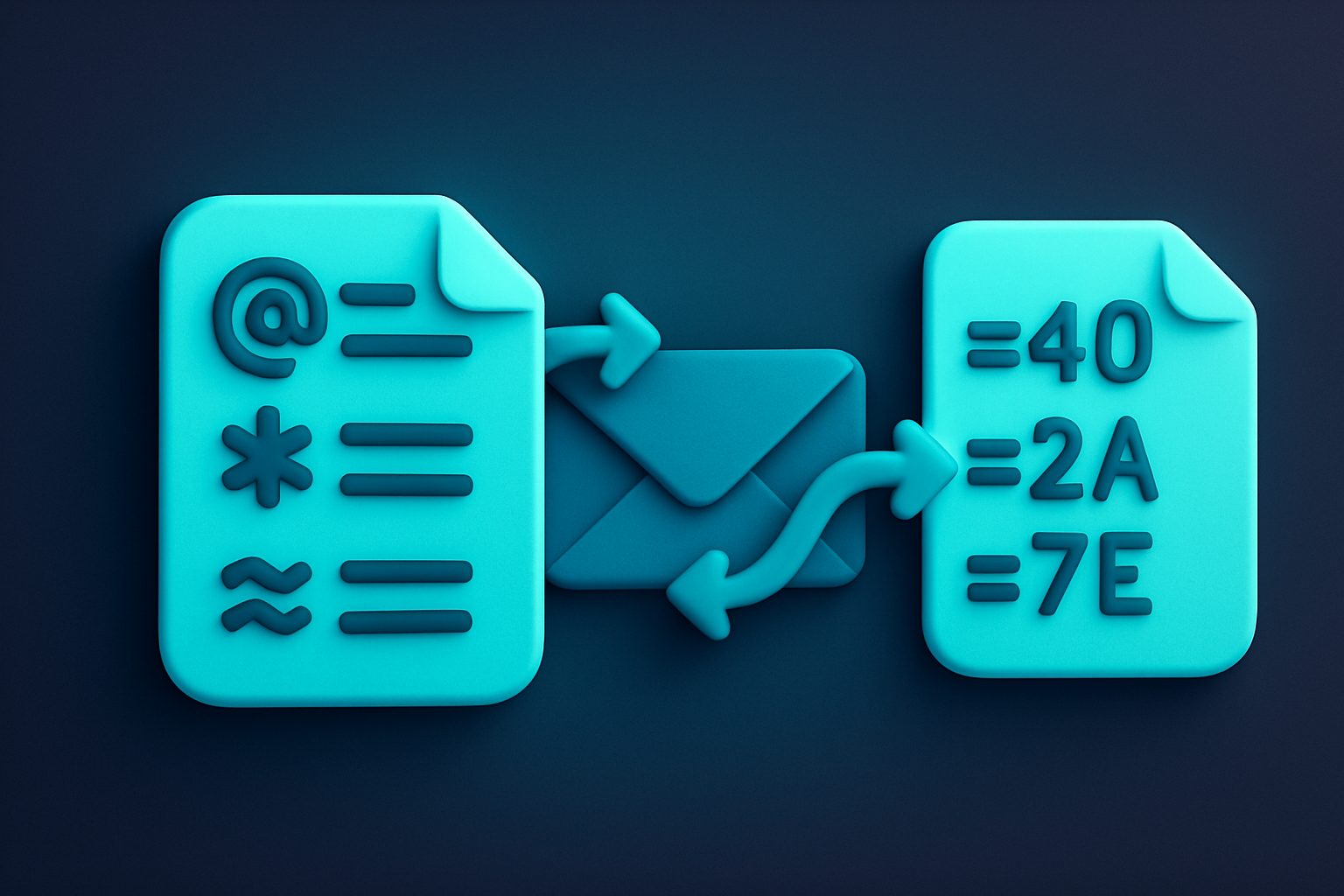
Quoted-Printable (QP) encoding is a MIME content transfer encoding defined in RFC 2045 for email. It keeps ASCII text readable while encoding non-ASCII characters as =HH (hex). Lines are limited to 76 characters with soft line breaks (=). Designed for text that is mostly ASCII with occasional special characters. The = character itself becomes =3D. This tool performs RFC 2045 compliant encoding with proper line wrapping. All processing is client-side.
Why Use Our Quoted-Printable Encode?
- RFC 2045 compliant for email compatibility
- Keeps ASCII text readable in the encoded output
- Proper 76-character line wrapping with soft breaks
- 100% client-side — data never leaves your browser
Common Use Cases
Email Encoding
Encode email body content for MIME transport.
MIME Messages
Create quoted-printable encoded messages.
Legacy Systems
Encode text for systems requiring 7-bit ASCII transport.
Testing
Generate QP-encoded test data for email system testing.
Technical Guide
Quoted-Printable represents each non-printable or non-ASCII byte as =HH where HH is its hex value. Printable ASCII (33-126 except =) and spaces/tabs (when not at line end) pass through unchanged. Lines limited to 76 characters via soft breaks. The = character is encoded as =3D. Tab and space at end of line are encoded.
Tips & Best Practices
- 1QP encoding is ideal for mostly ASCII text with some special characters
- 2Soft line breaks (trailing =) indicate wrapped lines
- 3The = character itself is always encoded as =3D
- 4For binary data, Base64 is more efficient
Related Tools
Quoted-Printable Decode
Decode Quoted-Printable encoded text back to readable form.
 Encoding & Crypto

Base64 Encode
Encode text to Base64 format instantly in your browser.
Encoding & Crypto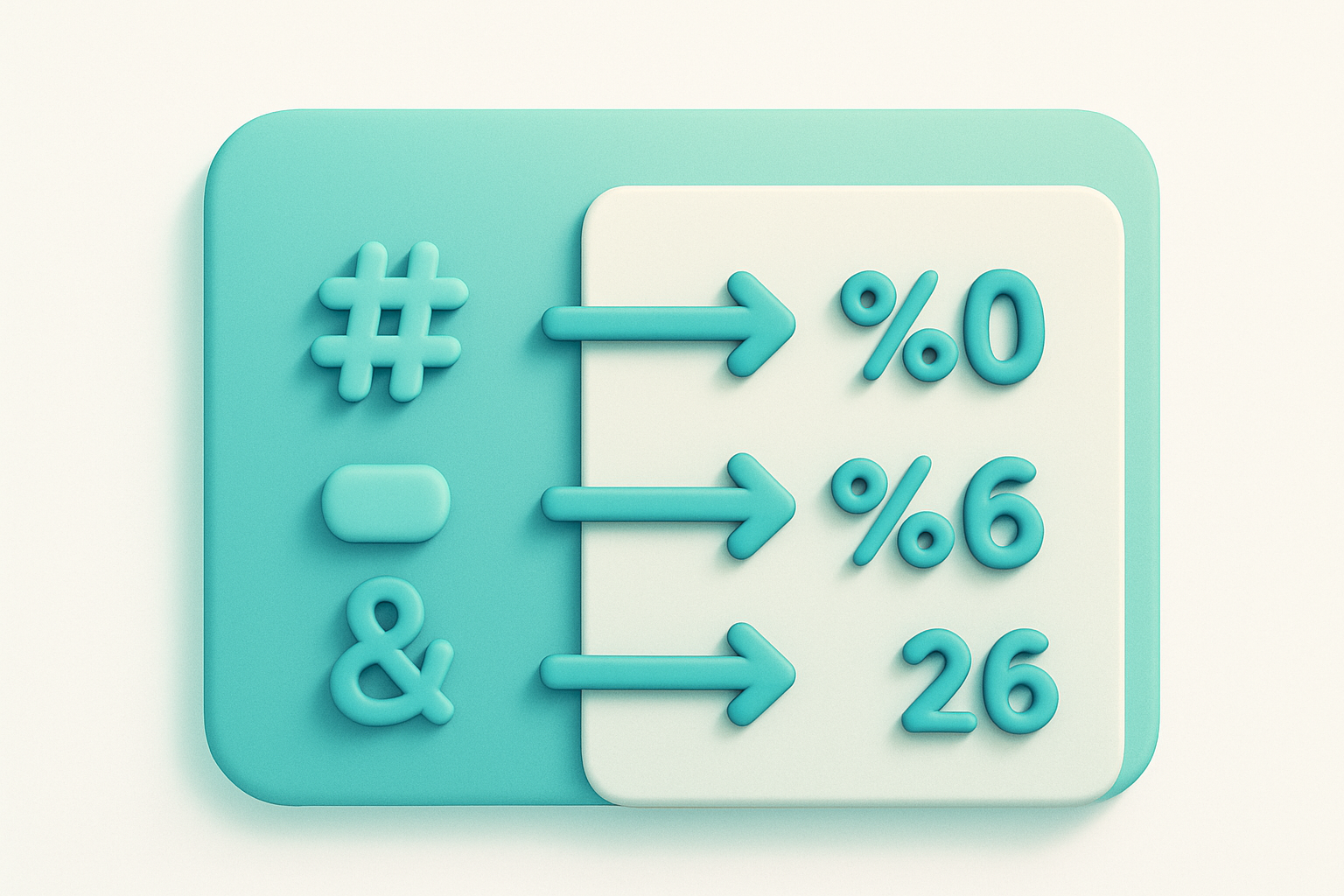
URL Encode (Full)
Percent-encode all special characters in a URL string.
Encoding & Crypto

UTF-8 Encode/Decode
View UTF-8 byte representations of text and decode byte sequences.
Encoding & Crypto
Base64 Decode
Decode Base64-encoded strings back to plain text instantly.
Encoding & Crypto

Base64 Image Encoder
Convert images to Base64-encoded data URIs for embedding in HTML and CSS.
Encoding & CryptoFrequently Asked Questions
QIs this tool free?
QIs my data secure?
QWhen should I use QP vs Base64?
QWhat browsers are supported?
QWhat is a soft line break?
About Quoted-Printable Encode
Quoted-Printable Encode is a free online tool from FreeToolkit.ai. All processing happens directly in your browser — your data never leaves your device. No registration required. No ads. Just fast, reliable tools.