
Image KaleidoscopeCreate kaleidoscope patterns by reflecting and rotating segments.
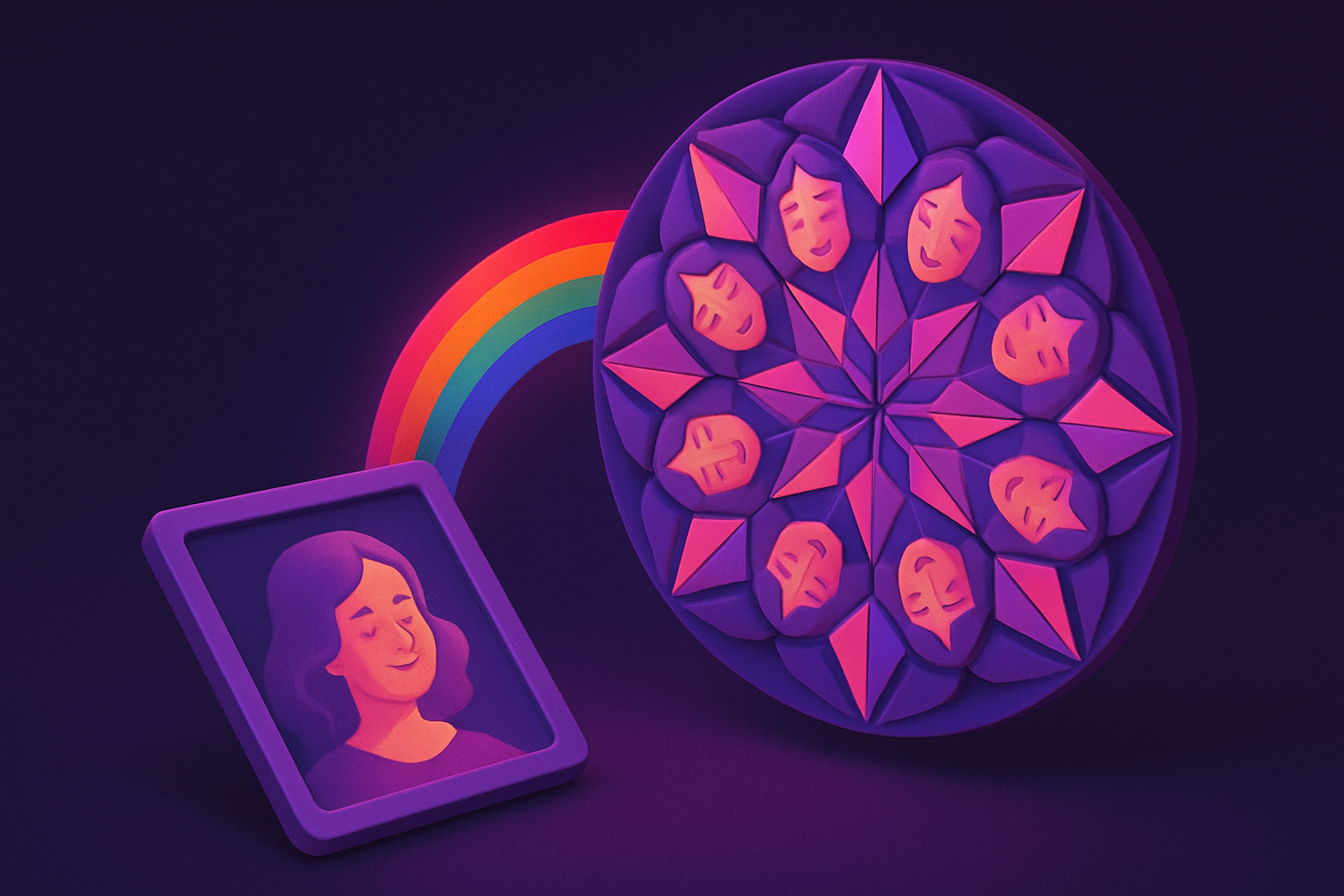
Image Kaleidoscope
Create kaleidoscope patterns by reflecting and rotating segments.
Upload Image
Drop or select a photo.
Set Segments
Choose segment count (4-16).
Apply and Download
Click Apply, preview, and download.
What Is Image Kaleidoscope?
Takes a triangular slice of an image and reflects it around a center point to form a radial mandala-like pattern. Segment count controls complexity.
Why Use Our Image Kaleidoscope?
- 4-16 segments adjustable
- Stunning mandala patterns
- Works with any photo
- Beautiful decorative designs
Common Use Cases
Decorative Art
Mandala wall art from photos.
Textile Design
Symmetrical fabric patterns.
Backgrounds
Kaleidoscopic design backgrounds.
Creative Play
Discover hidden patterns.
Technical Guide
Extracts a triangular wedge (angle=360/segments), rotates and reflects it n times around center using Canvas transforms and clip paths.
Tips & Best Practices
- 16-8 segments for balanced patterns
- 2Colorful textures make best patterns
- 3Nature photos work beautifully
- 4Try different images for discovery
Related Tools


Image Mirror
Create symmetrical mirror effects by reflecting parts of an image.
 Image Tools

Image Rotate
Rotate images by any angle with preset options for 90, 180, and 270 degrees.
Image Tools

Image Mosaic
Create tile mosaic effects with customizable tile size and gap.
Image Tools
Image Pop Art
Create Andy Warhol-style pop art with bold colors.
Image Tools

Image Resizer
Resize images by exact pixel dimensions or percentage while maintaining aspect ratio.
Image Tools

Image Crop
Crop images with a visual selection rectangle to remove unwanted areas.
Image ToolsFrequently Asked Questions
QBest segment count?
QBest photos?
QWhich part is used?
QMax segments?
About Image Kaleidoscope
Image Kaleidoscope is a free online tool from FreeToolkit.ai. All processing happens directly in your browser — your data never leaves your device. No registration required. No ads. Just fast, reliable tools.