
Image Pop ArtCreate Andy Warhol-style pop art with bold colors.
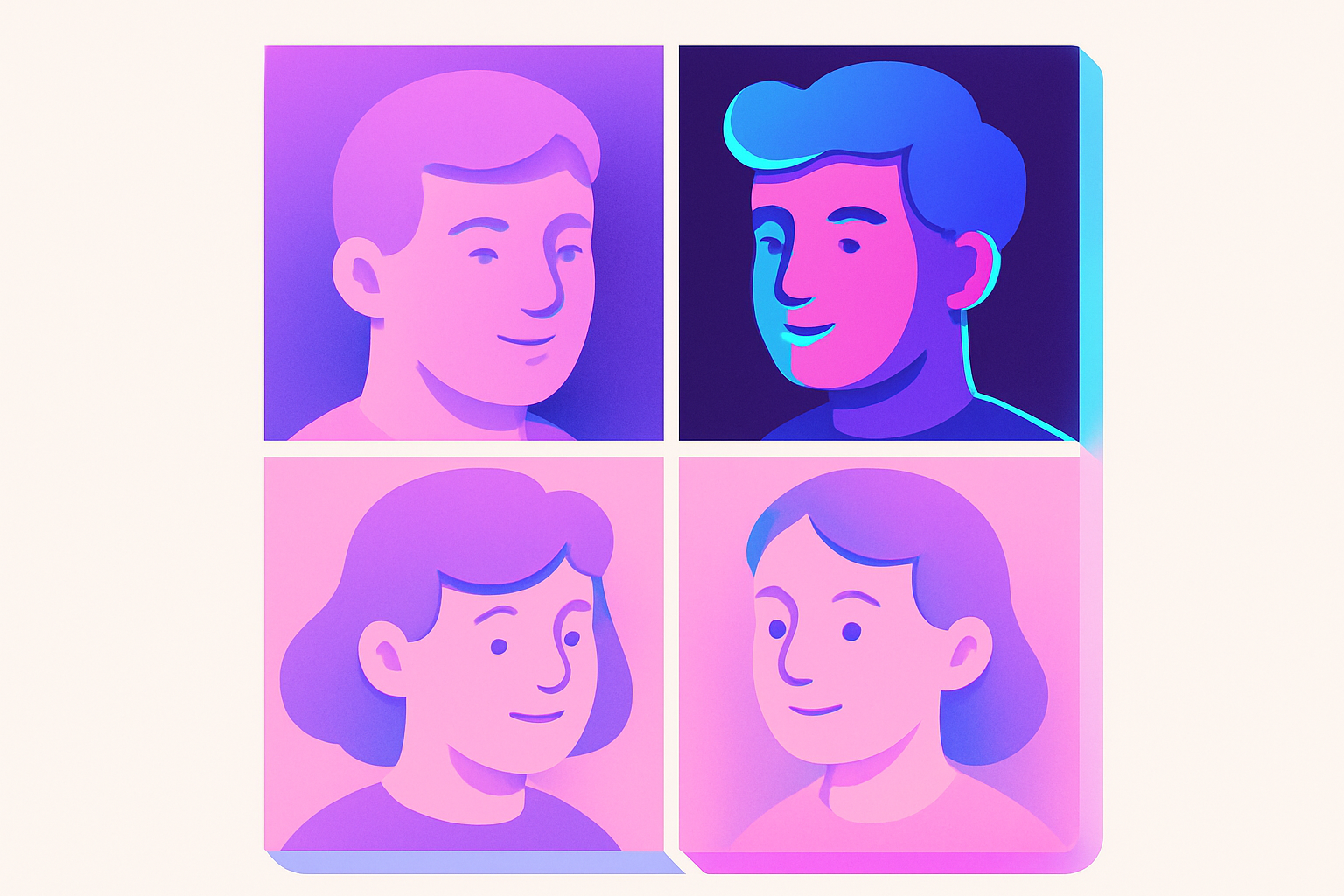
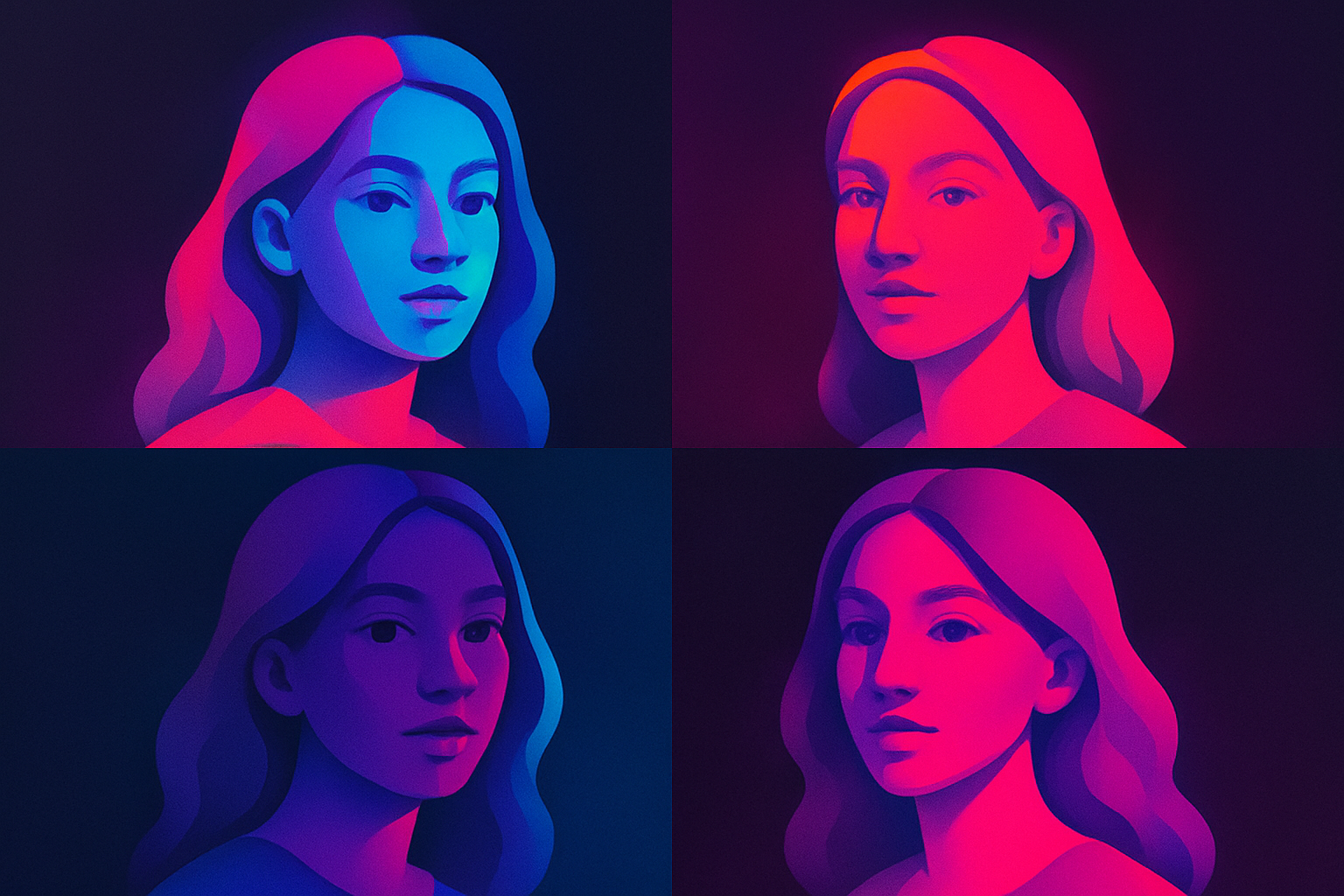
Image Pop Art
Create Andy Warhol-style pop art with bold colors.
Upload Image
Drop or select a photo.
Choose Palette
Select a pop art color scheme.
Apply and Download
Click Apply, preview, and download.
What Is Image Pop Art?
Transforms photos into bold pop art by posterizing to 4 levels and mapping each level to a vibrant color palette, inspired by Warhol screen printing.
Why Use Our Image Pop Art?
- Preset color palettes
- Posterization + color mapping
- Bold graphic images
- Multiple palette options
Common Use Cases
Wall Art
Warhol-style portrait prints.
Social Media
Eye-catching pop art posts.
Event Posters
Bold graphic poster design.
Brand Identity
Pop-art-style brand images.
Technical Guide
Grayscale → posterize to 4 zones (0-63, 64-127, 128-191, 192-255) → map each zone to a palette color.
Tips & Best Practices
- 1High-contrast portraits work best
- 2Try different palettes
- 3Simple compositions ideal
- 4Increase contrast before applying
Related Tools
Image Posterize
Reduce the number of color levels per channel for a flat, poster-like effect.
 Image Tools
Image Duotone
Apply duotone effect by mapping tones to two custom colors.
Image Tools
Image Halftone
Create newspaper-style halftone dot patterns from images.
Image Tools

Image Contrast
Adjust image contrast to enhance or reduce the difference between light and dark areas.
Image Tools

Image Resizer
Resize images by exact pixel dimensions or percentage while maintaining aspect ratio.
Image Tools

Image Crop
Crop images with a visual selection rectangle to remove unwanted areas.
Image ToolsFrequently Asked Questions
QWhat is pop art?
QBest images?
QCustom colors?
QLike Warhol?
About Image Pop Art
Image Pop Art is a free online tool from FreeToolkit.ai. All processing happens directly in your browser — your data never leaves your device. No registration required. No ads. Just fast, reliable tools.