
Image DuotoneApply duotone effect by mapping tones to two custom colors.
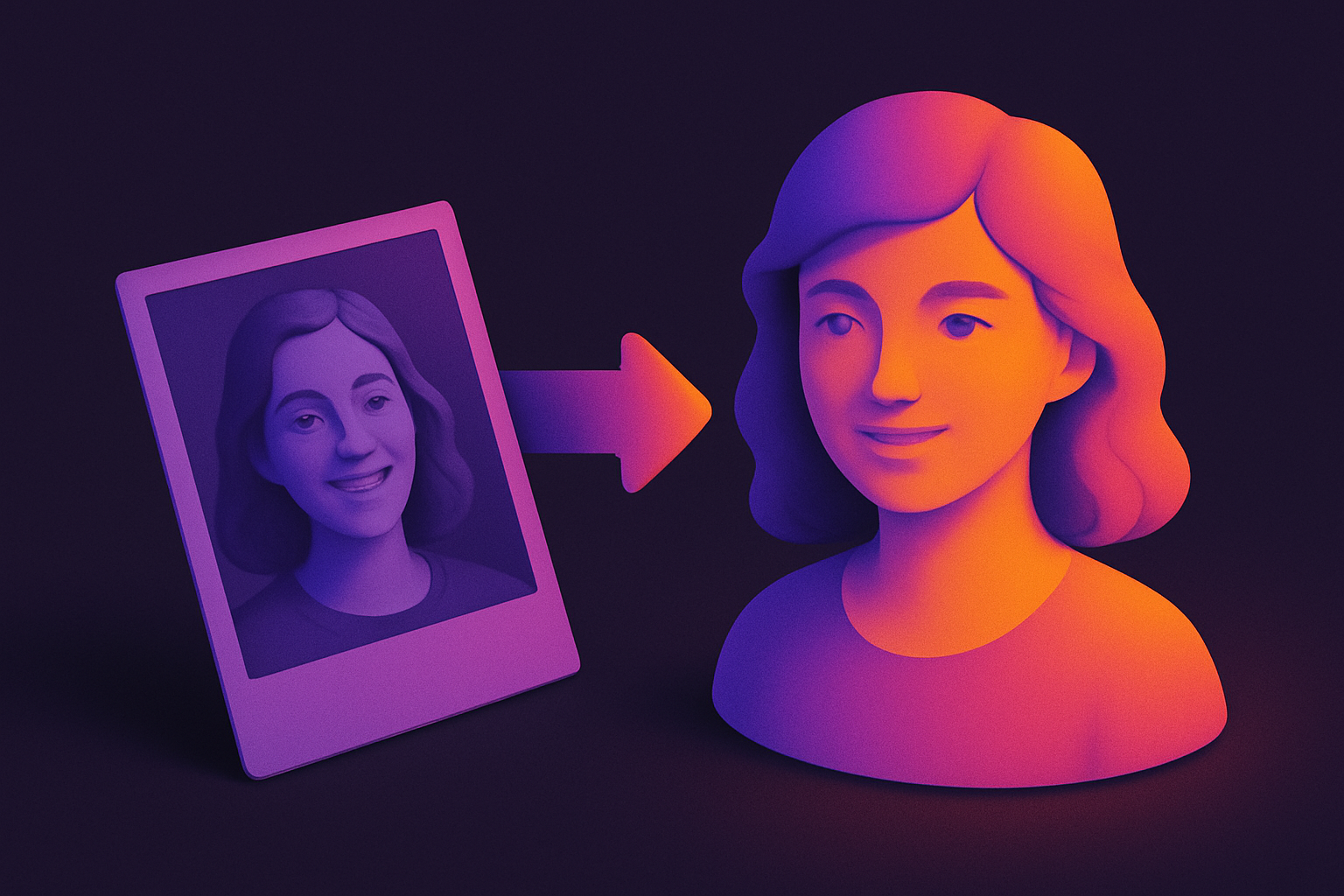
Image Duotone
Apply duotone effect by mapping tones to two custom colors.
Upload Image
Drop or select a photo.
Choose Colors
Pick shadow and highlight colors.
Apply and Download
Click Apply, preview, and download.
What Is Image Duotone?
Maps all image tones to a gradient between two chosen colors. Converts to grayscale, then brightness determines position on the color gradient.
Why Use Our Image Duotone?
- Custom shadow/highlight colors
- Preset color combos
- Modern design aesthetic
- Smooth gradient mapping
Common Use Cases
Web Design
Duotone hero images.
Brand Identity
Apply brand colors as duotone.
Social Media
On-brand graphics.
Editorial Design
Magazine featured images.
Technical Guide
Luminance t = pixel_brightness/255. Per channel: output = shadow*(1-t) + highlight*t. Linear interpolation between two colors.
Tips & Best Practices
- 1Complementary colors are most striking
- 2Dark shadow + bright highlight for contrast
- 3Use brand colors for consistency
- 4High-contrast photos work best
Related Tools

Image to Grayscale
Convert color images to grayscale (black and white) with adjustable intensity.
 Image Tools
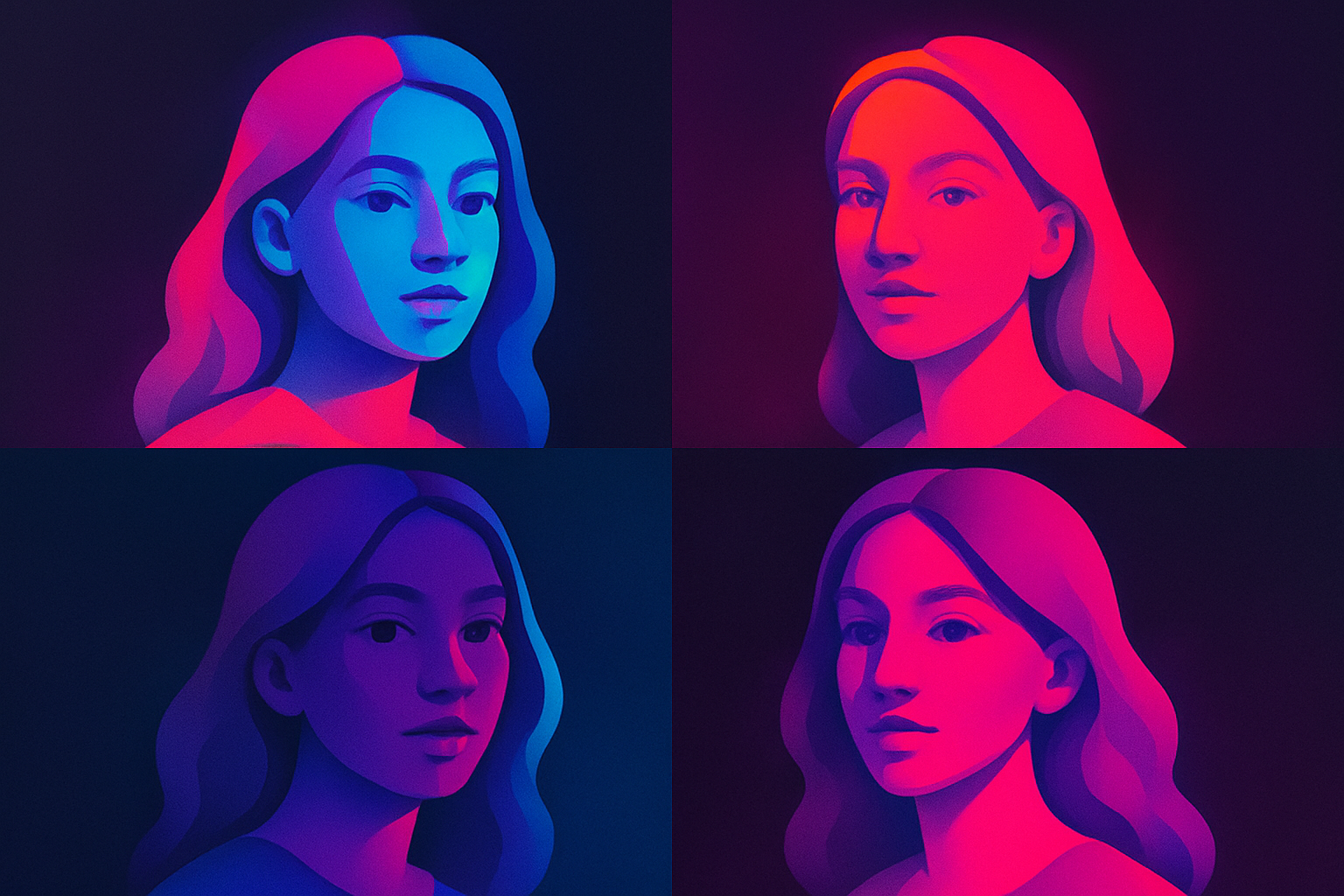
Image Pop Art
Create Andy Warhol-style pop art with bold colors.
Image Tools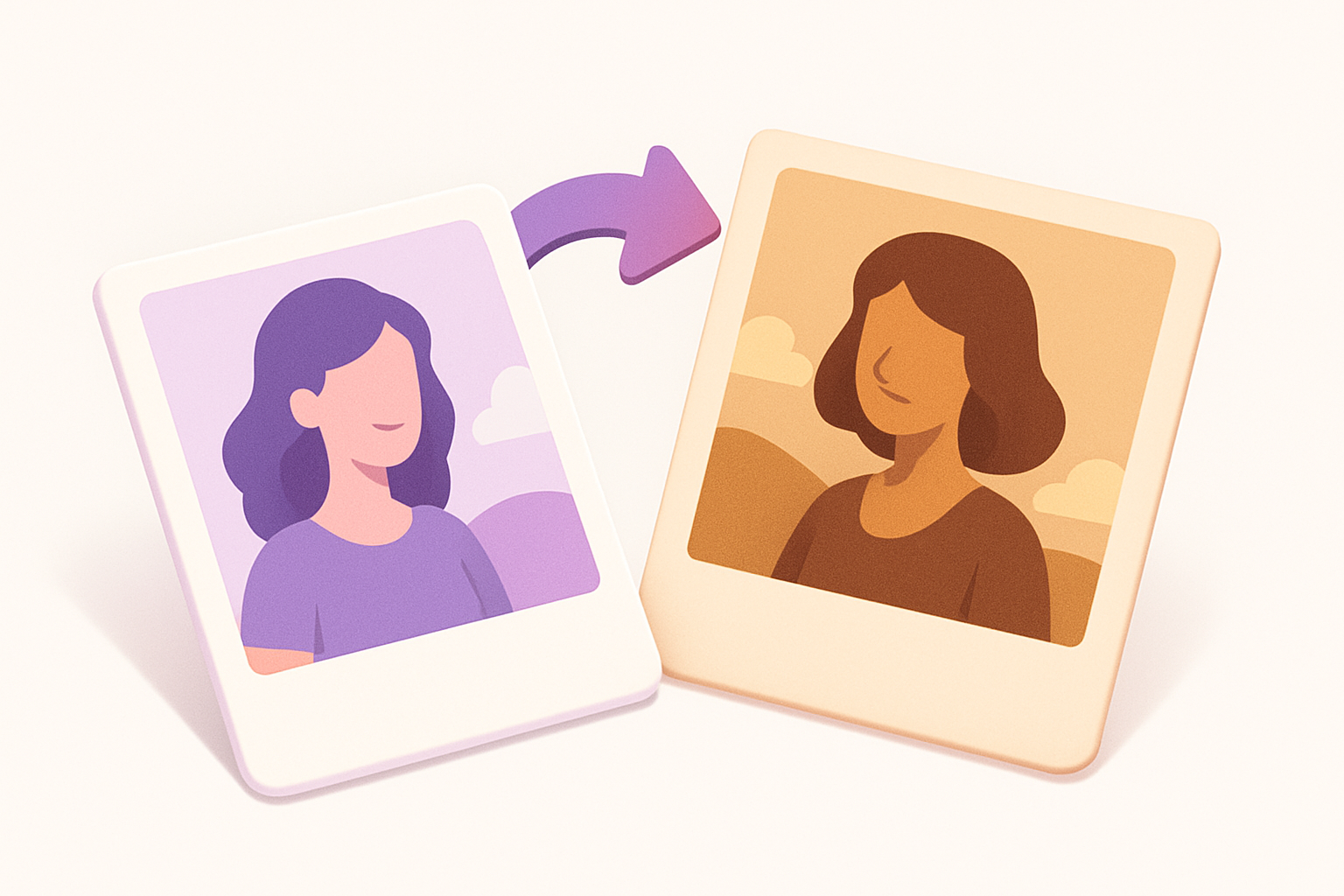
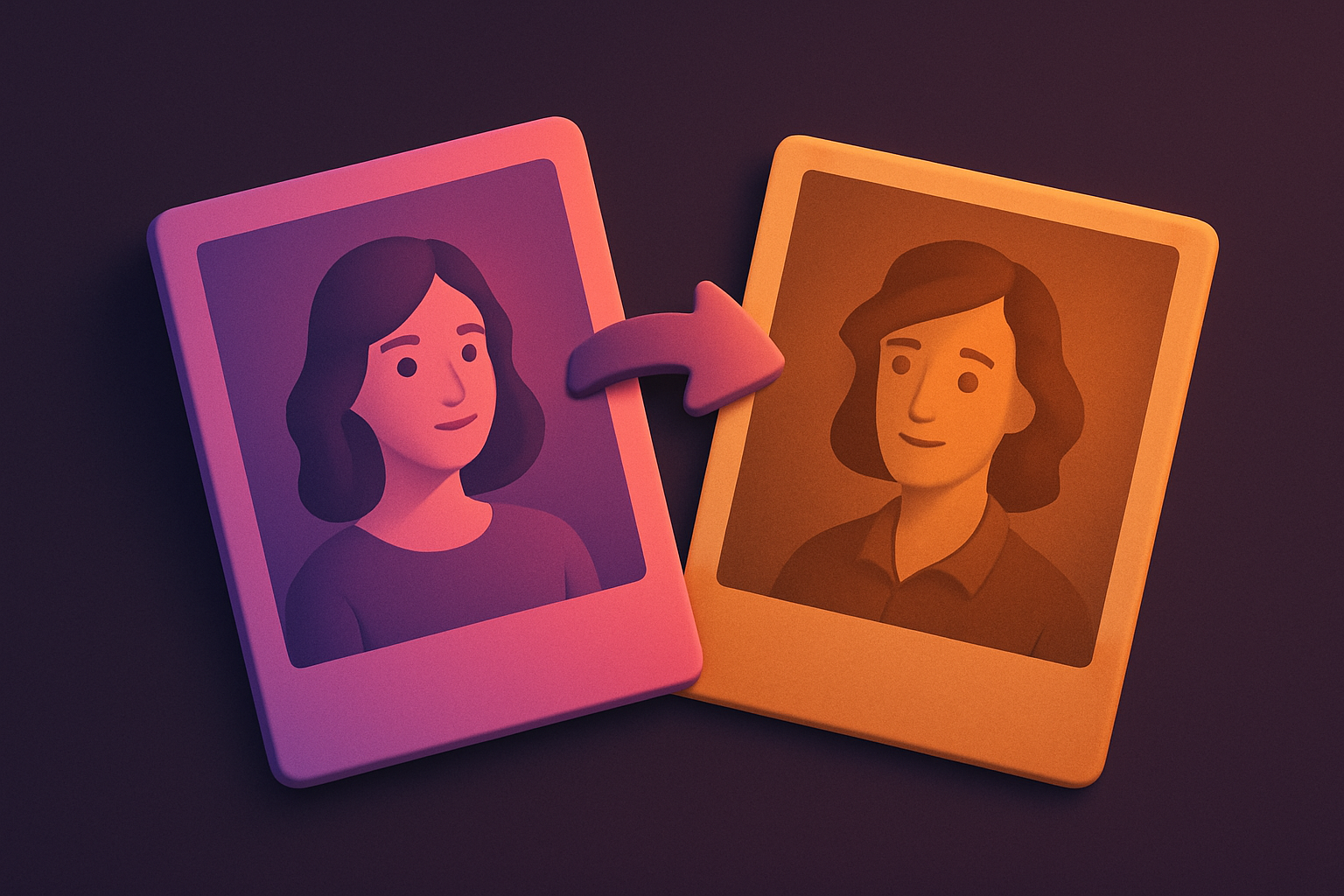
Image Sepia Filter
Apply a warm sepia tone filter to images for a vintage, antique photograph look.
Image Tools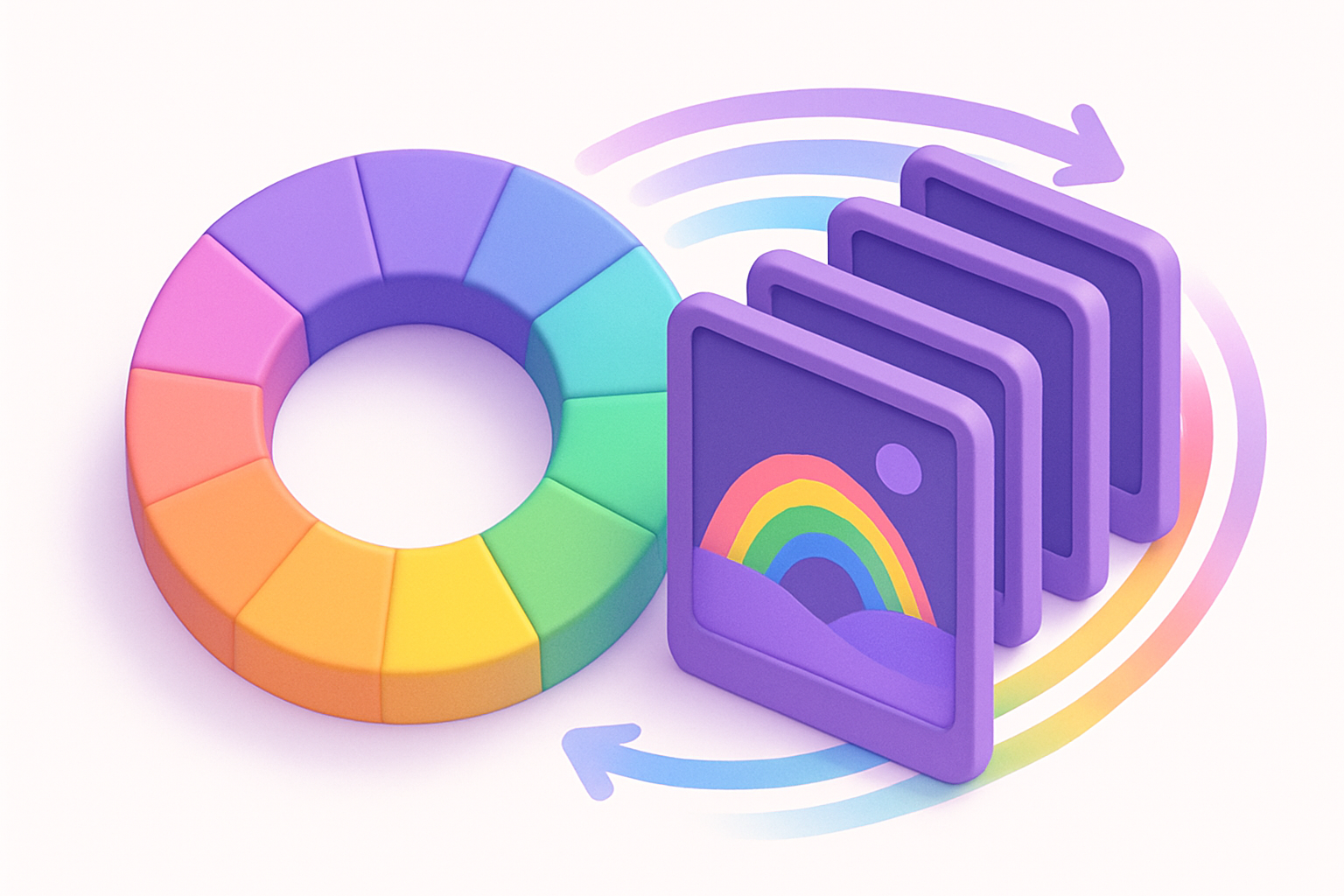
Image Hue Rotate
Rotate the hue of all colors in an image for creative color-shifting effects.
Image Tools

Image Resizer
Resize images by exact pixel dimensions or percentage while maintaining aspect ratio.
Image Tools

Image Crop
Crop images with a visual selection rectangle to remove unwanted areas.
Image ToolsFrequently Asked Questions
QWhat is duotone?
QBest color combos?
QMore than two colors?
QWhy use duotone?
About Image Duotone
Image Duotone is a free online tool from FreeToolkit.ai. All processing happens directly in your browser — your data never leaves your device. No registration required. No ads. Just fast, reliable tools.