
Audio Channel ConverterConvert audio between mono and stereo channel configurations.
Audio Channel Converter
Convert audio between mono and stereo channel configurations.
Upload Audio
Drop your audio file or click to browse.
Select Mode
Choose to convert to mono (merge channels) or stereo (duplicate channel).
Download
Download the channel-converted audio file.
What Is Audio Channel Converter?
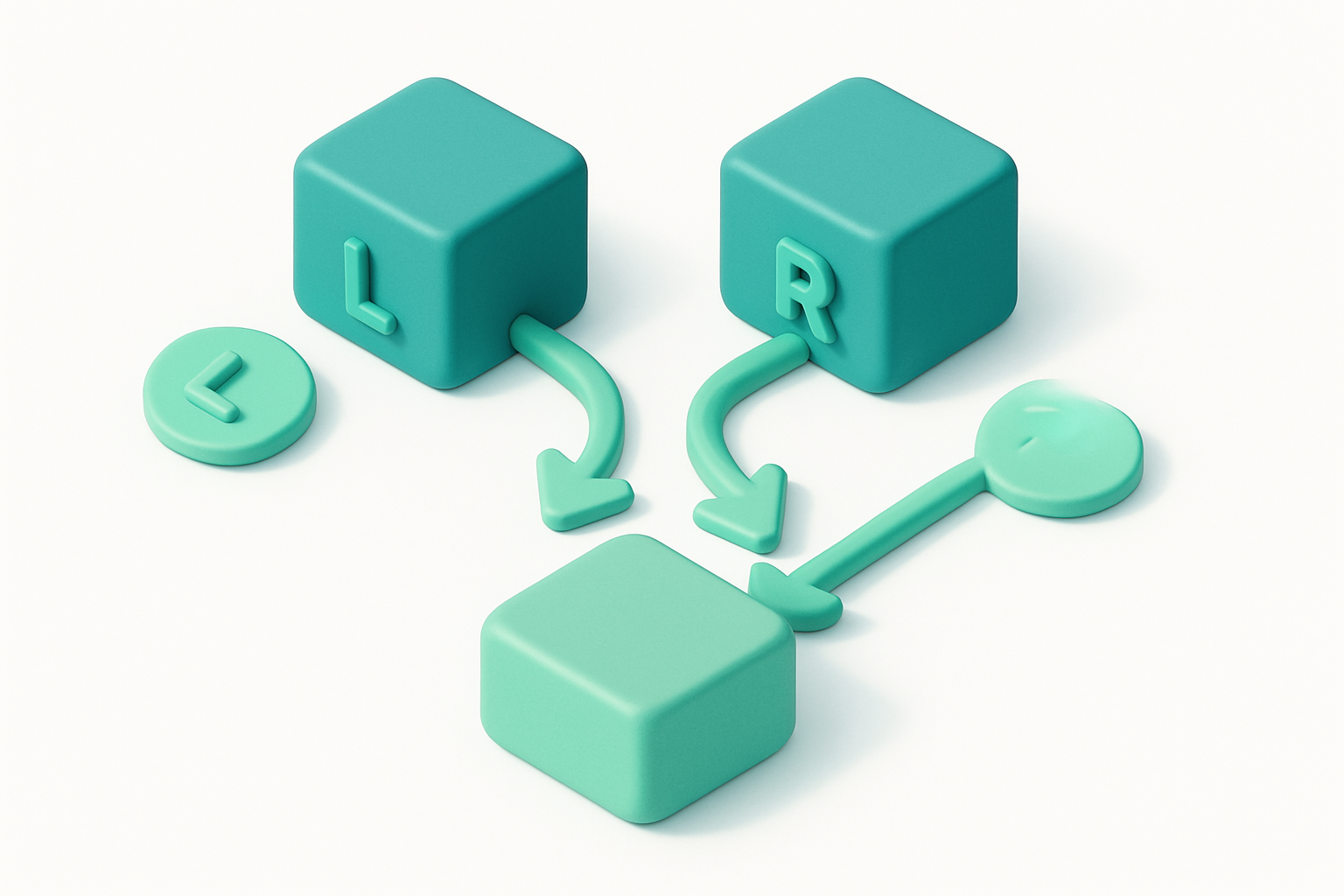
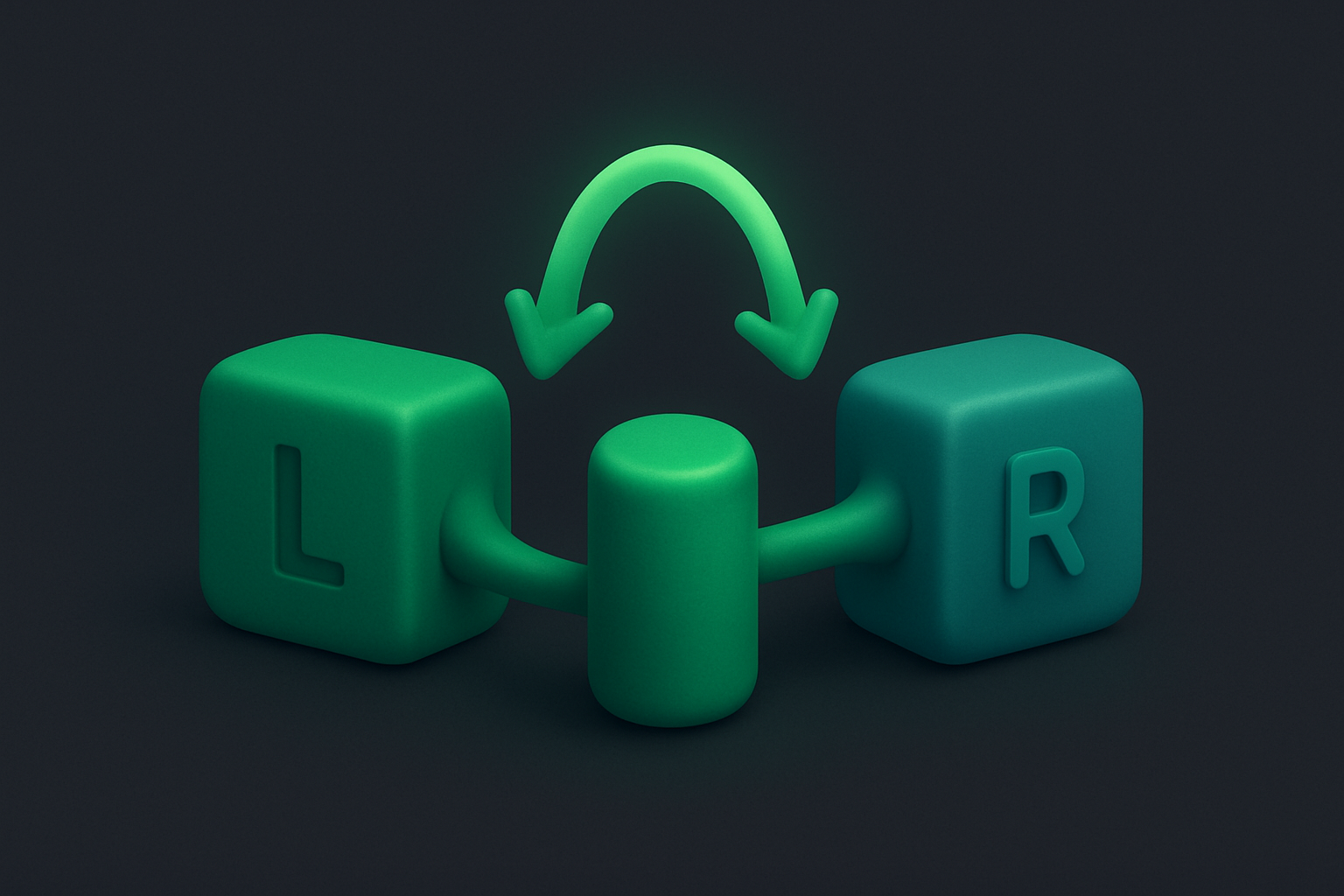
The Audio Channel Converter switches audio files between mono and stereo. Convert stereo to mono by mixing both channels into one, or convert mono to stereo by duplicating the channel to both left and right. Mono conversion reduces file size and is ideal for voice recordings, while stereo provides spatial width for music. The tool uses the Web Audio API's ChannelMergerNode and ChannelSplitterNode for precise channel manipulation. All processing is client-side — your files remain private.
Why Use Our Audio Channel Converter?
- Easy conversion between mono and stereo
- Reduces file size by 50% when converting stereo to mono
- Essential for matching channel requirements of different systems
- Browser-based — no software or uploads needed
Common Use Cases
Voice Recording
Convert stereo voice recordings to mono for smaller file size.
Podcast Compatibility
Convert to mono for podcast platforms that require mono audio.
Stereo Playback
Convert mono recordings to stereo for consistent playback on stereo systems.
Broadcast
Match mono/stereo requirements for broadcast and streaming platforms.
Technical Guide
For stereo-to-mono conversion, the tool reads both channels from the AudioBuffer and mixes them: monoSample = (leftSample + rightSample) / 2. A new single-channel AudioBuffer is created with the averaged samples. For mono-to-stereo conversion, the single channel's data is copied to both the left and right channels of a new two-channel AudioBuffer. The tool can also extract individual channels: left-only or right-only from stereo. An OfflineAudioContext handles the channel mapping using ChannelSplitterNode (to separate channels) and ChannelMergerNode (to combine them). The output maintains the original sample rate and bit depth. The resulting audio is encoded as a WAV file with the appropriate channel count in the fmt header.
Tips & Best Practices
- 1Mono voice recordings are typically half the file size of stereo
- 2Converting stereo music to mono may lose stereo-specific effects (panning, stereo reverb)
- 3Phone calls and podcasts are typically mono — no stereo information needed
- 4When converting to mono, both channels are averaged — no audio is lost, just spatial information
Related Tools
Audio Sample Rate Converter
Convert audio files to different sample rates (44.1kHz, 48kHz, etc.).
 Audio Tools
Audio Bitrate Changer
Change the bitrate of audio files to adjust quality and file size.
Audio Tools
Audio Volume Changer
Increase or decrease the volume of any audio file.
Audio Tools
MP3 to WAV Converter
Convert MP3 audio files to WAV format instantly in your browser.
Audio Tools
WAV to MP3 Converter
Convert WAV audio files to compressed MP3 format in your browser.
Audio Tools
MP3 to OGG Converter
Convert MP3 audio files to OGG Vorbis format in your browser.
Audio ToolsFrequently Asked Questions
QWhat's the difference between mono and stereo?
QWill converting stereo to mono lose quality?
QDoes converting mono to stereo add spatial audio?
QCan I extract just the left or right channel?
QIs processing done locally?
About Audio Channel Converter
Audio Channel Converter is a free online tool from FreeToolkit.ai. All processing happens directly in your browser — your data never leaves your device. No registration required. No ads. Just fast, reliable tools.