

Image Tools
119 tools available
Resize, crop, compress, convert, filter, and edit images — all in your browser.


Image Resizer
Resize images by exact pixel dimensions or percentage while maintaining aspect ratio.


Image Crop
Crop images with a visual selection rectangle to remove unwanted areas.
Image Rotate
Rotate images by any angle with preset options for 90, 180, and 270 degrees.
Image Flip Horizontal
Mirror an image horizontally (left to right) with instant processing.
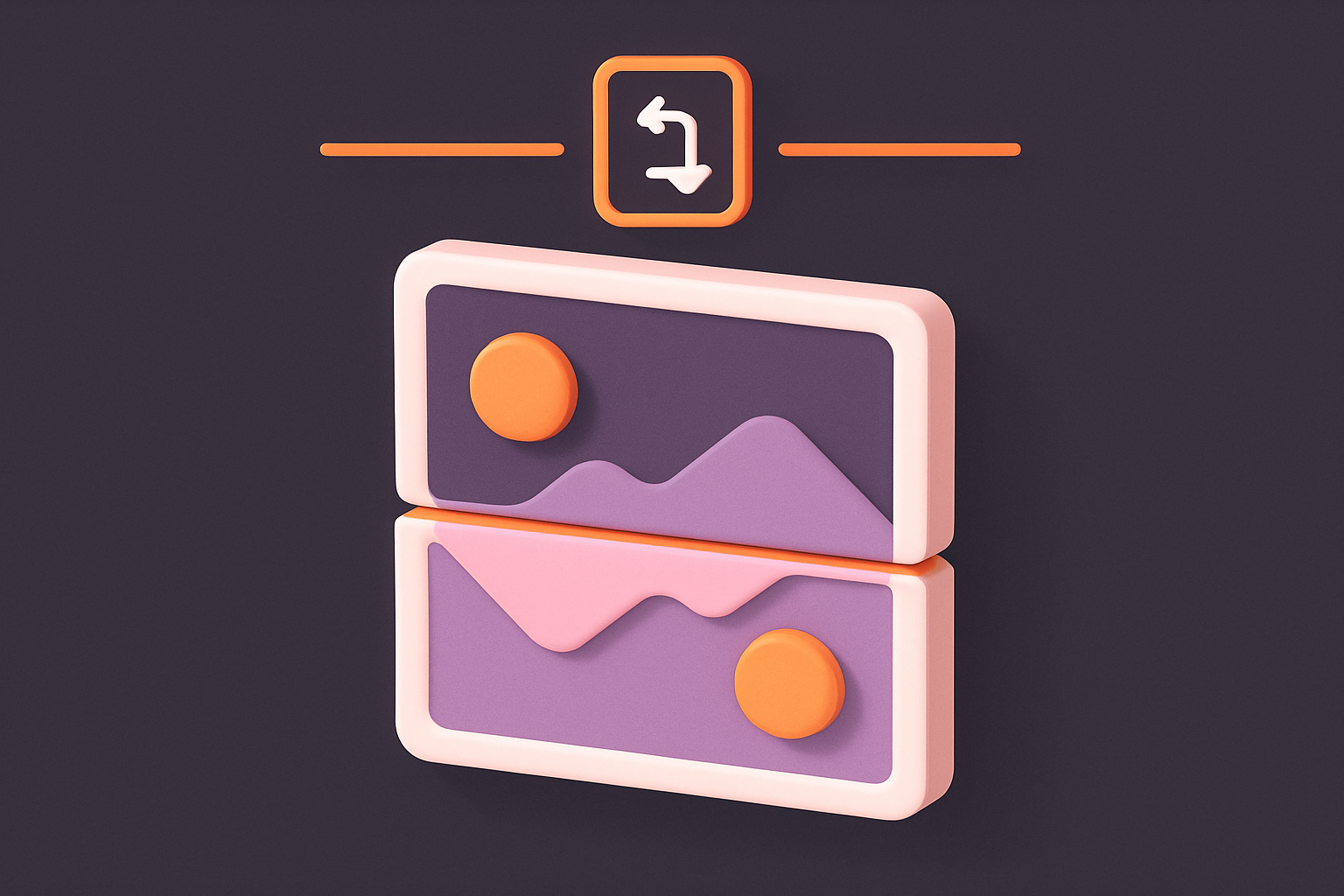
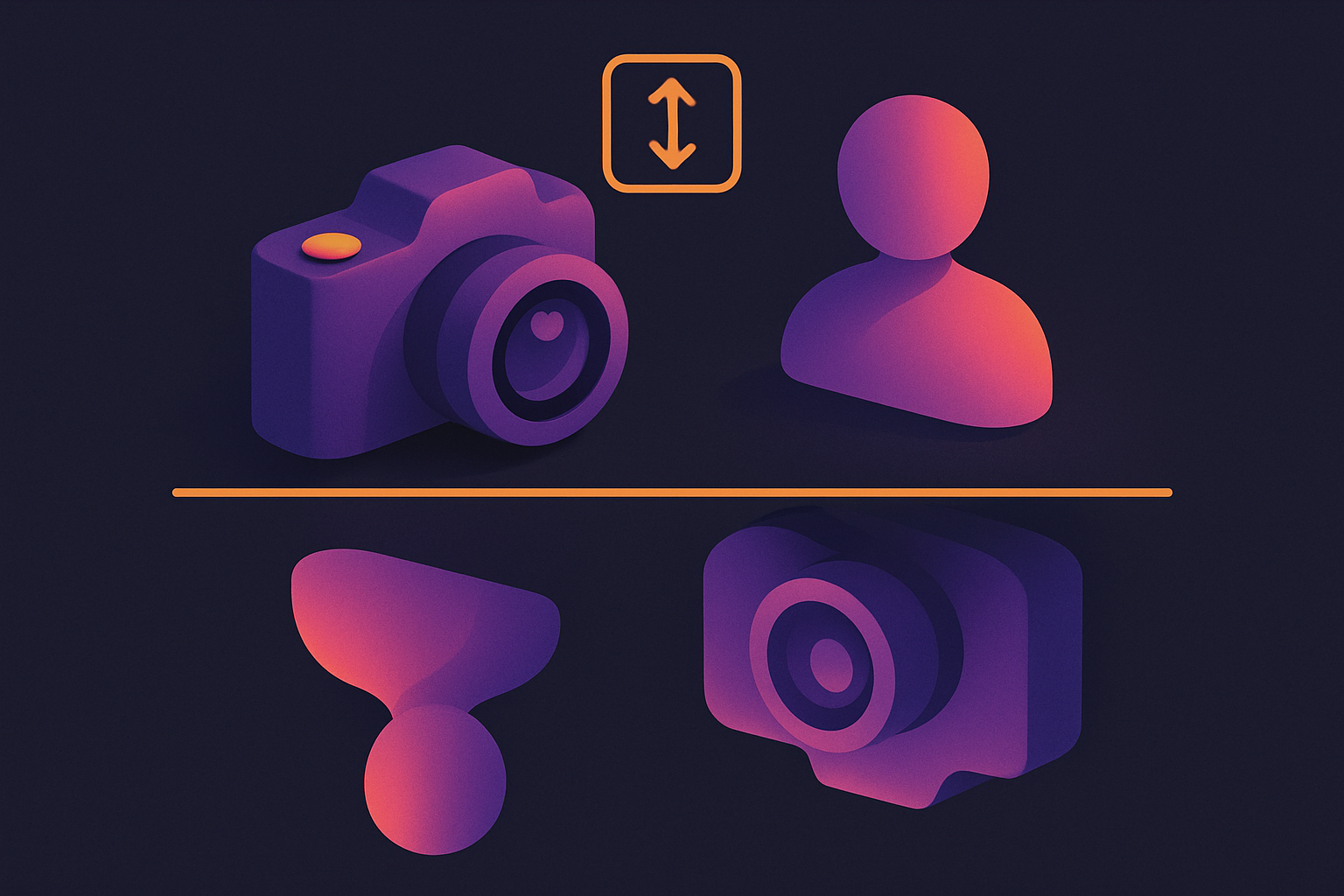
Image Flip Vertical
Flip an image vertically (upside down) with instant processing.
Image Compress
Compress images by adjusting quality to reduce file size while maintaining visual quality.
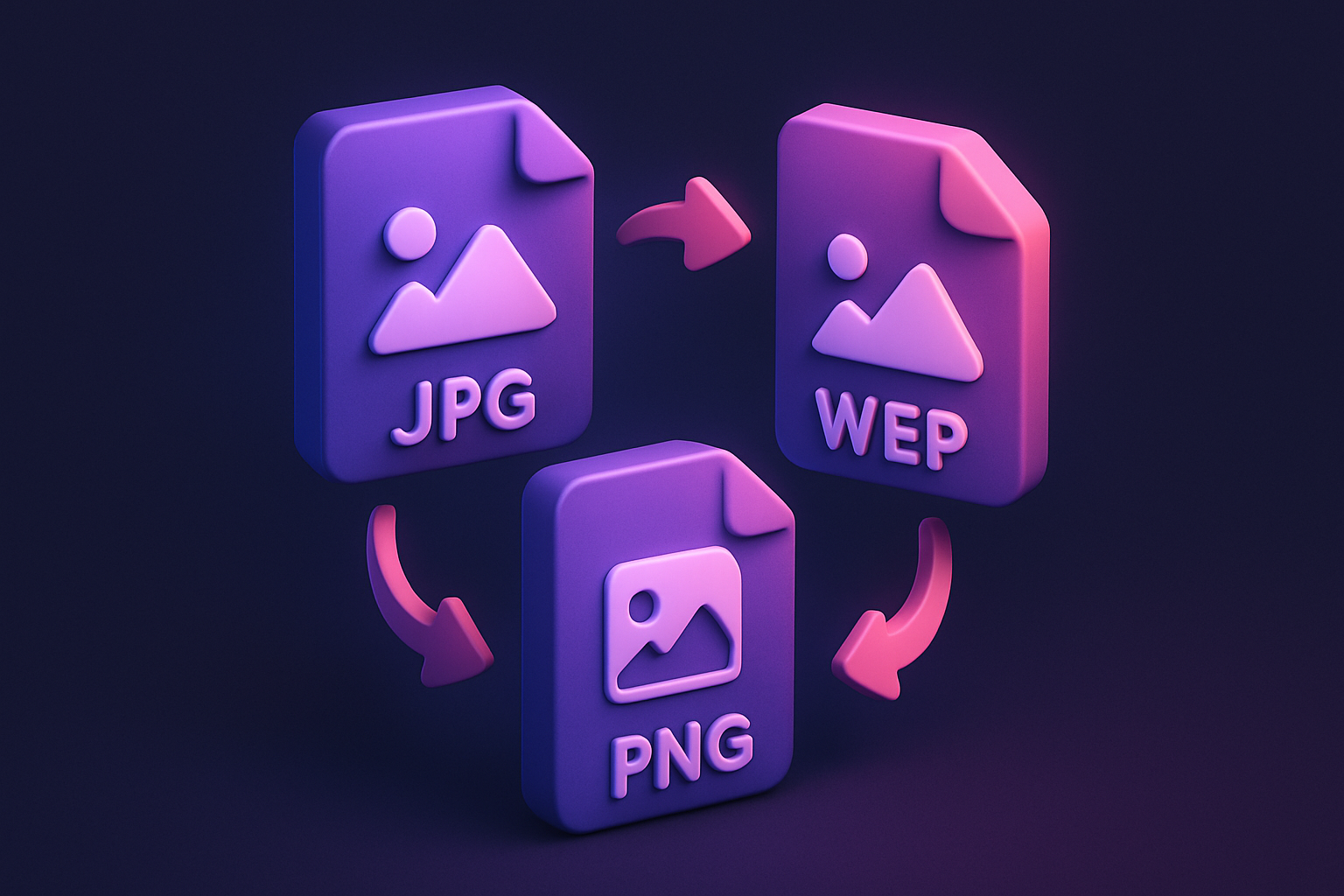
Image Format Converter
Convert images between JPG, PNG, and WebP formats with quality control.
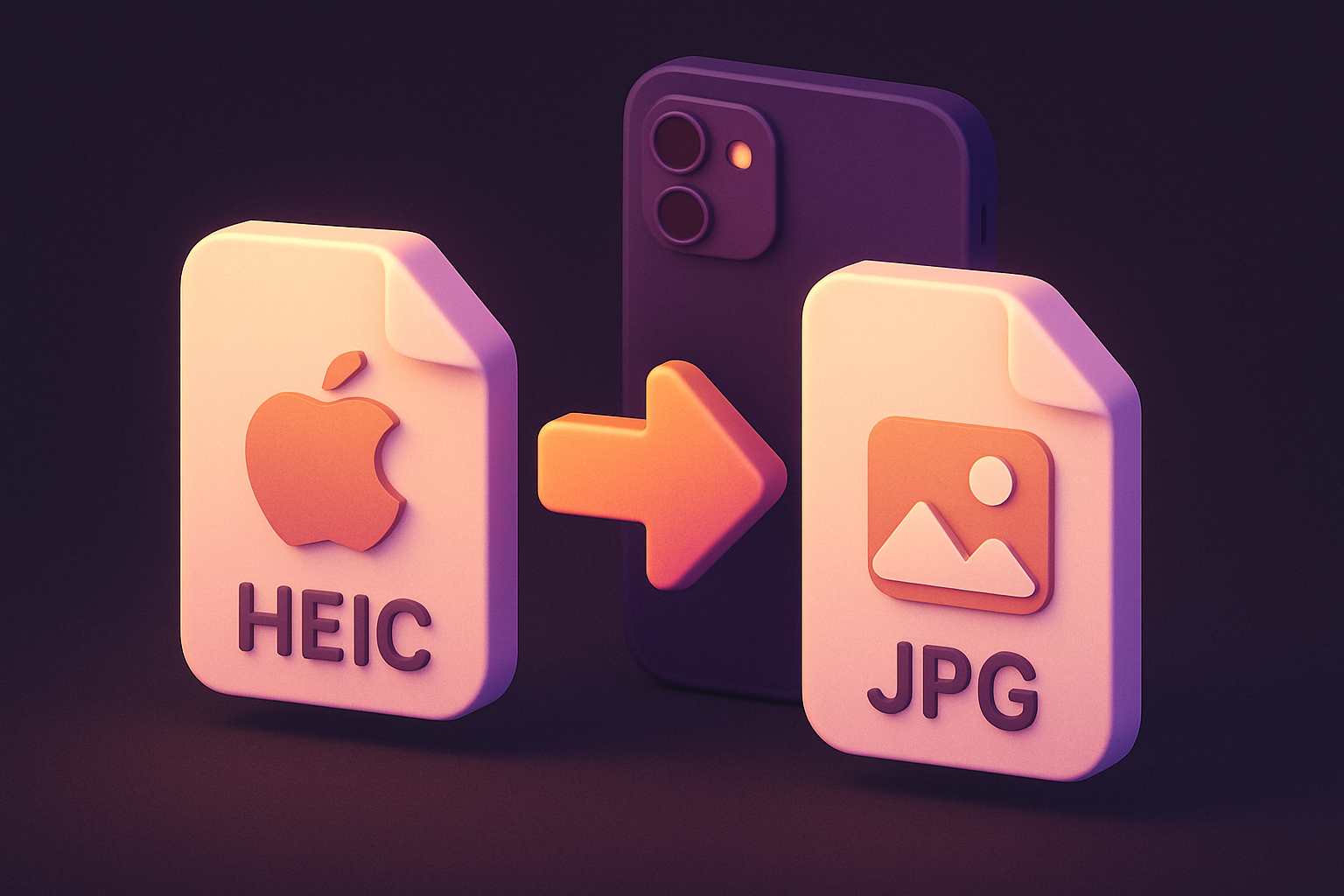
HEIC to JPG
Convert Apple HEIC/HEIF photos to widely compatible JPG format.
HEIC to PNG
Convert Apple HEIC/HEIF photos to lossless PNG format with transparency support.
SVG to PNG
Convert SVG vector graphics to PNG raster images at any scale.
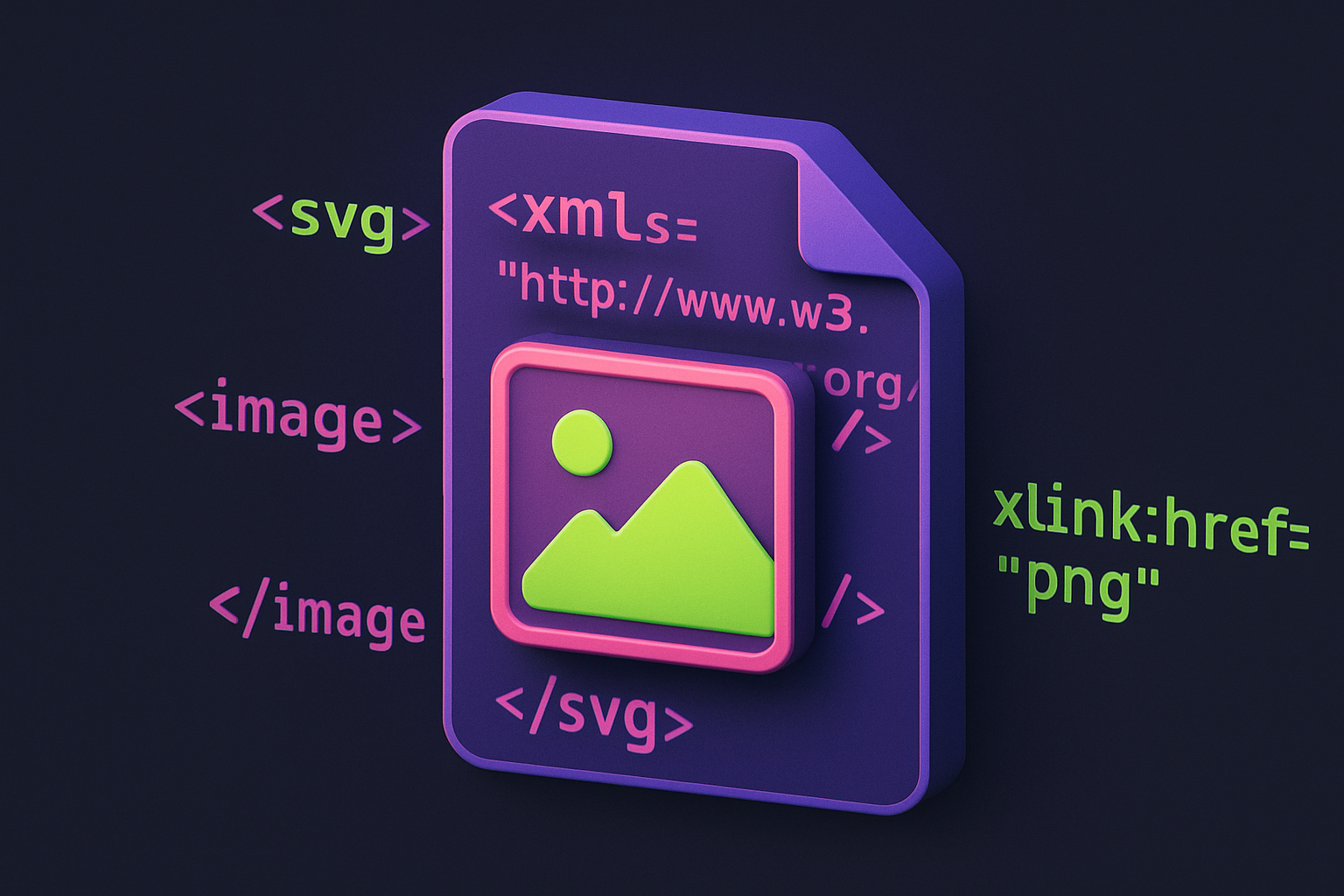
PNG to SVG
Wrap raster images in an SVG container for vector-compatible workflows.
Image to Base64
Convert images to Base64-encoded data URIs for embedding in HTML, CSS, and code.
Base64 to Image
Decode Base64 strings or data URIs back into viewable, downloadable images.
Favicon Generator
Generate favicons in multiple sizes (16x16, 32x32, 48x48 and more) from any image.
Image Color Picker
Click anywhere on an image to pick the exact color value in HEX, RGB, and HSL.
Image Color Extractor
Automatically extract the dominant colors and color palette from any image.
Bulk Image Resizer
Resize multiple images at once to the same dimensions with batch processing.
Bulk Image Converter
Convert multiple images to PNG, JPG, or WebP format in one batch operation.
Image Watermark Text
Add customizable text watermarks to images with position, opacity, and style controls.
Image Watermark Image
Overlay a logo or image watermark on top of another image with opacity and position controls.
Image Overlay Blend
Blend two images together using Photoshop-style blend modes like multiply, screen, and overlay.
Image Border Frame
Add decorative borders and frames to images with customizable width, color, and style.
Image Round Corners
Round the corners of images with adjustable radius for a modern, polished look.
Image Circle Crop
Crop images into a perfect circle from the center with transparent background.
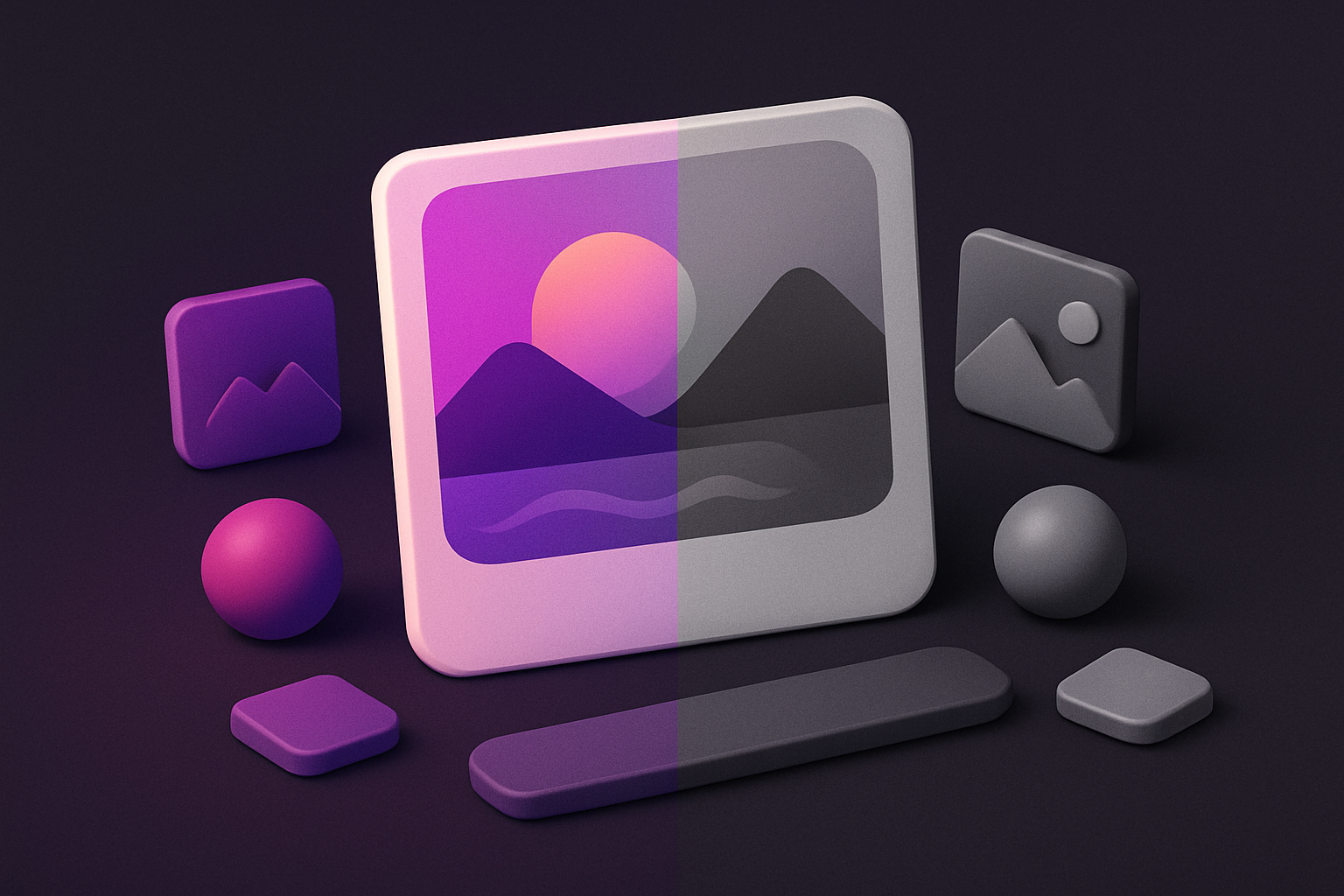
Image to Grayscale
Convert color images to grayscale (black and white) with adjustable intensity.
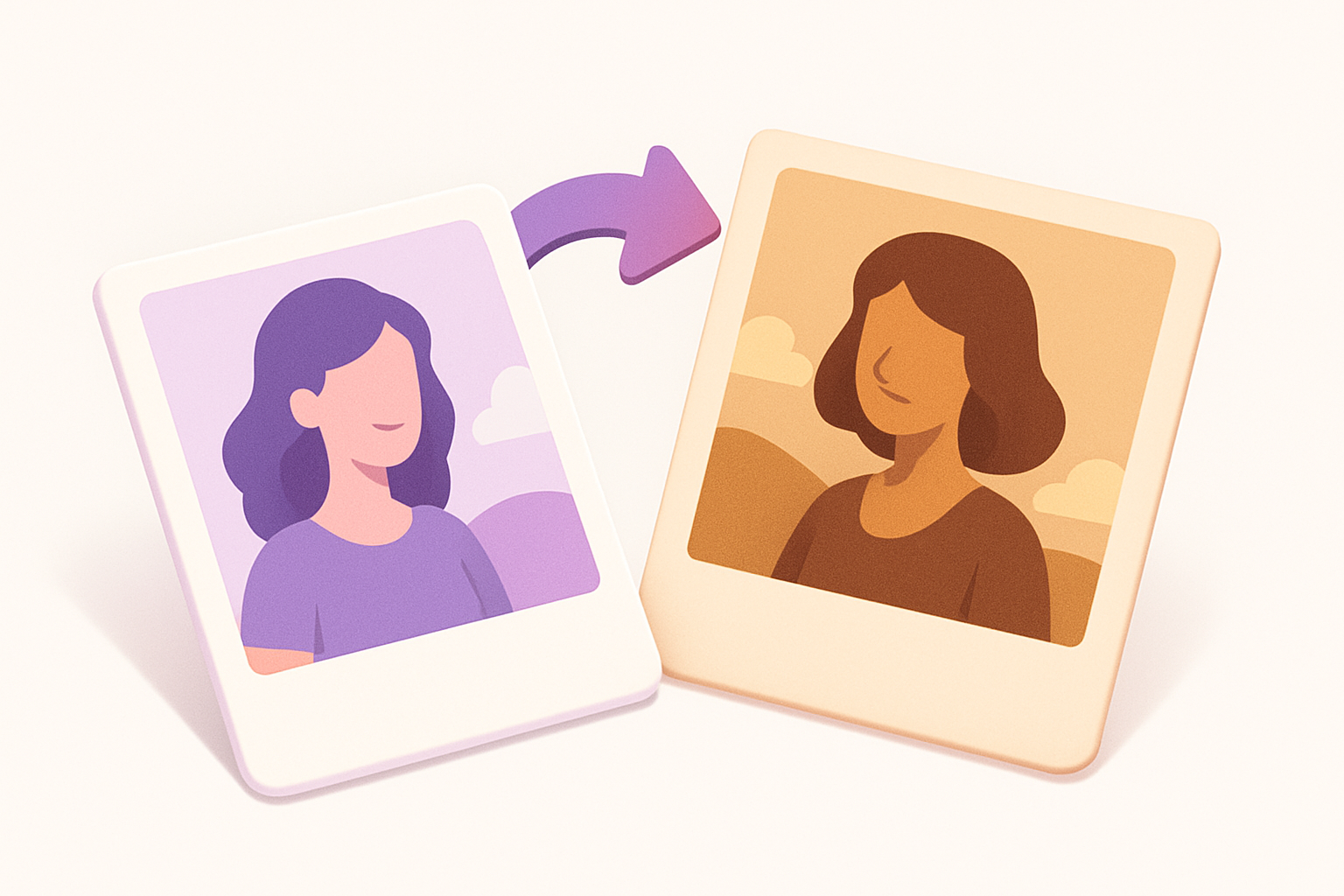
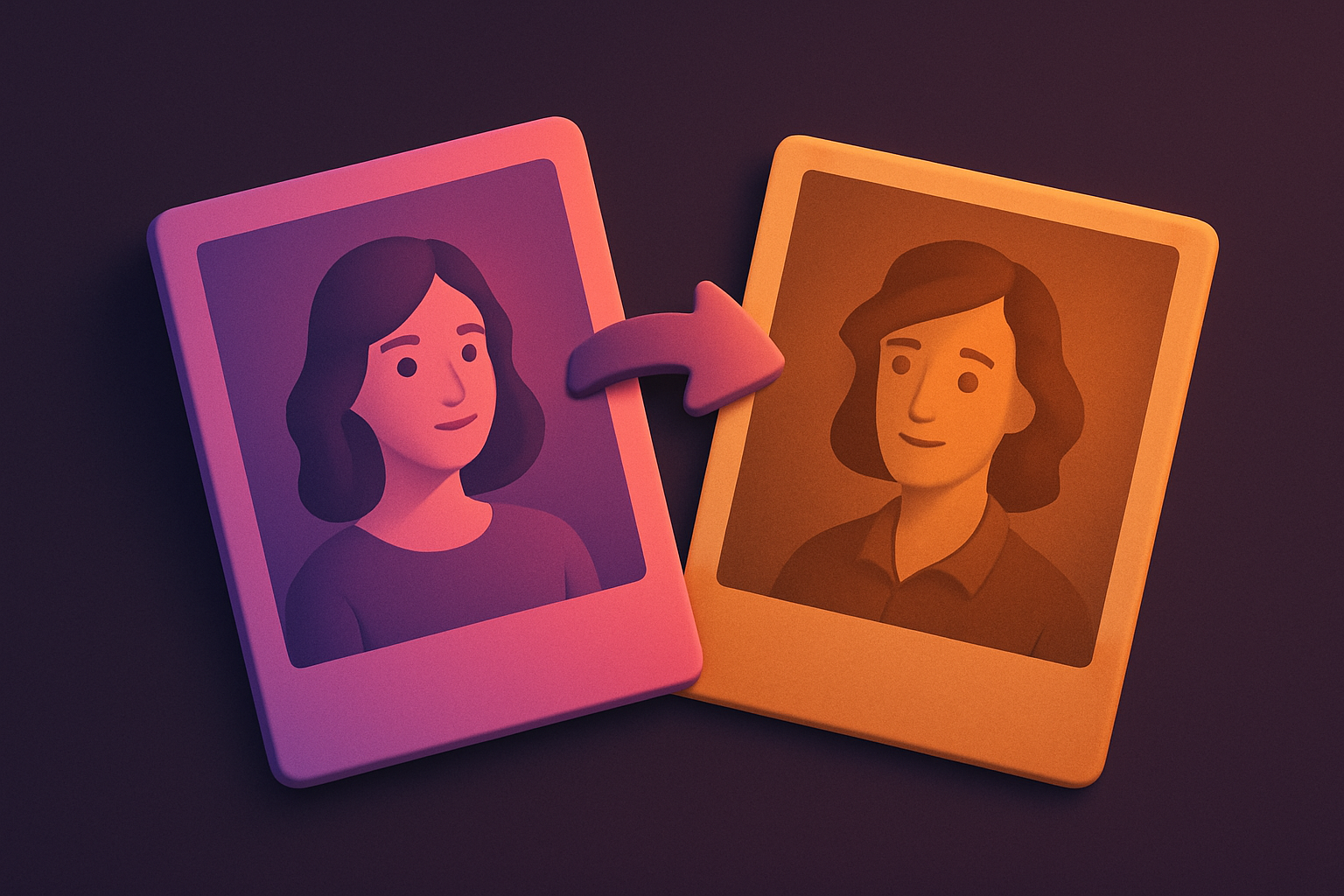
Image Sepia Filter
Apply a warm sepia tone filter to images for a vintage, antique photograph look.
Image Brightness
Adjust the brightness of images to make them lighter or darker.
Image Contrast
Adjust image contrast to enhance or reduce the difference between light and dark areas.
Image Saturation
Adjust the color saturation of images to make colors more vivid or more muted.
Image Hue Rotate
Rotate the hue of all colors in an image for creative color-shifting effects.
Image Blur
Apply box blur to soften images with adjustable radius control.
Image Sharpen
Sharpen images with adjustable intensity using unsharp mask convolution.
Image Pixelate
Pixelate images with adjustable block size for retro effects or privacy masking.
Image Invert
Invert image colors to create a photographic negative effect.
Image Noise Add
Add film grain or random noise to images for vintage or textured effects.
Image Noise Reduce
Reduce noise and grain in images using median filtering.
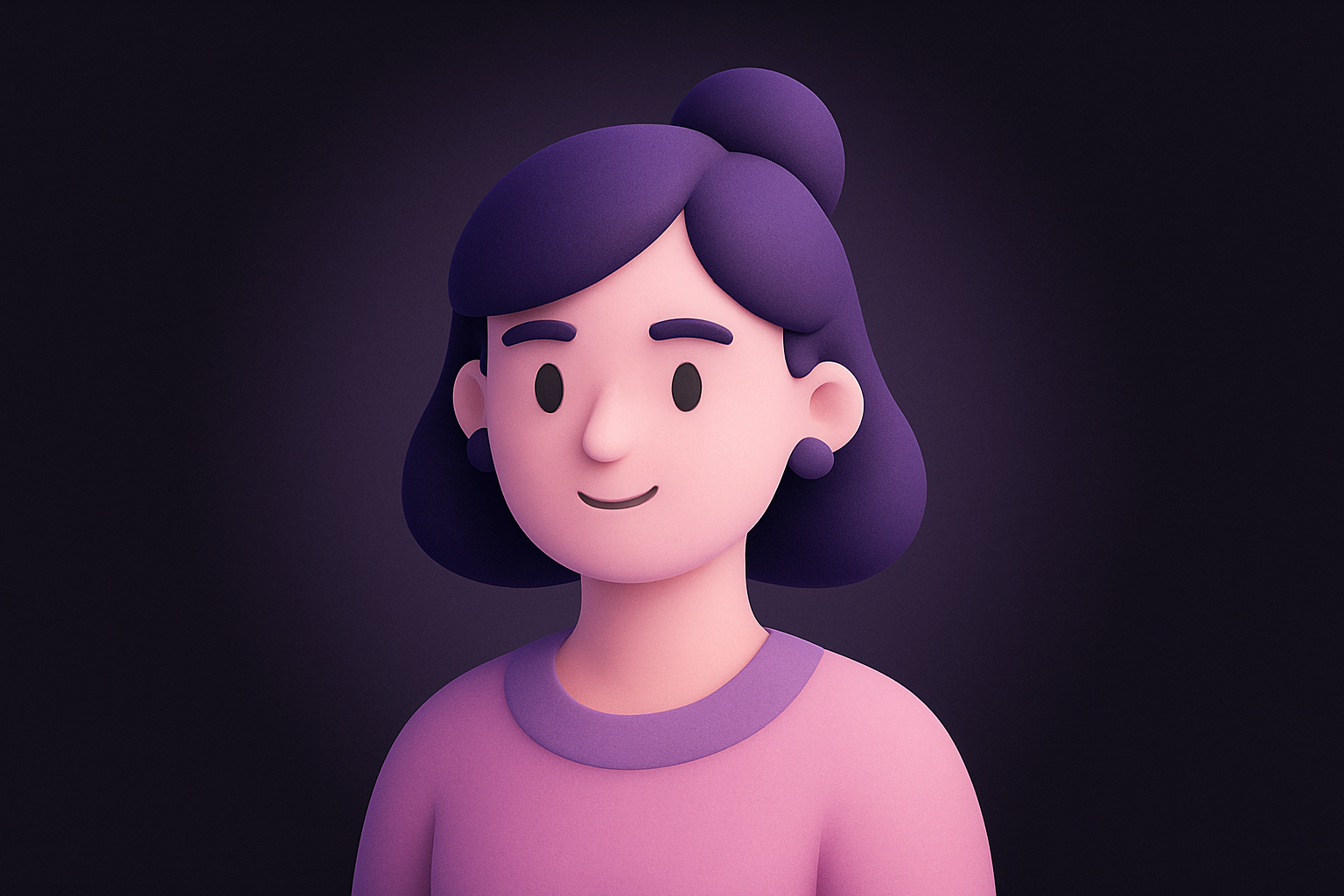
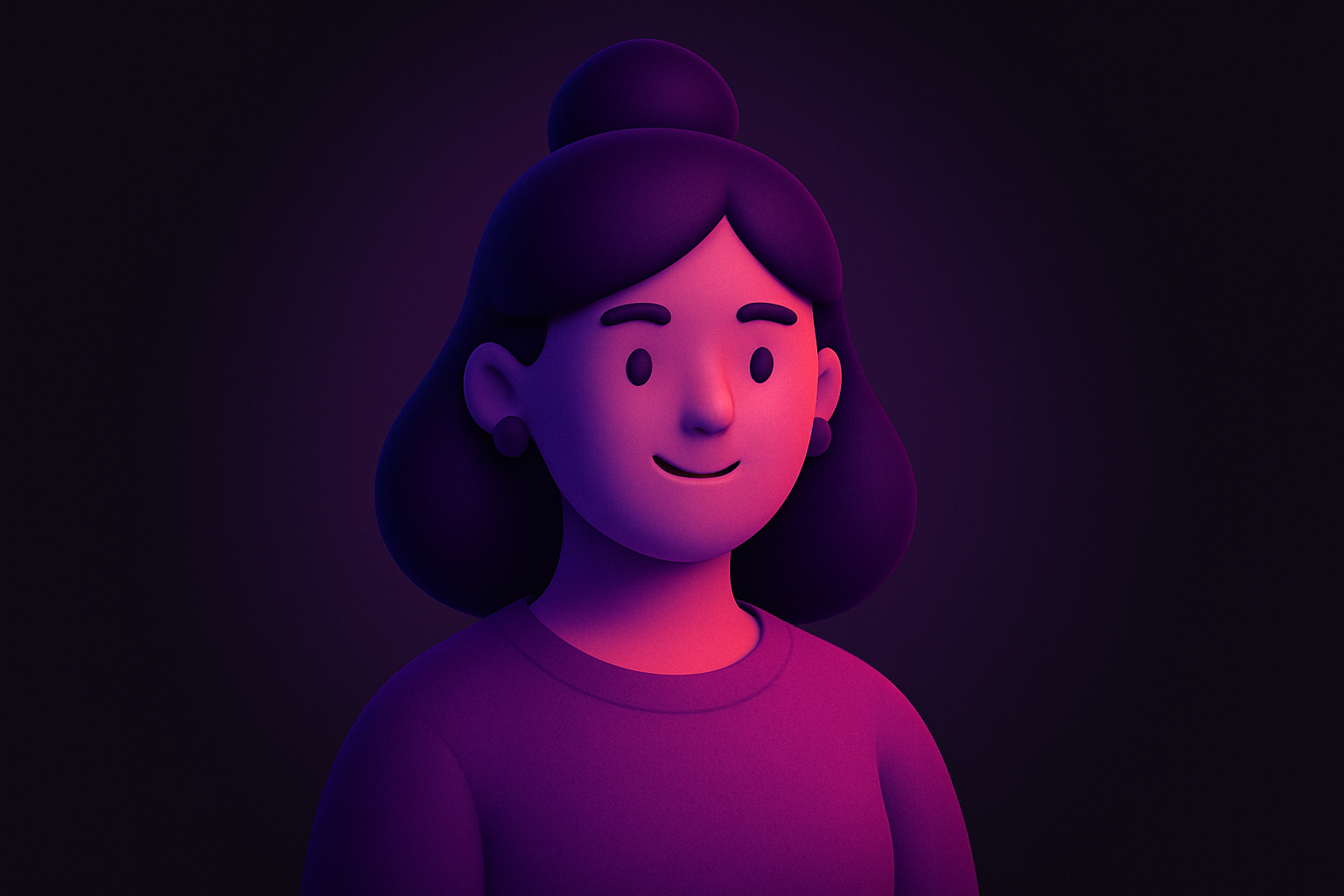
Image Vignette
Add a vignette effect with adjustable darkness, radius, and softness.
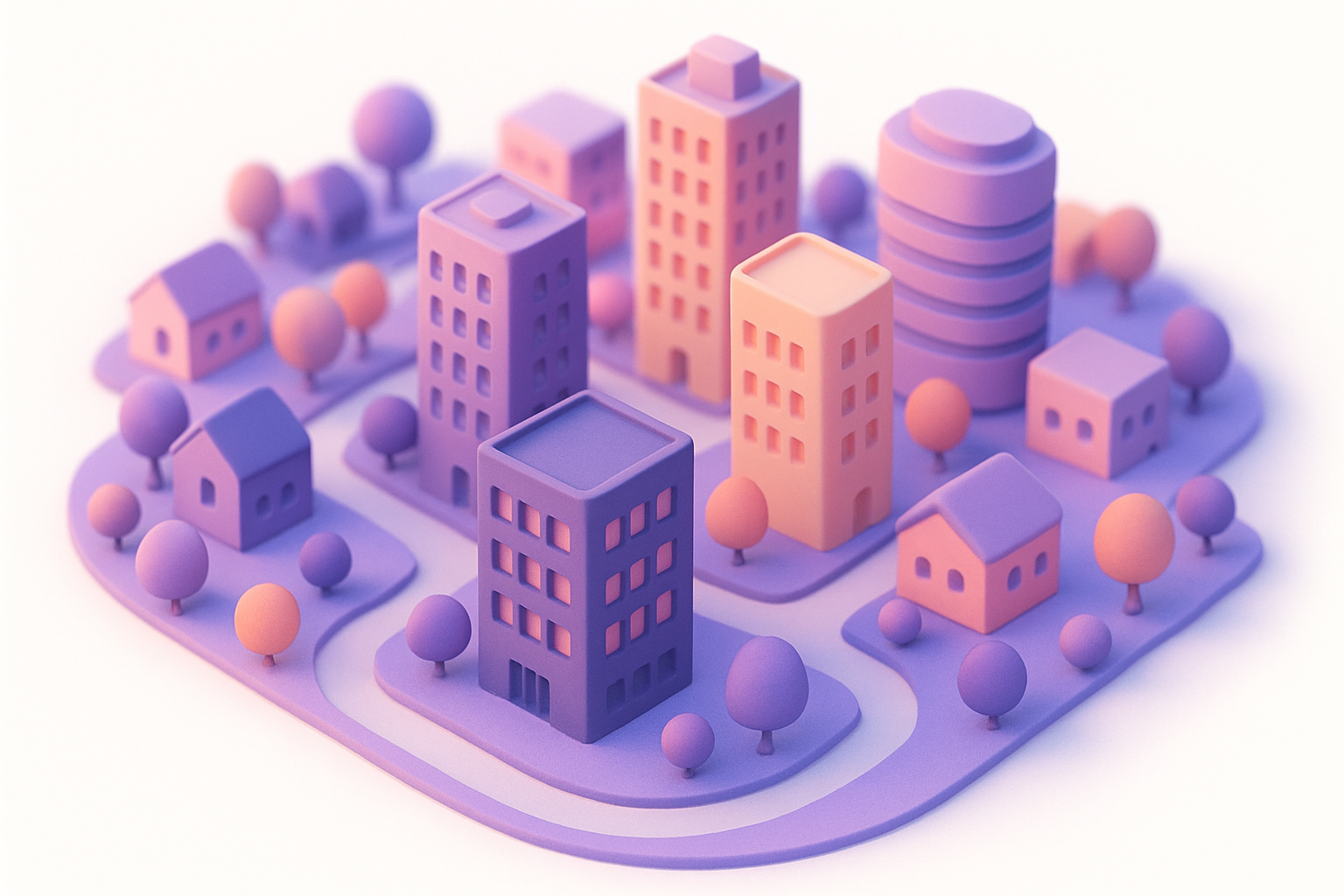
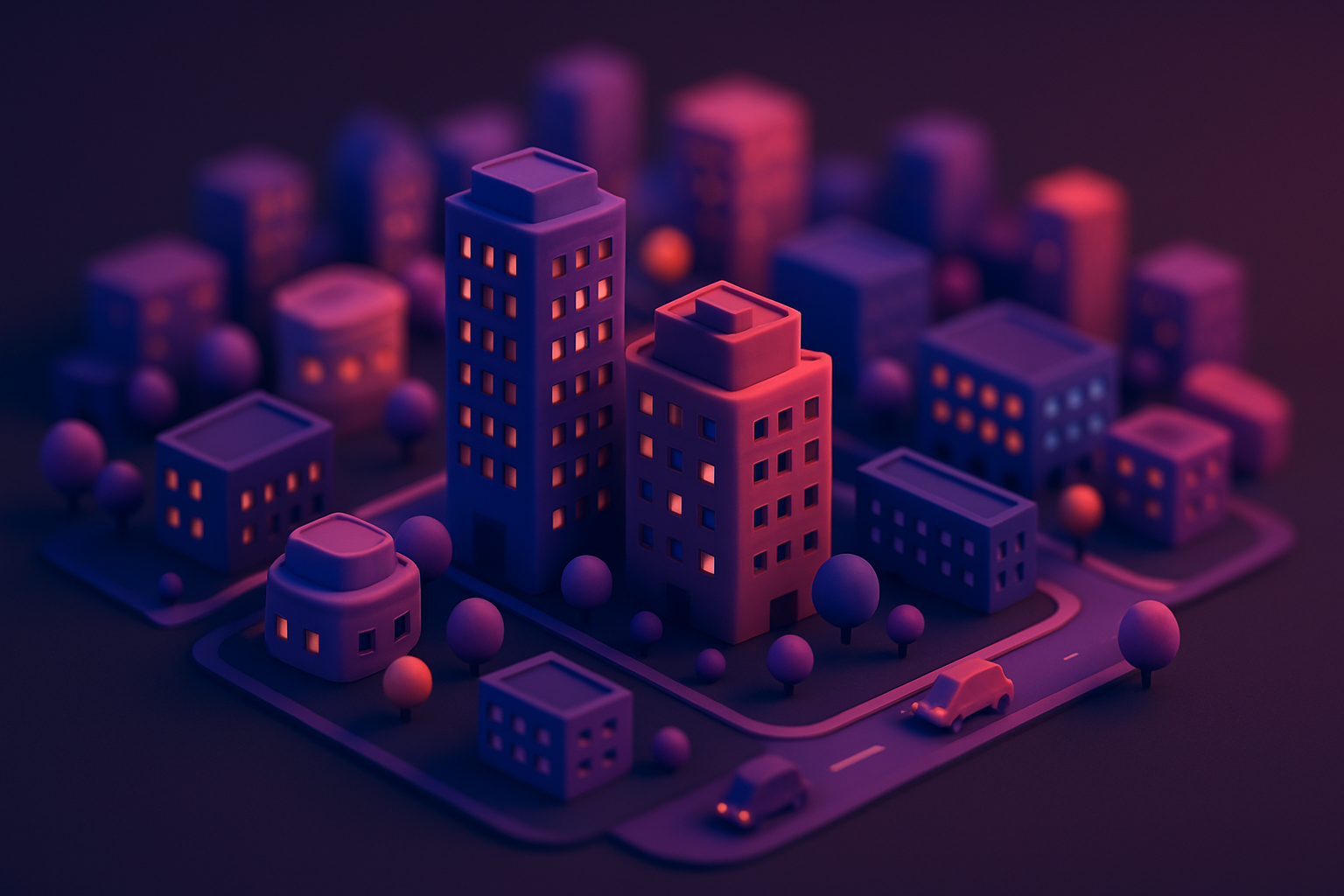
Image Tilt Shift
Create a miniature/tilt-shift effect by blurring above and below a focal band.
Image Posterize
Reduce the number of color levels per channel for a flat, poster-like effect.
Image Solarize
Apply a solarization effect by inverting tones above an adjustable threshold.
Image Emboss
Apply an emboss effect to create a raised, 3D relief appearance.
Image Edge Detect
Detect and highlight edges using Sobel operator convolution.
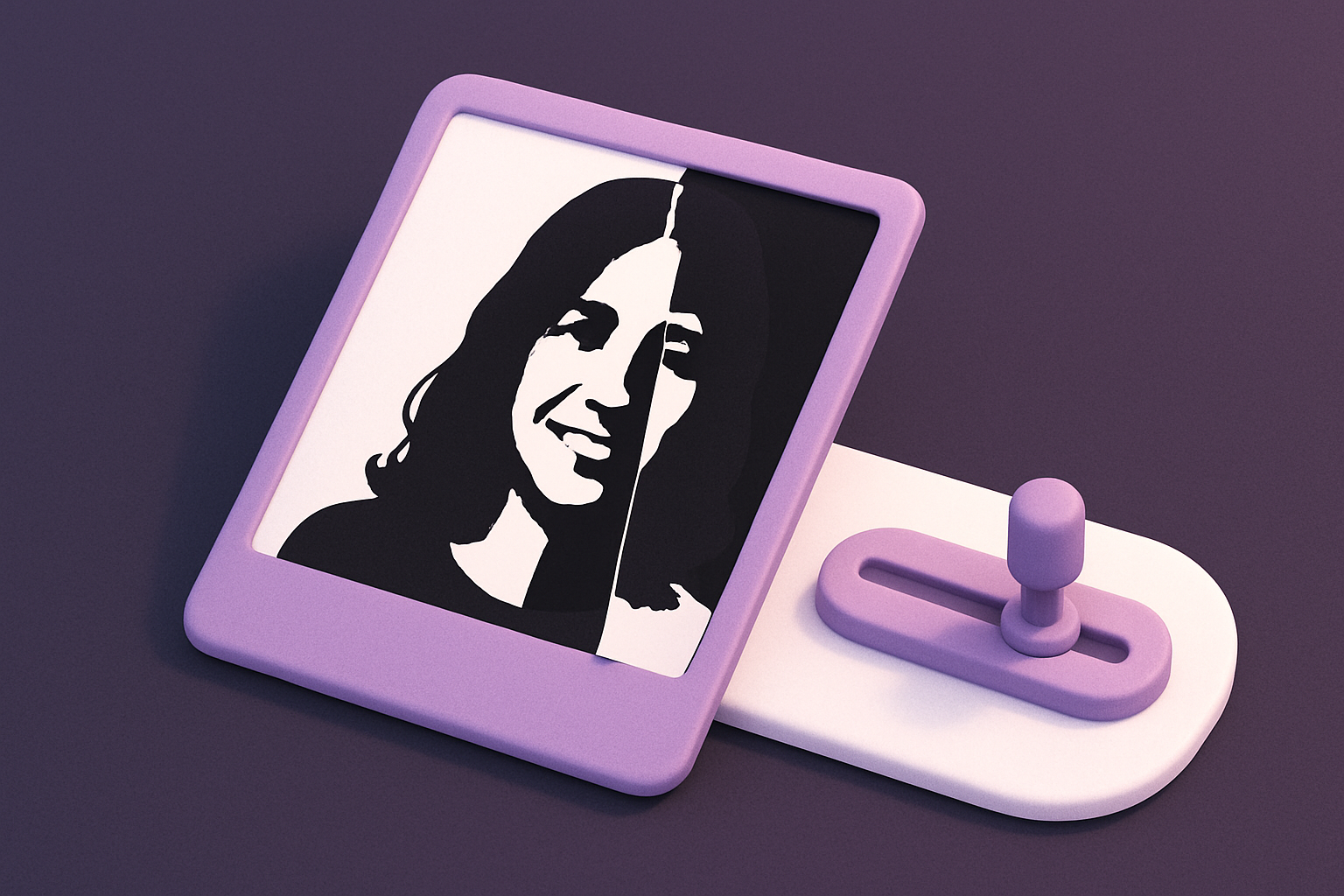
Image Threshold
Convert images to pure black and white using adjustable threshold.
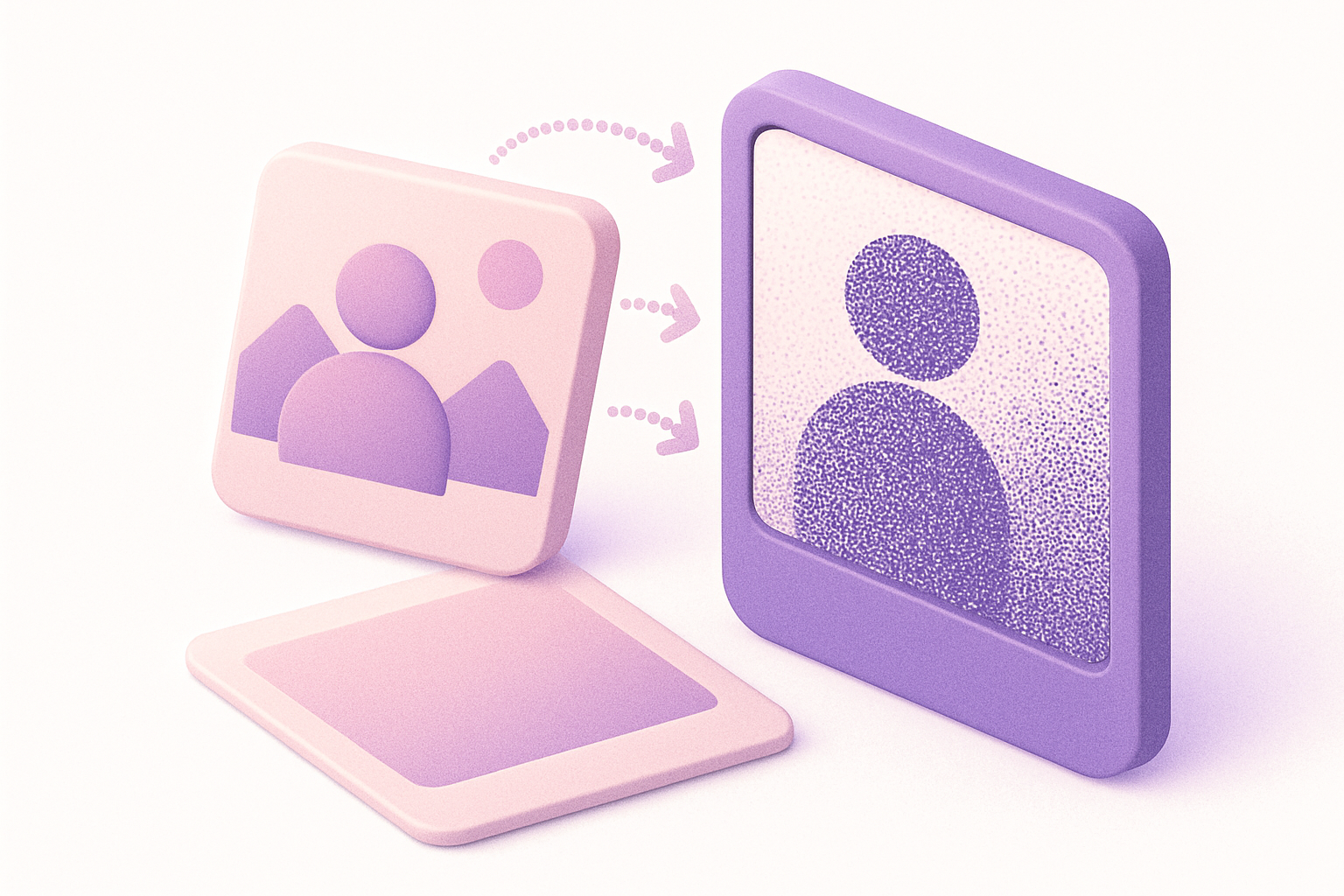
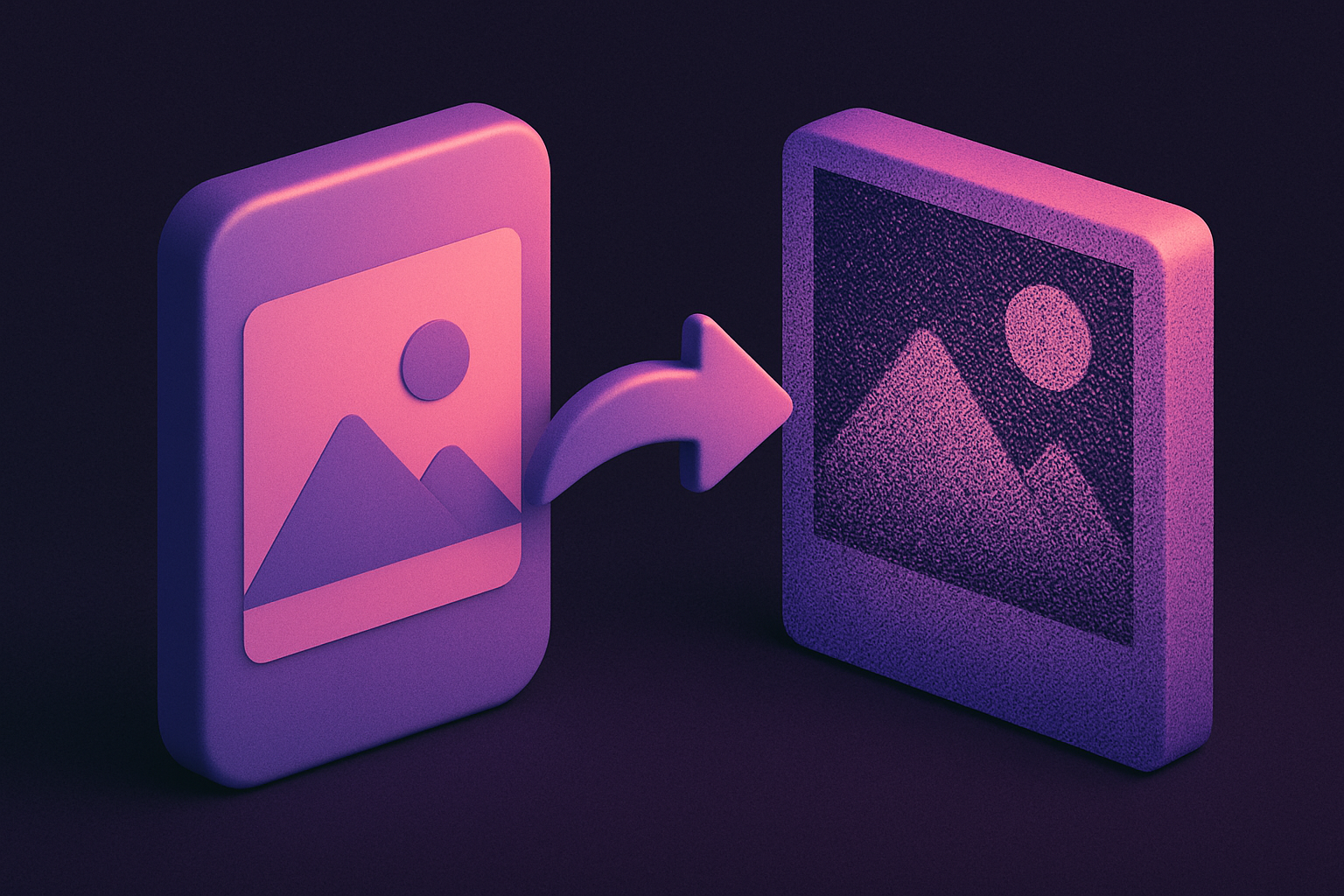
Image Dither
Apply Floyd-Steinberg dithering for retro limited-color effects.
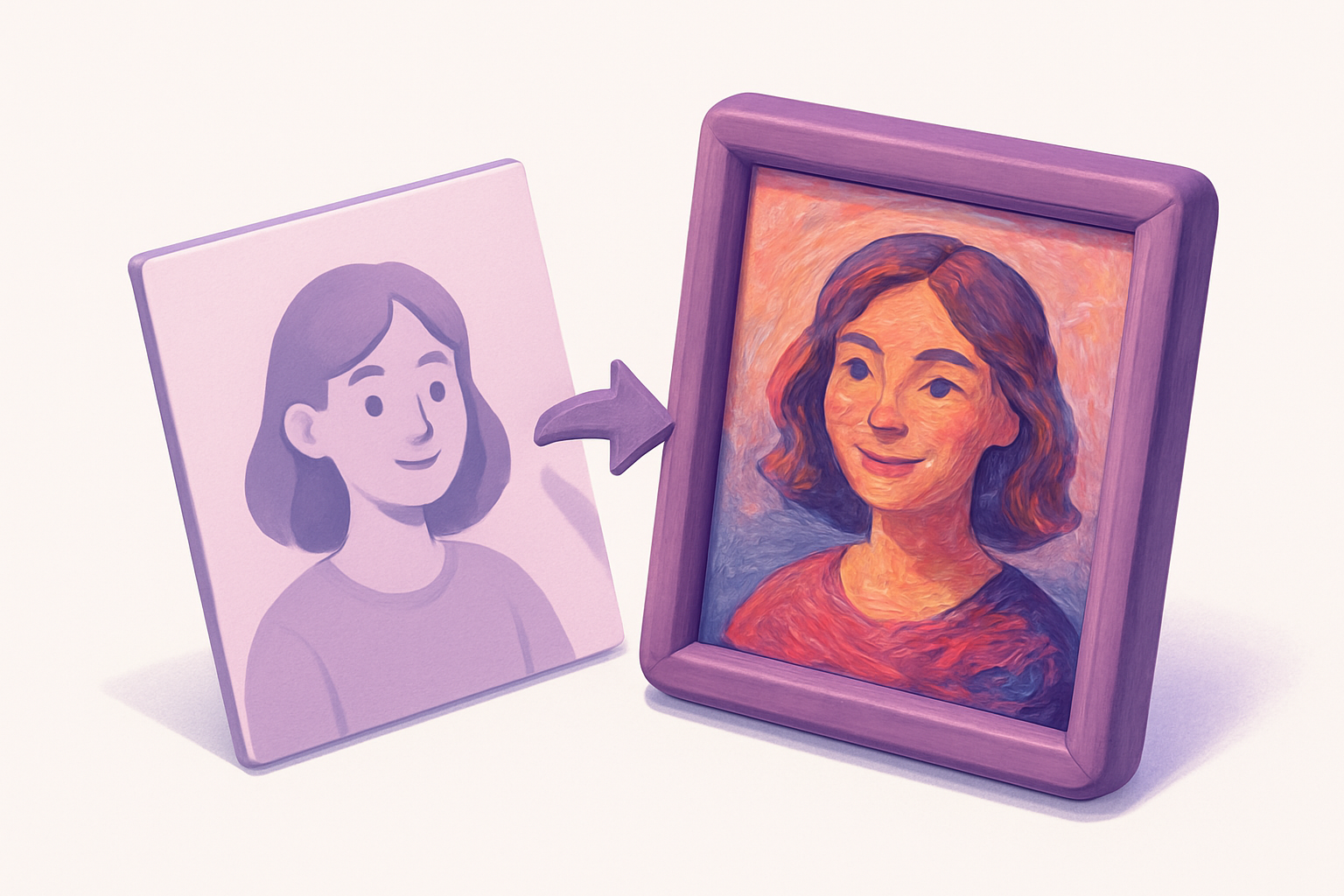
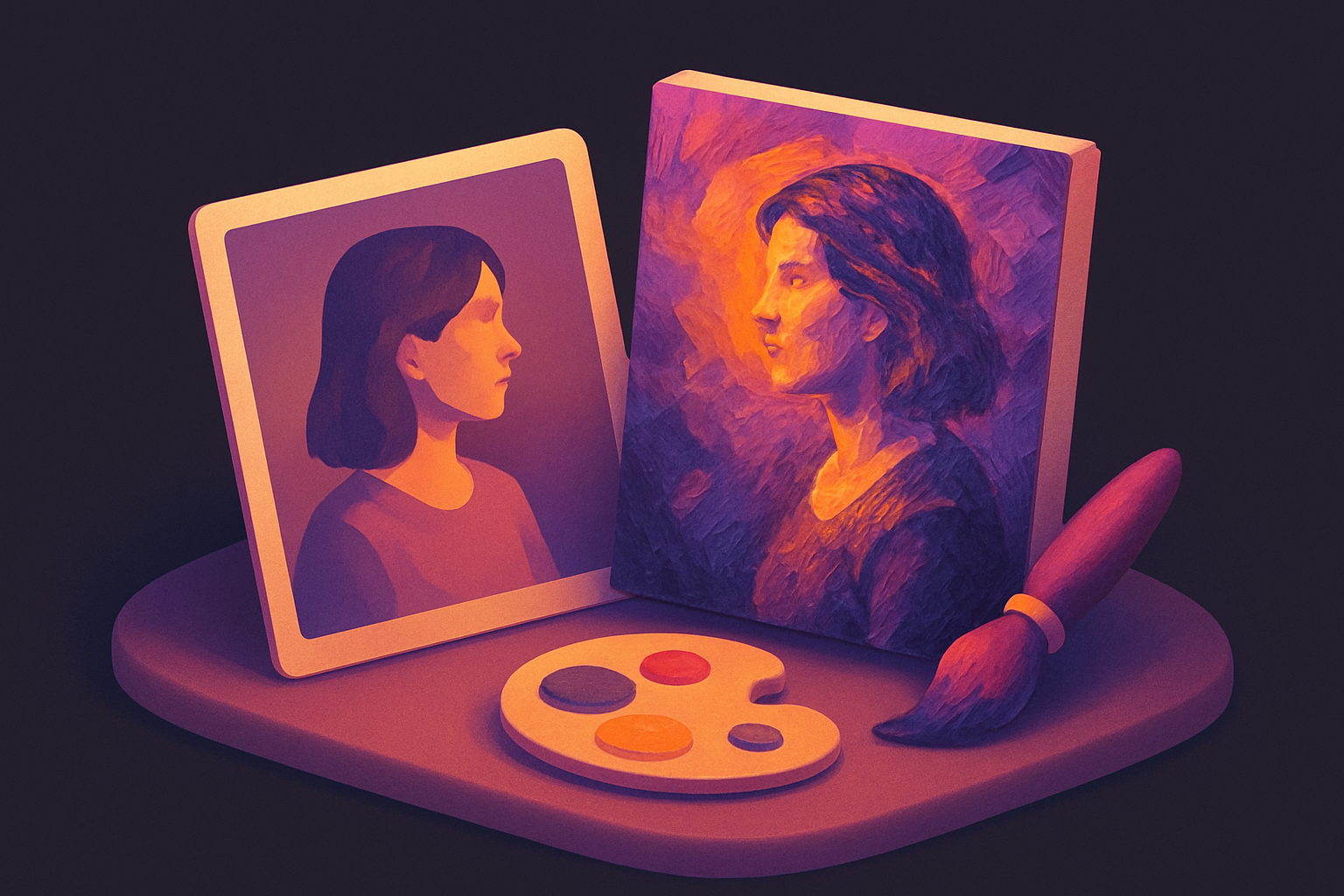
Image Oil Paint
Transform photos into oil painting style with brush stroke simulation.
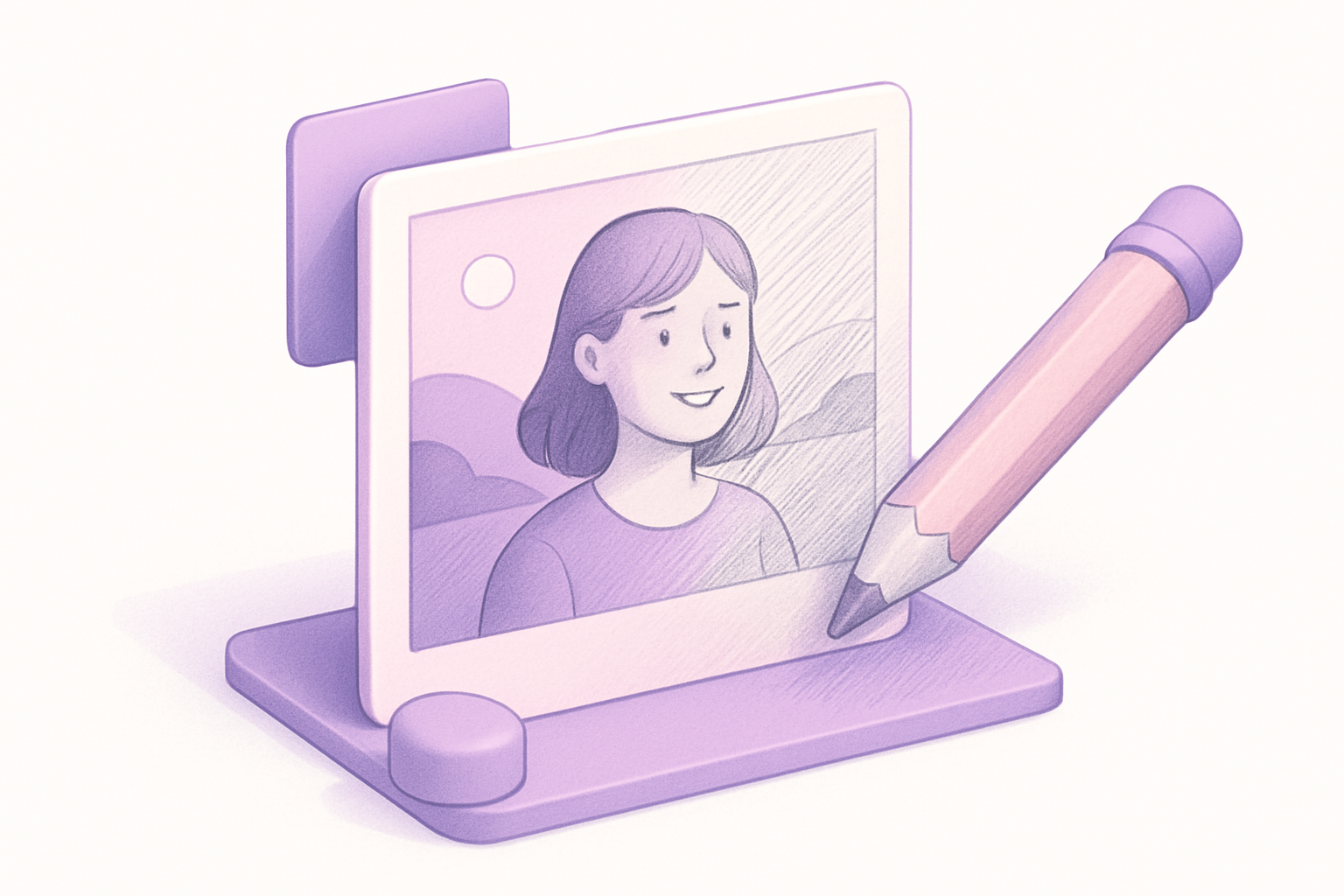
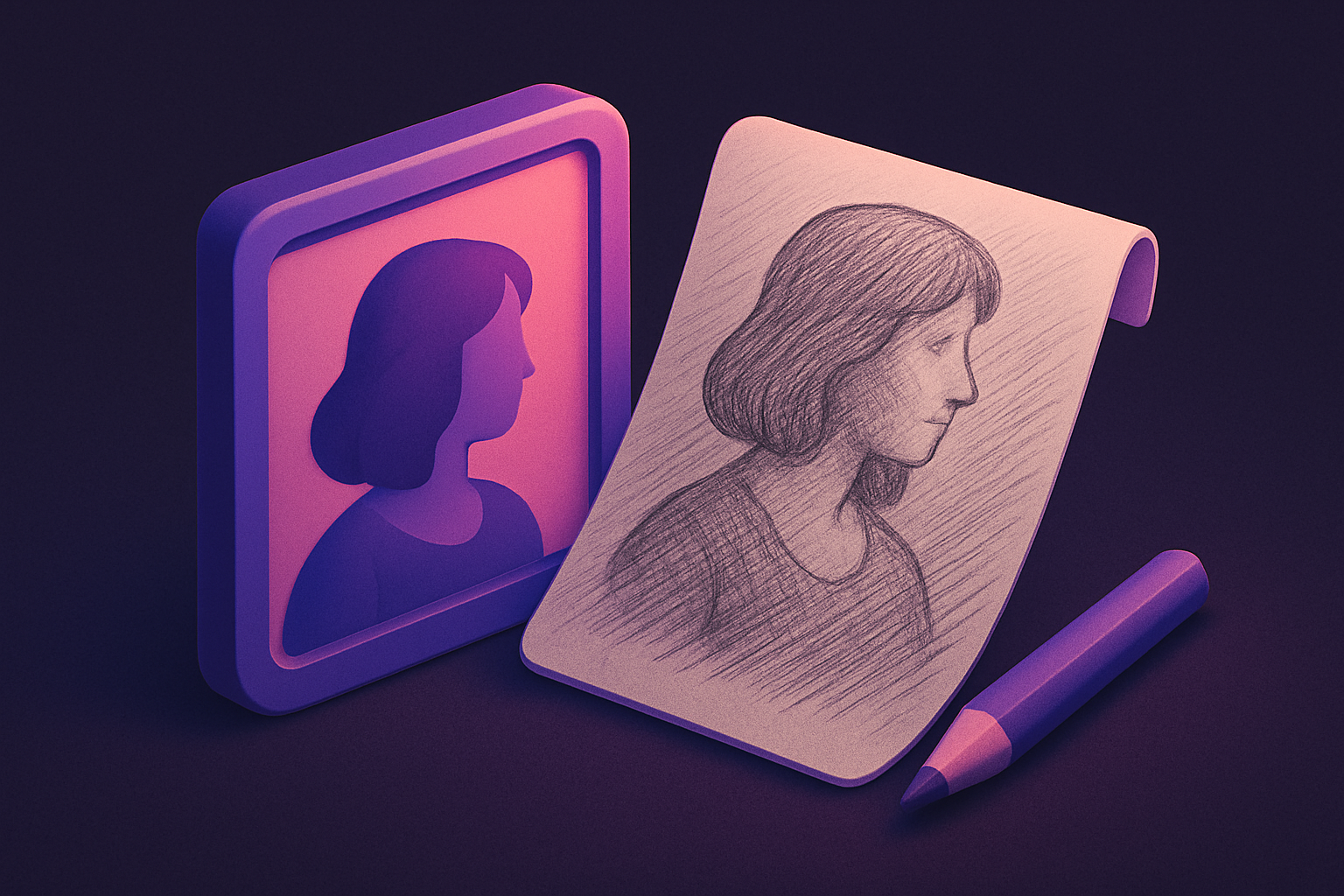
Image Pencil Sketch
Convert photos into pencil sketch drawings.
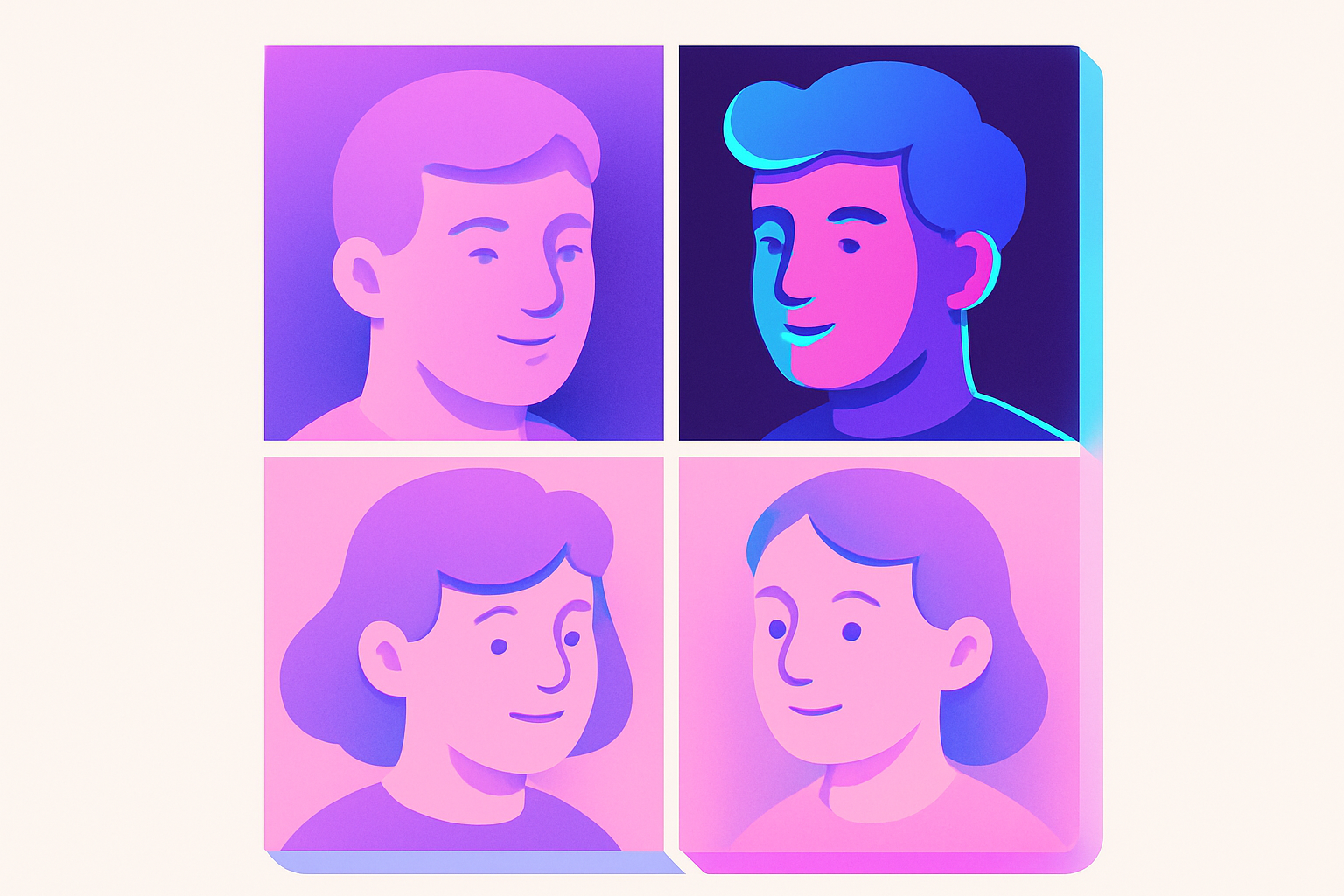
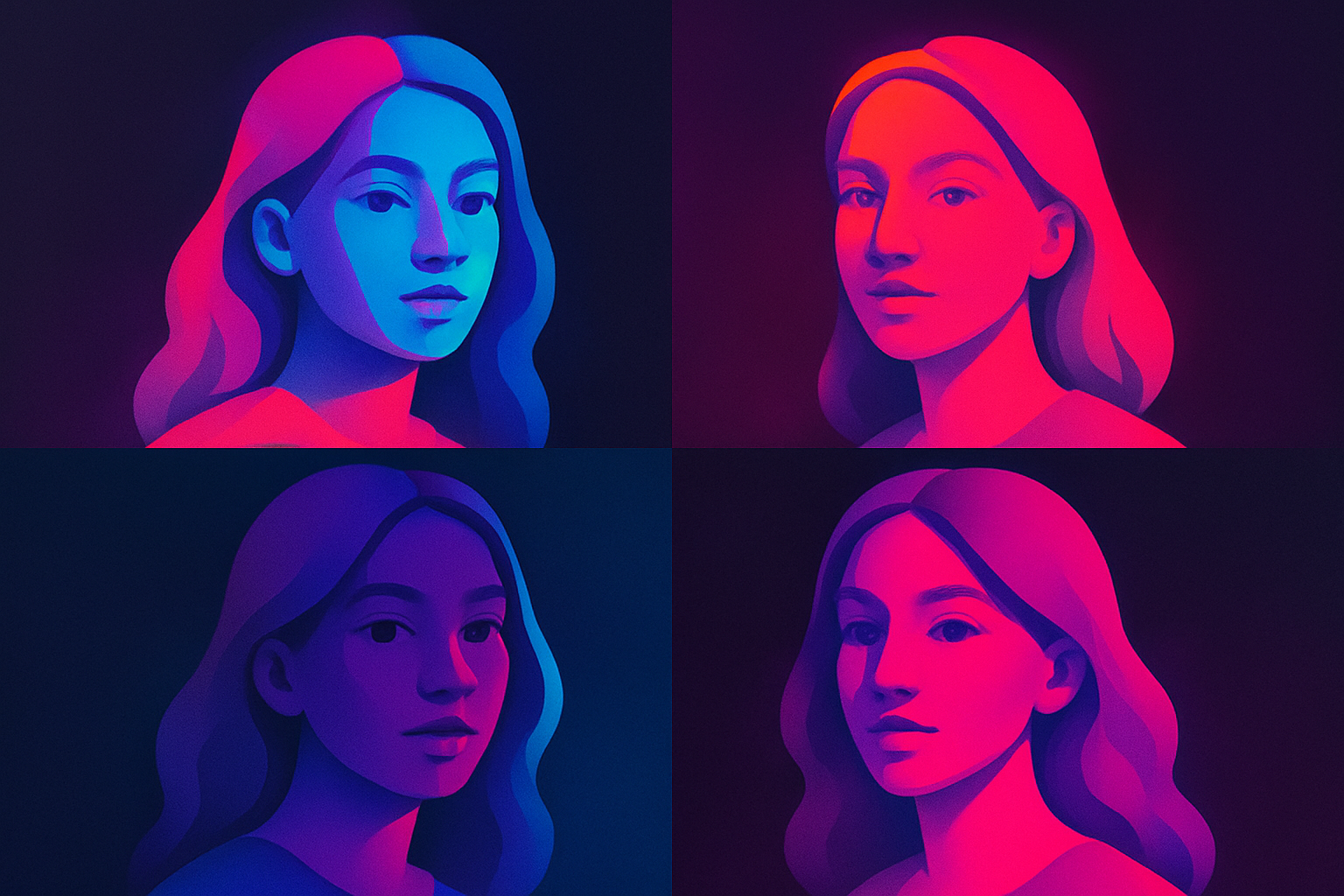
Image Pop Art
Create Andy Warhol-style pop art with bold colors.
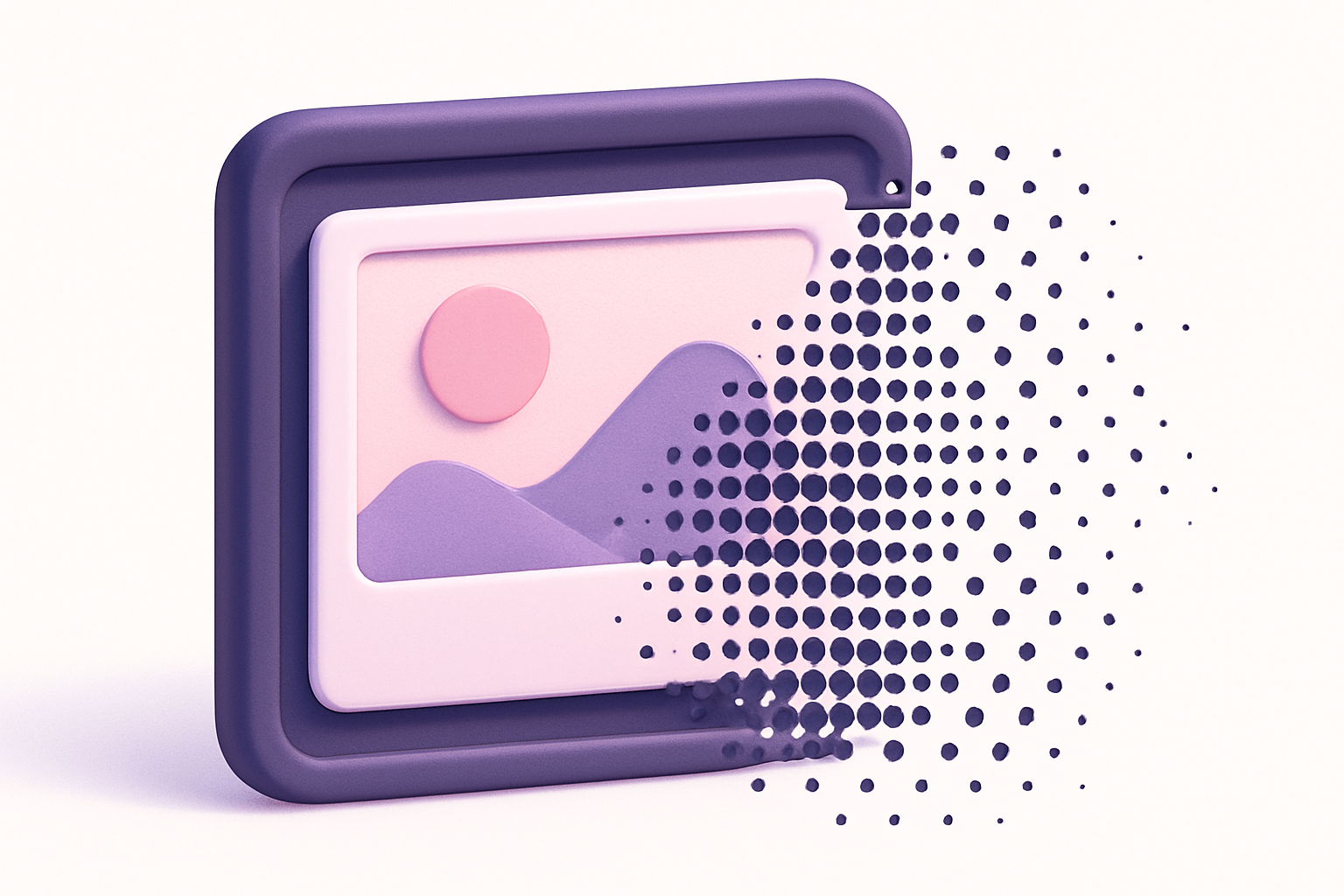
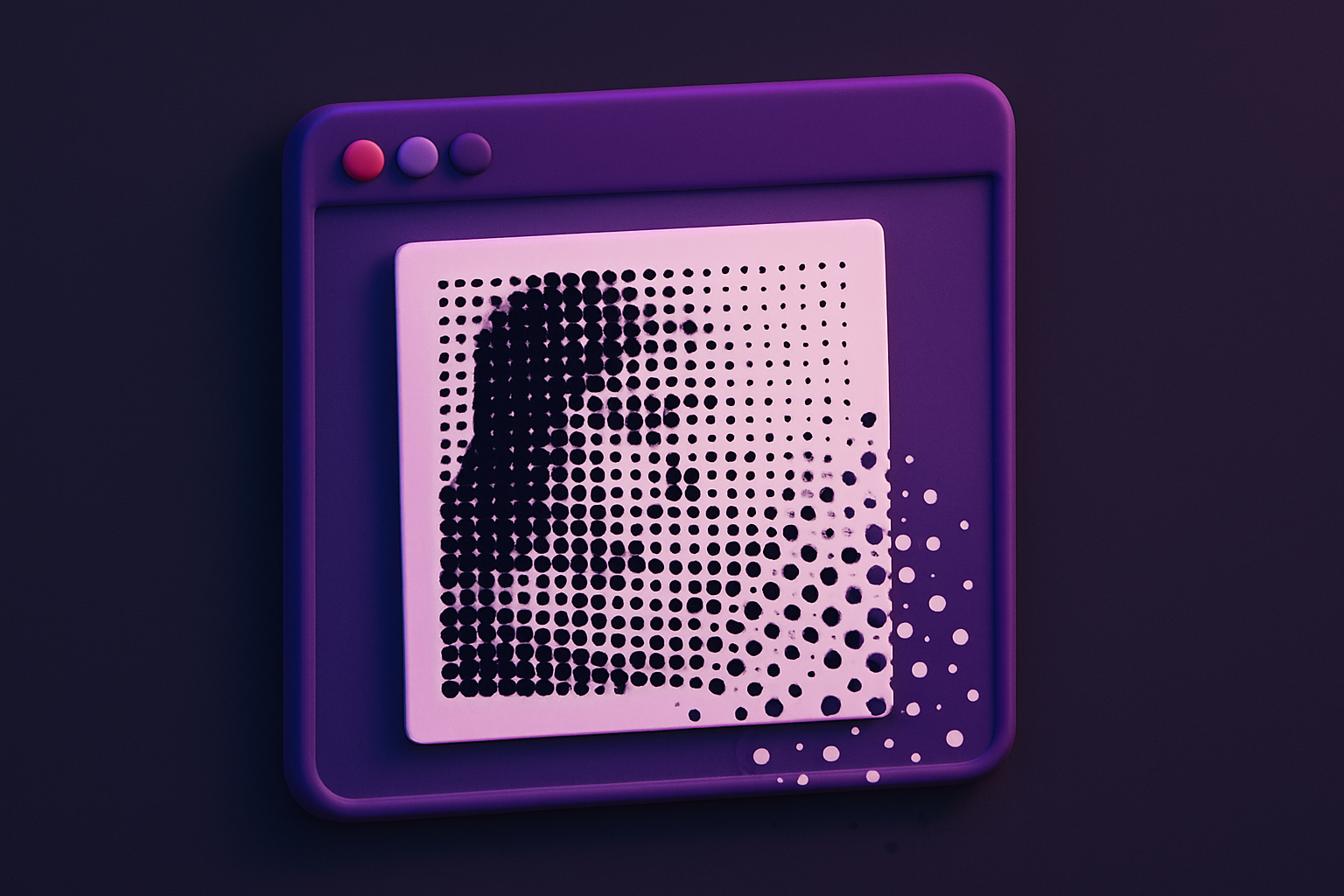
Image Halftone
Create newspaper-style halftone dot patterns from images.
Image Duotone
Apply duotone effect by mapping tones to two custom colors.
Image Glitch
Add digital glitch artifacts with RGB shifting and scan lines.
Image ASCII Art
Convert images to ASCII art text using character density mapping.
Image Mosaic
Create tile mosaic effects with customizable tile size and gap.
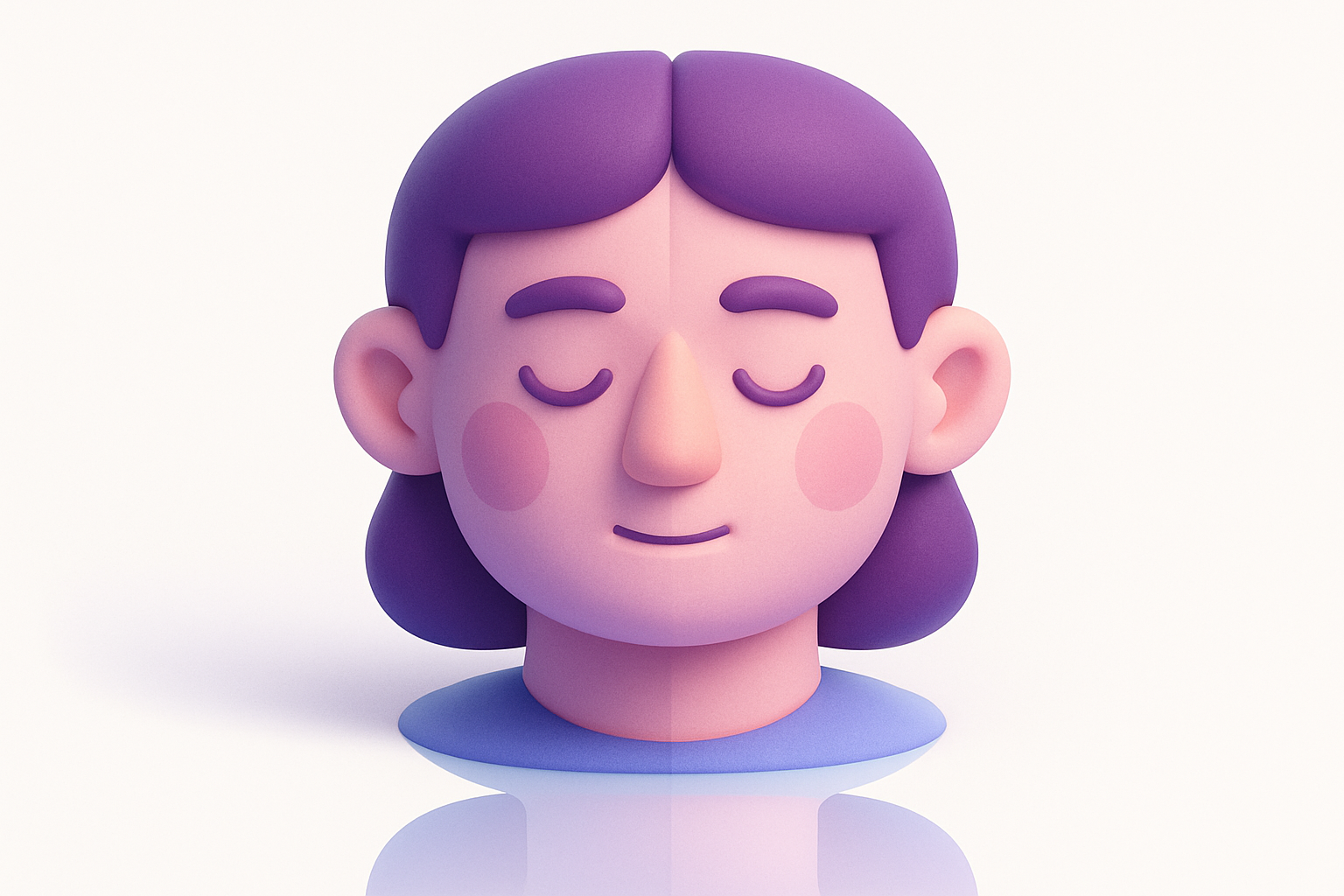
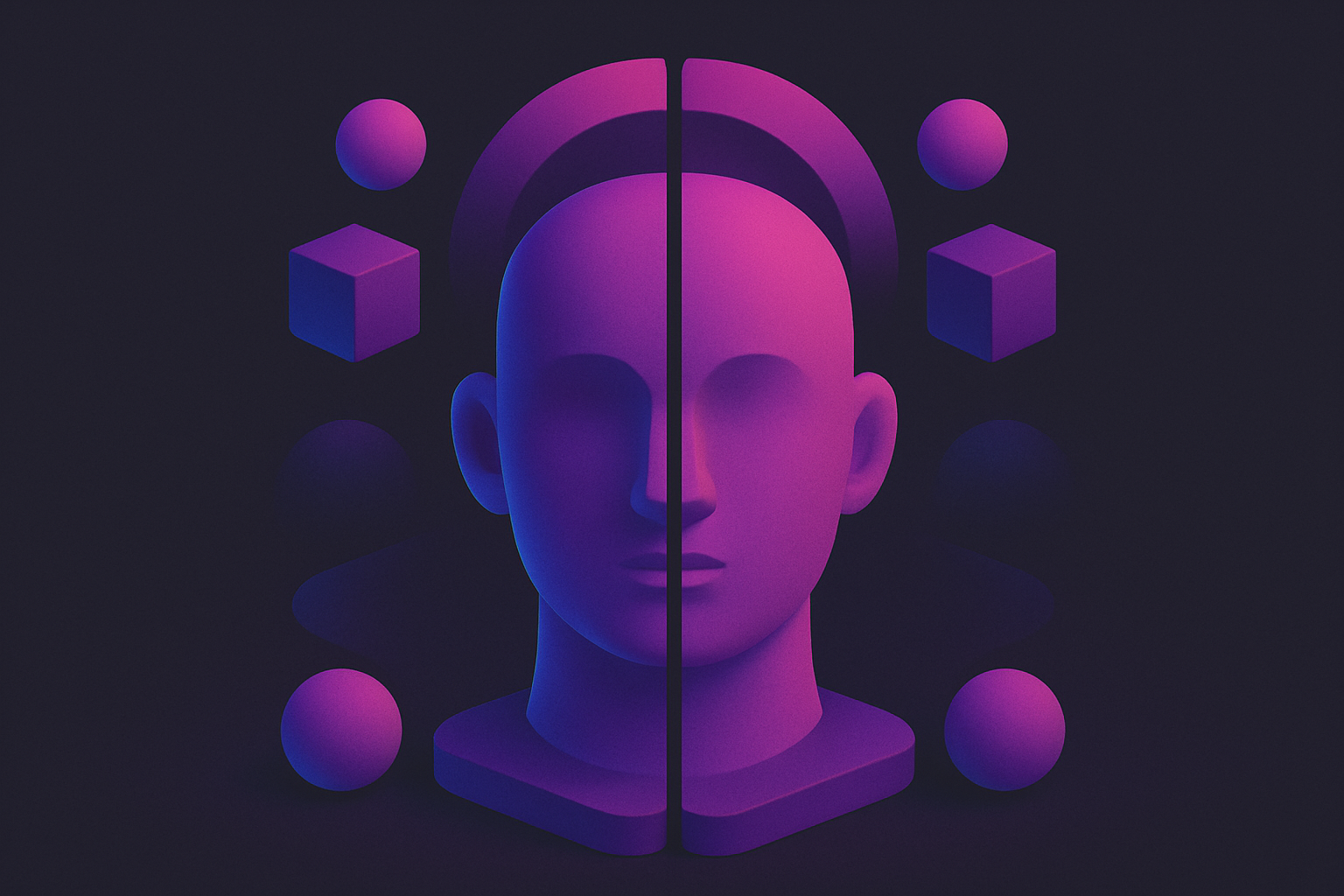
Image Mirror
Create symmetrical mirror effects by reflecting parts of an image.
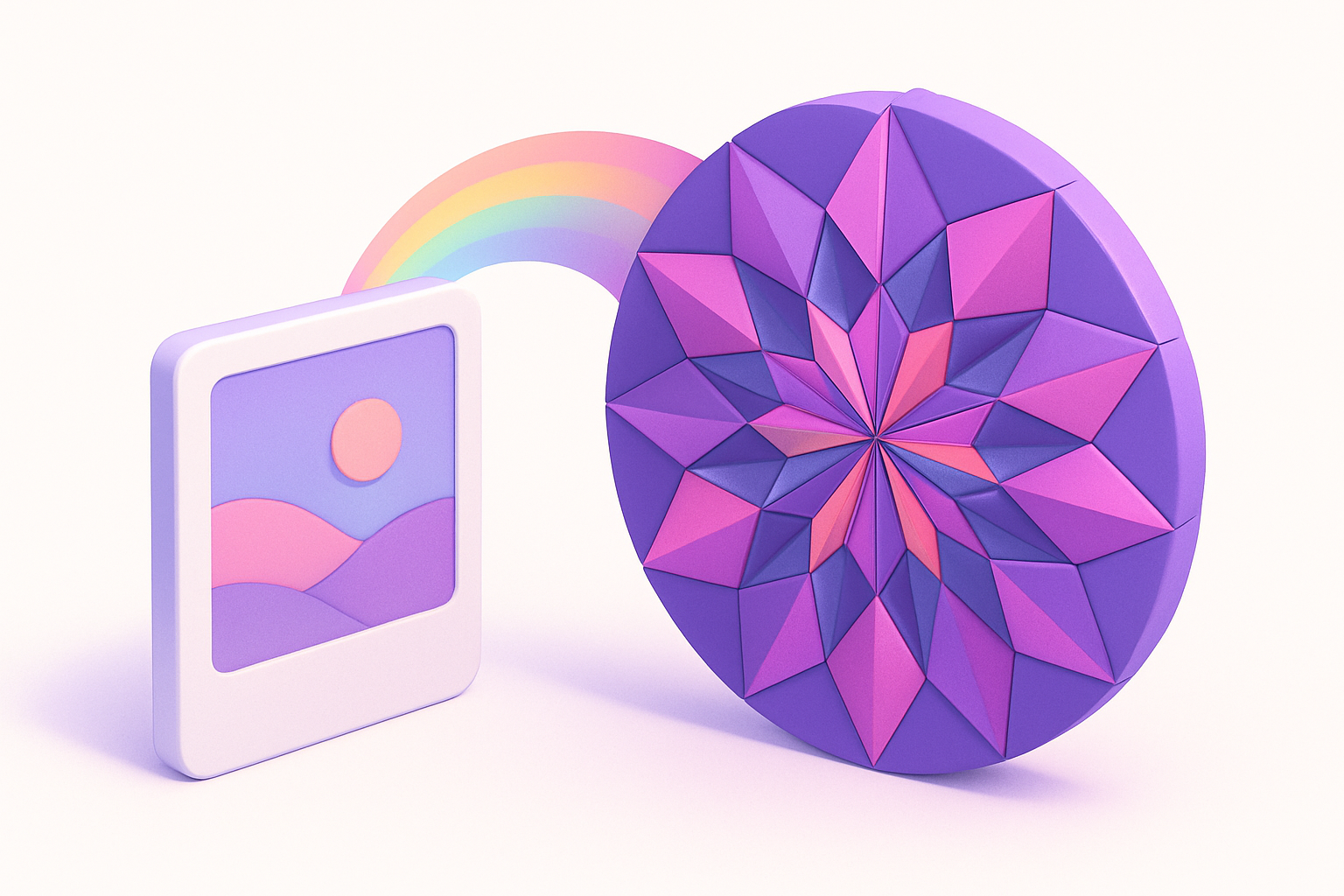
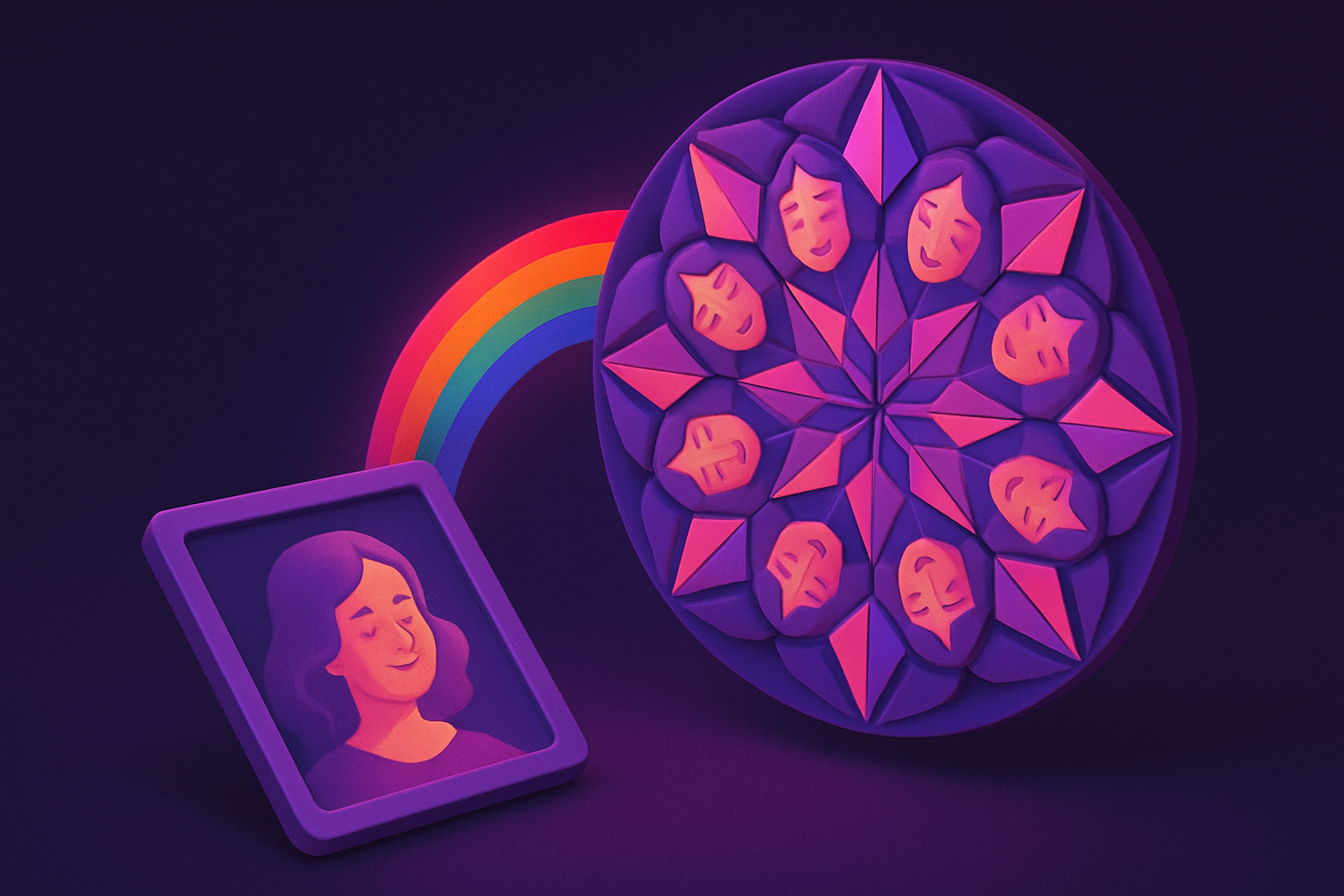
Image Kaleidoscope
Create kaleidoscope patterns by reflecting and rotating segments.
Image Color Replace
Replace a specific color with another using tolerance matching.
Image Background Color Change
Change background color by replacing the dominant edge color.
Image Transparent Background
Remove backgrounds by making the detected background color transparent.
Image Shadow Generator
Add customizable drop shadows with adjustable offset, blur, and color.
Image Reflection Generator
Add a mirrored reflection below images with gradient fade.
Image 3D Perspective
Apply 3D perspective transforms for angled and isometric views.
Meme Generator
Create memes by adding customizable top and bottom text overlays to any image.
Image Annotation
Add text labels, arrows, and rectangular highlights to annotate images.
Image Collage
Combine multiple images into a single collage with customizable layouts and spacing.
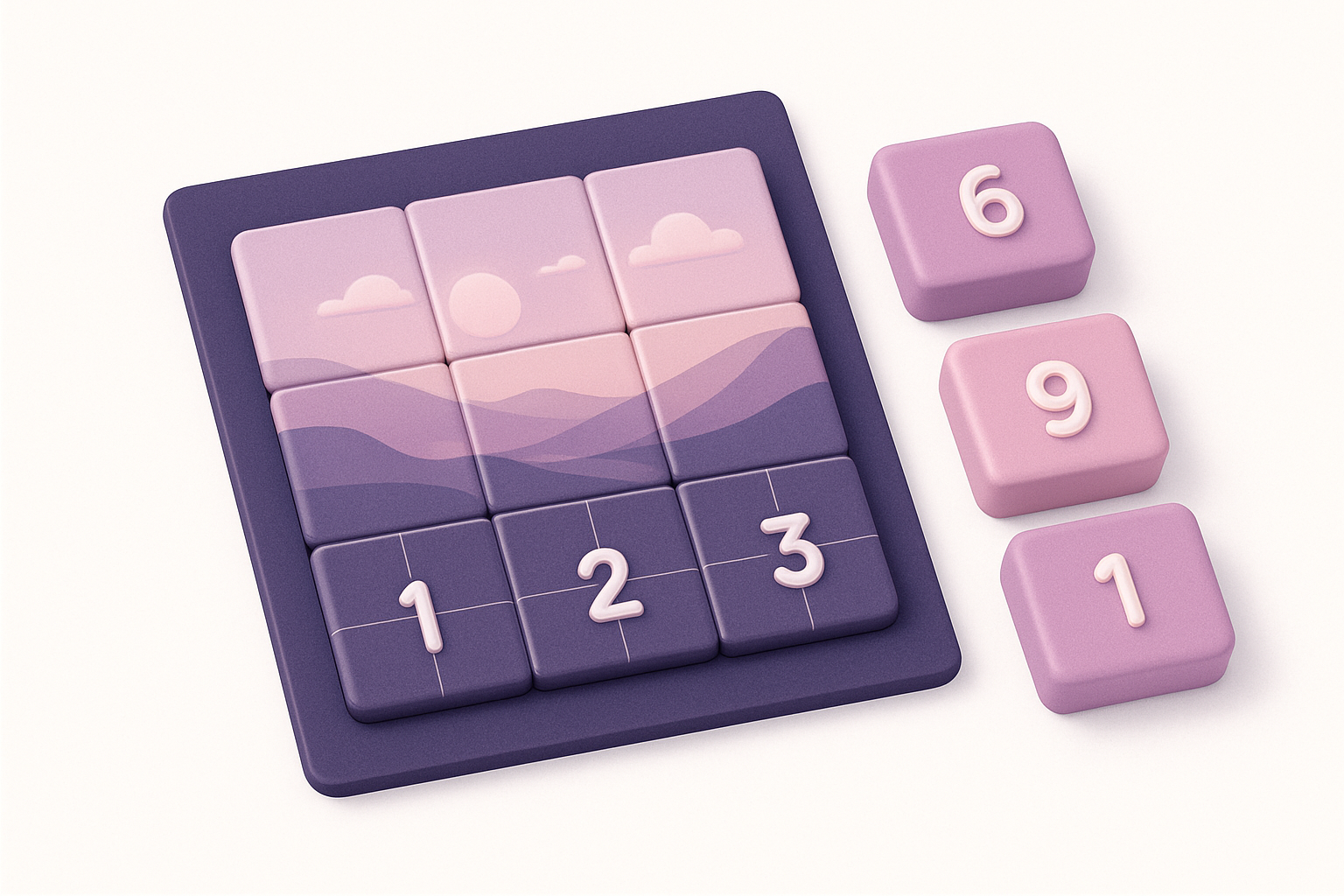
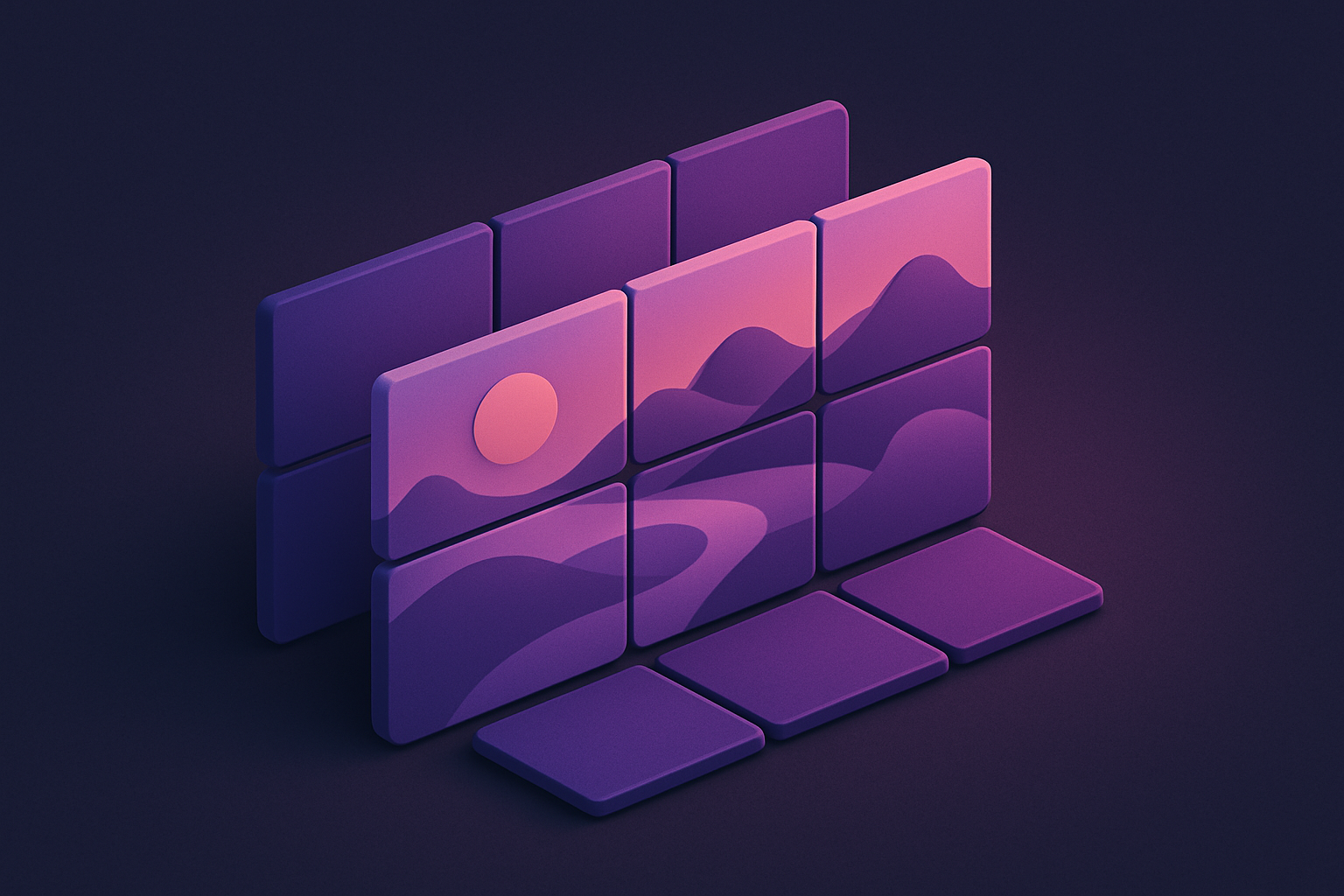
Image Grid Maker
Split a single image into a grid of equal-sized tiles for Instagram grids and puzzles.
Image Sprite Sheet
Combine multiple images into a single sprite sheet with configurable columns and spacing.
Image Comparison Slider
Compare two images side-by-side with an interactive before/after slider.
Image Histogram
Visualize the color distribution of an image with RGB and luminance histograms.
Image EXIF Viewer
View all EXIF metadata embedded in JPEG images including camera, lens, and settings.
Image EXIF Remover
Strip all EXIF metadata from JPEG images to protect privacy before sharing.
Image GPS Viewer
Extract and display GPS coordinates from photo EXIF data with a location link.
Image Metadata Editor
View and edit common image metadata fields like title, description, and author.
QR Code Generator
Generate QR codes from text, URLs, or any data with customizable size and colors.
QR Code Reader
Decode QR codes from uploaded images to extract the embedded text or URL.
Barcode Generator
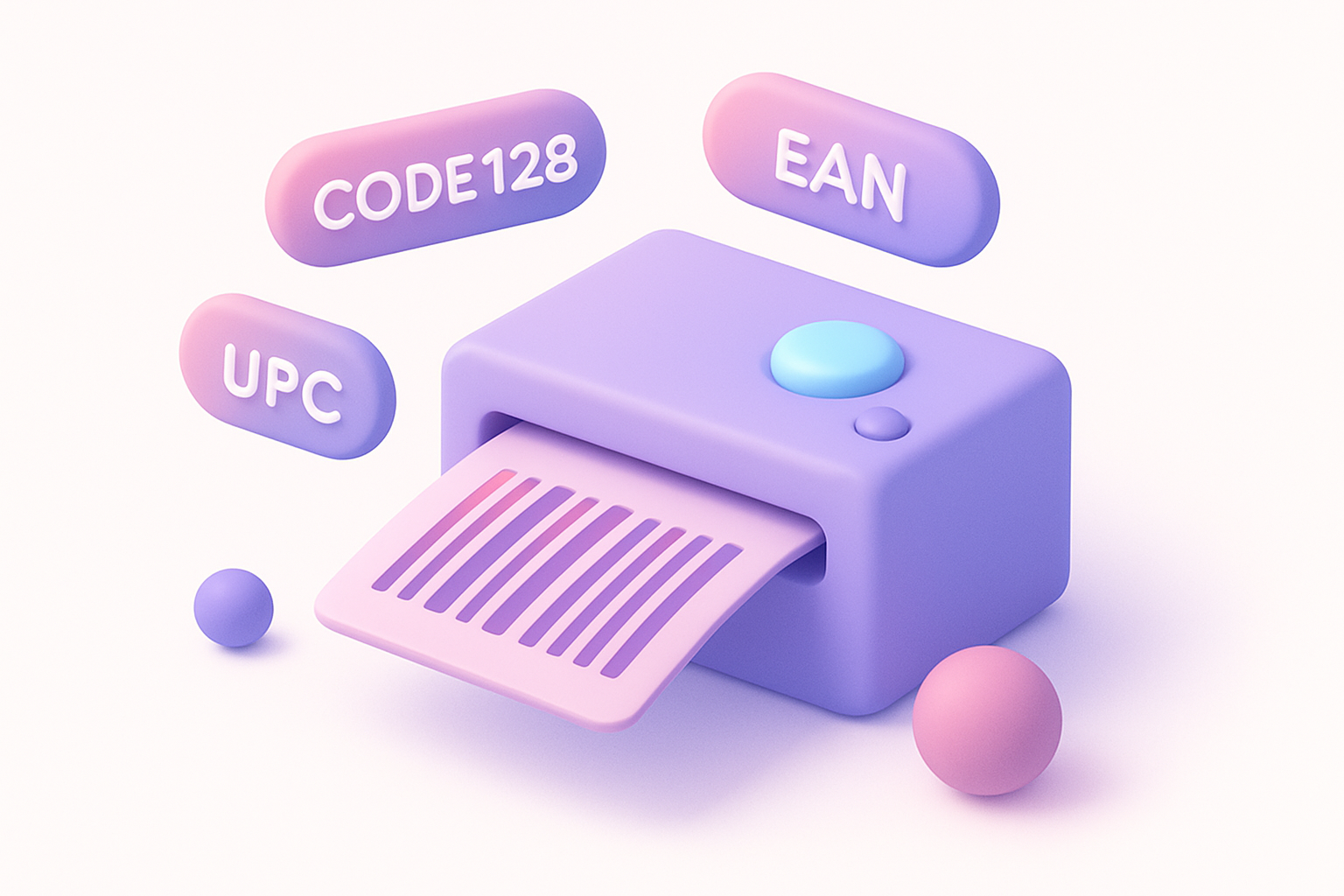
Generate barcodes in various formats including CODE128, EAN, UPC, and more.
Barcode Reader
Scan and decode barcodes from uploaded images to extract the encoded data.
Social Media Image Resizer
Resize images to exact dimensions for all major social media platforms.
OG Image Generator
Create Open Graph images for social media link previews with text and branding.

YouTube Thumbnail Maker
Create eye-catching YouTube thumbnails at the recommended 1280x720 resolution.
App Store Screenshot
Create professional app store screenshots with device frames and captions.
Product Mockup
Place your design on product mockups like t-shirts, mugs, and business cards.
Browser Mockup
Wrap screenshots in a realistic browser window frame with address bar and controls.
Device Mockup
Place screenshots inside device frames — iPhone, Android, iPad, laptop, and desktop.
Image to Icon
Convert images to icon sizes (16x16 to 512x512) for favicons and app icons.
Image Placeholder
Generate placeholder images with custom dimensions, colors, and text labels.
SVG Optimizer
Optimize SVG files by removing unnecessary elements, comments, and metadata.
SVG Viewer
Preview SVG files with zoom, pan, and code inspection in a visual viewer.
SVG Editor
Edit SVG code with live preview, syntax highlighting, and instant rendering.
Image Text Extractor
Extract visible text from images using Canvas pixel analysis and pattern detection.
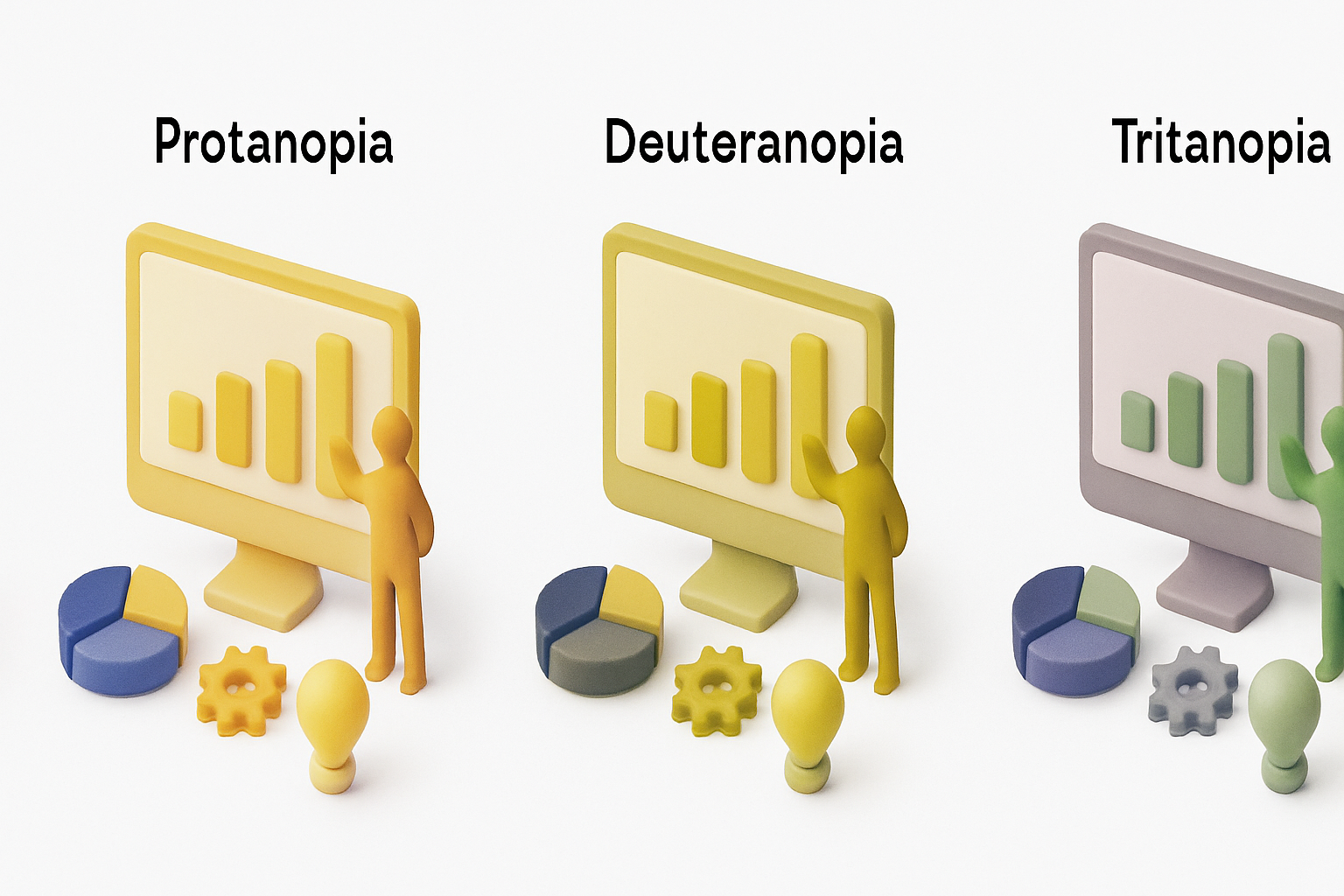
Color Blindness Simulator (Image)
Simulate how images appear to people with various types of color vision deficiency.
Image Pixel Grid
Zoom into images at pixel level with a grid overlay showing individual pixel colors.
Image Splitter
Split an image into a grid of equally sized tiles for puzzles, printing, or Instagram grids.
Image to PDF
Convert one or more images into a multi-page PDF document with layout options.
Images to GIF
Create animated GIF files from a sequence of images with customizable frame delay.
GIF to Images
Extract individual frames from animated GIF files as separate PNG images.
GIF Speed Changer
Speed up or slow down animated GIF files by adjusting the frame delay timing.
GIF Resizer
Resize animated GIF files to new dimensions while preserving the animation.
GIF Reverser
Reverse animated GIF playback or create a boomerang loop effect.
GIF Optimizer
Optimize animated GIF file size by reducing colors and dimensions.
Animated PNG Creator
Create animated APNG files from image sequences with full-color support.
WebP Animation Creator
Create animated WebP files from image sequences for efficient web animations.
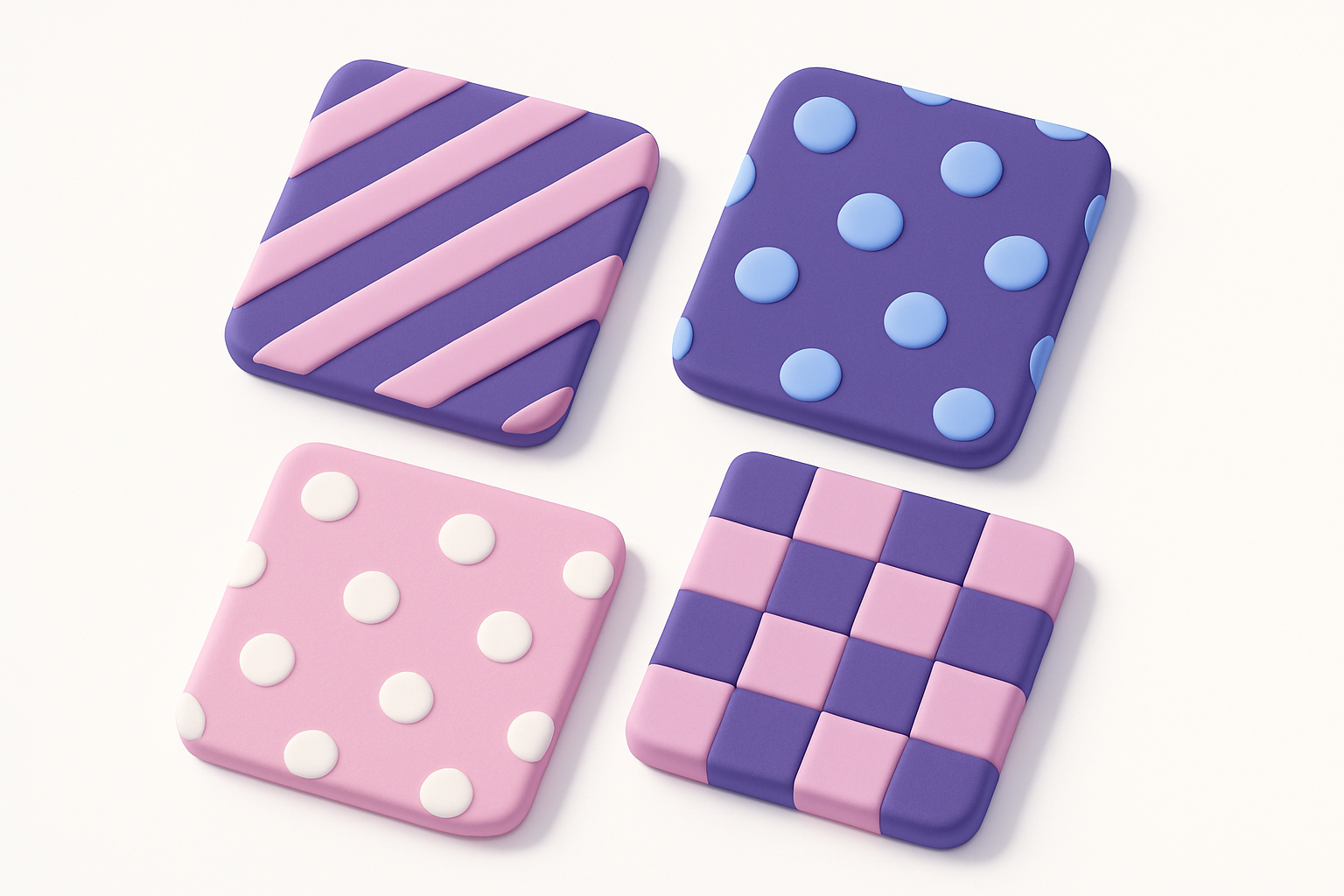
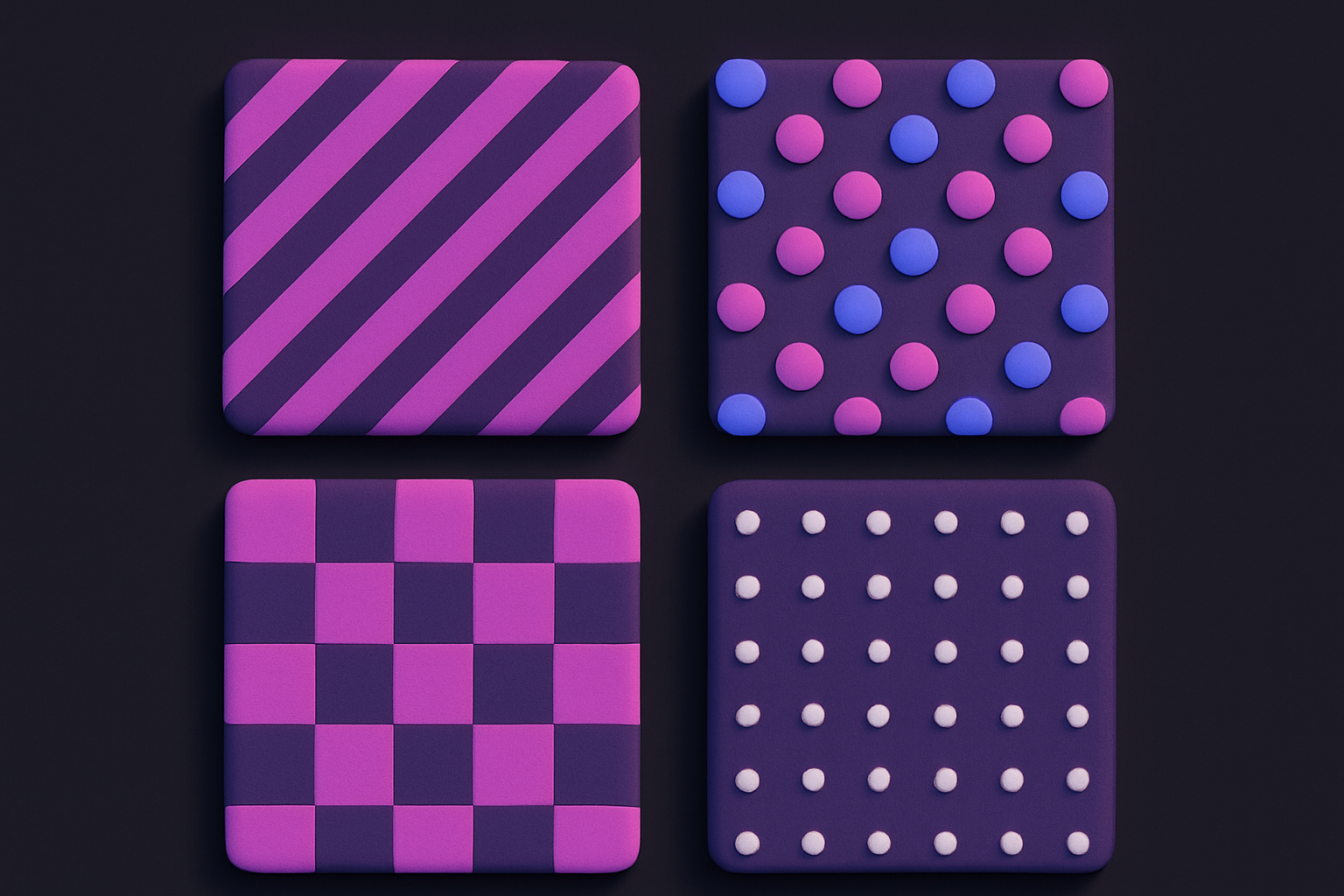
Image Pattern Generator
Generate seamless repeating patterns including stripes, dots, checkerboards, and more.
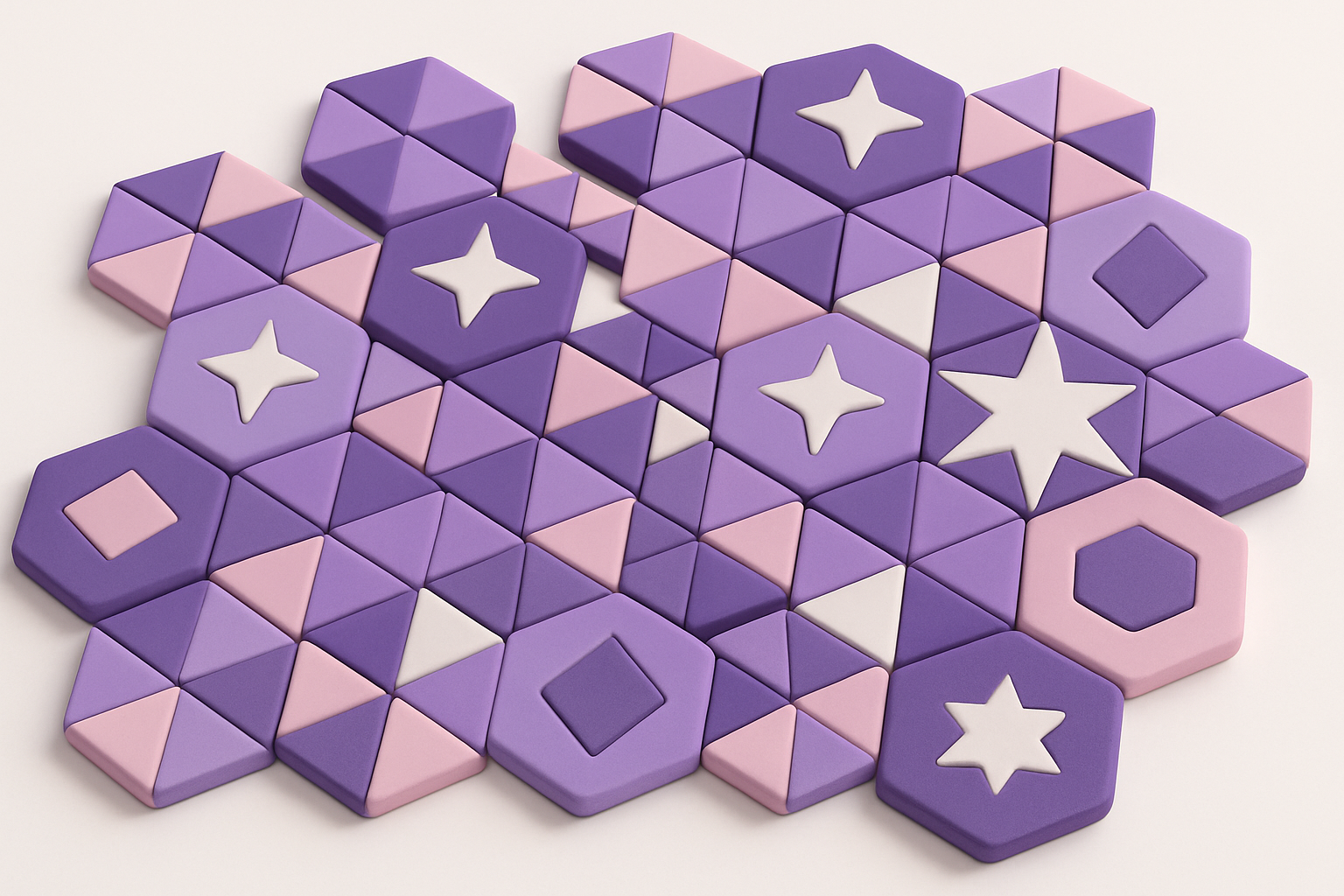
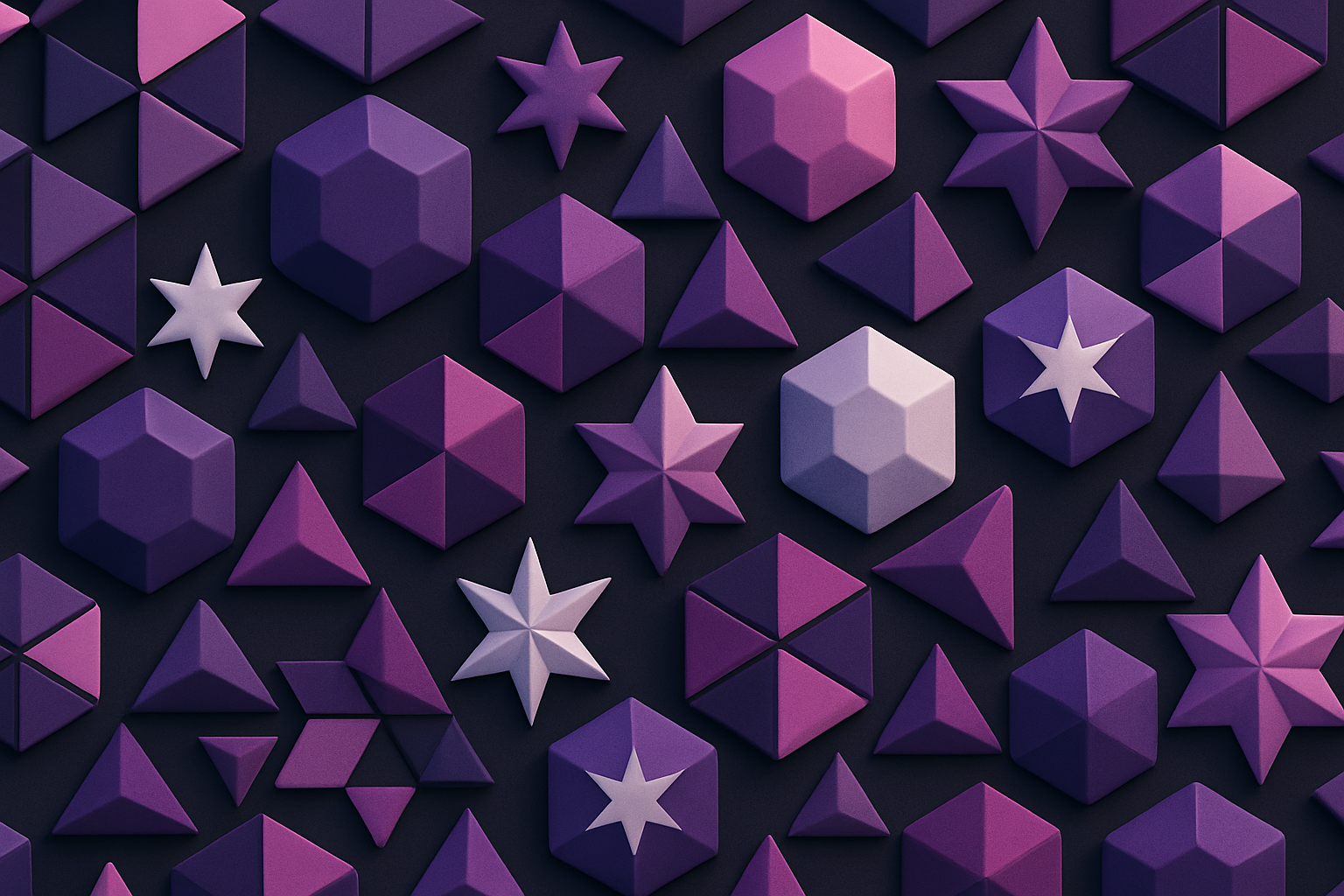
Geometric Pattern Generator
Generate geometric patterns with shapes like hexagons, triangles, stars, and circles.
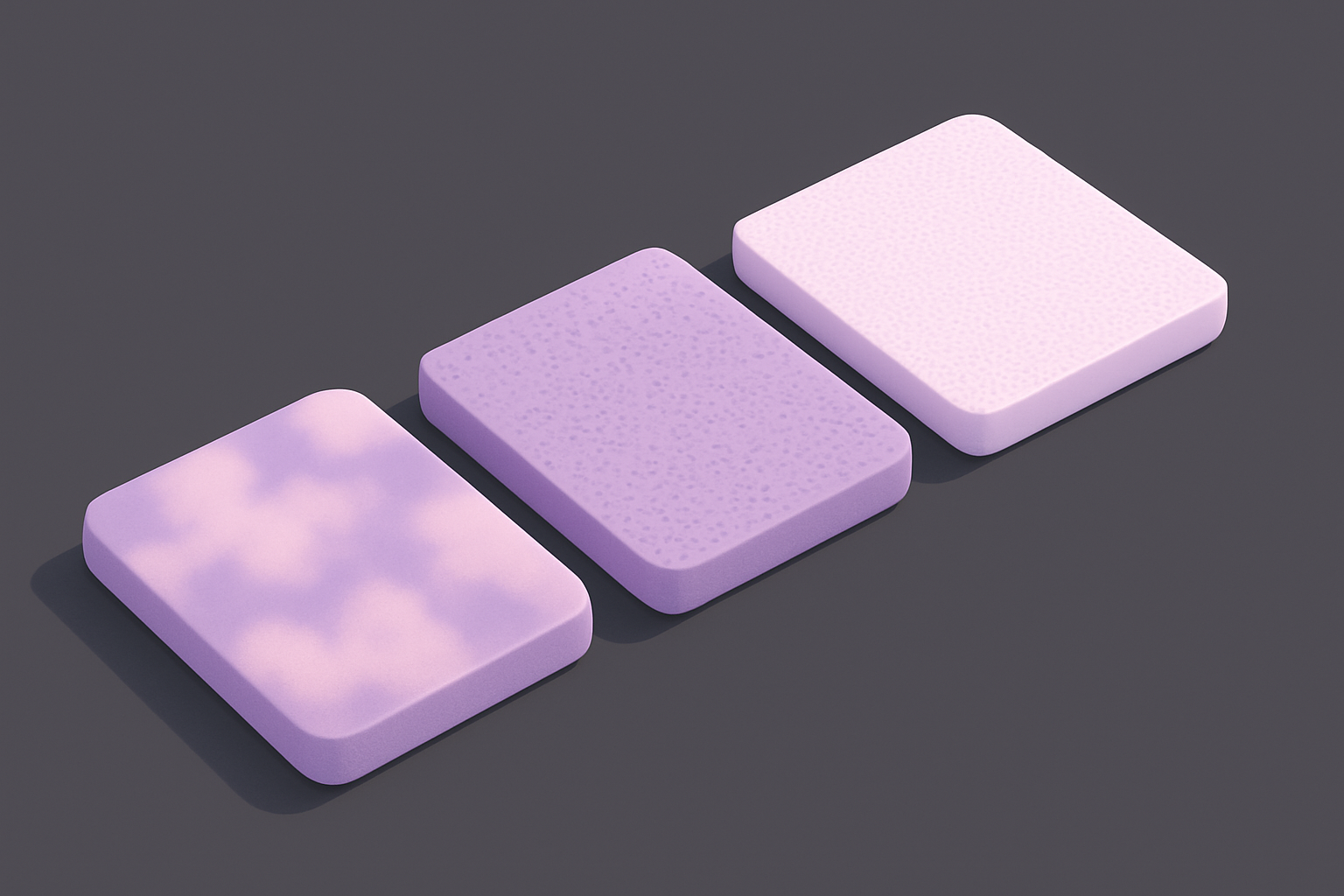
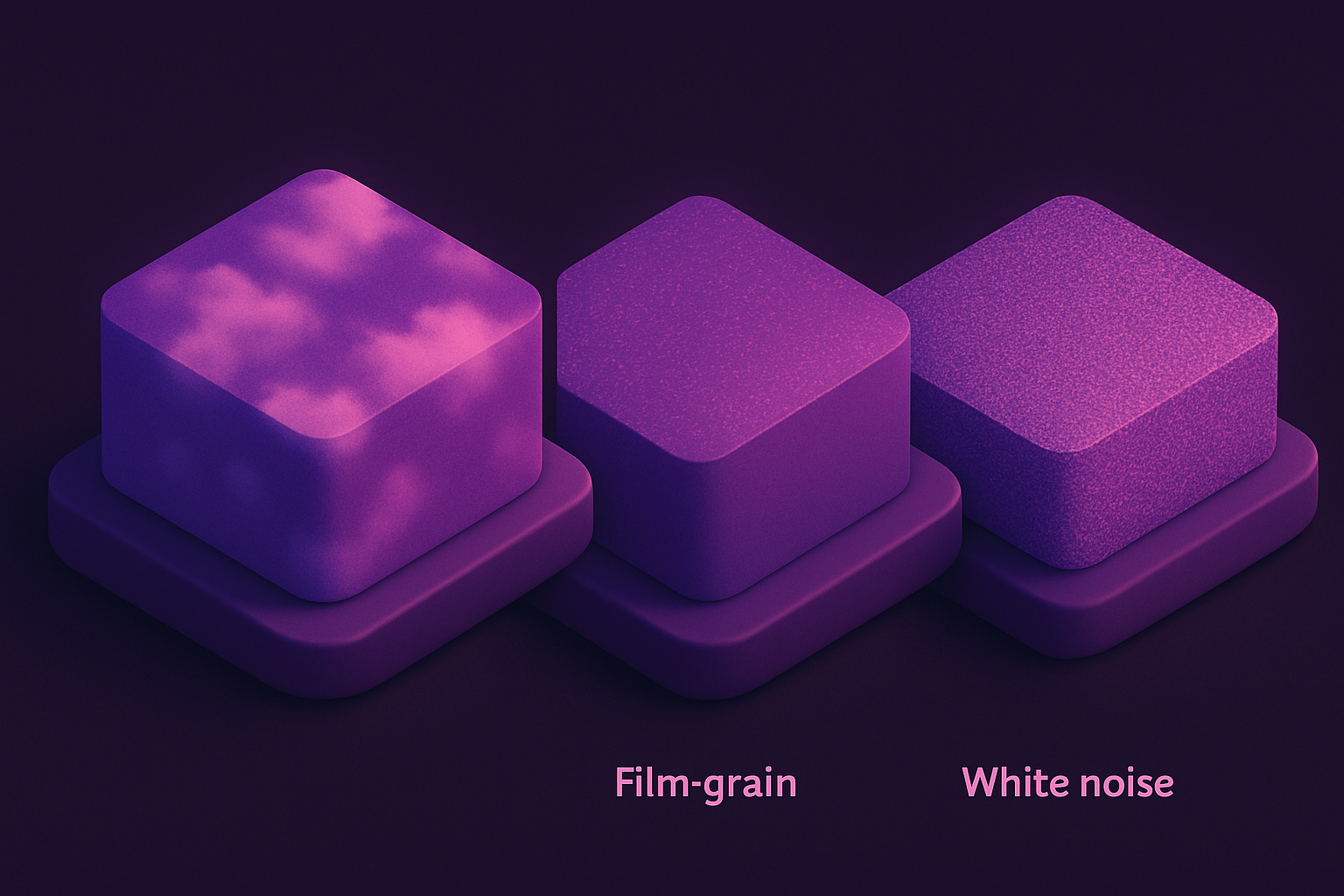
Noise Texture Generator
Generate procedural noise textures: Perlin, white noise, grain, and cloud effects.
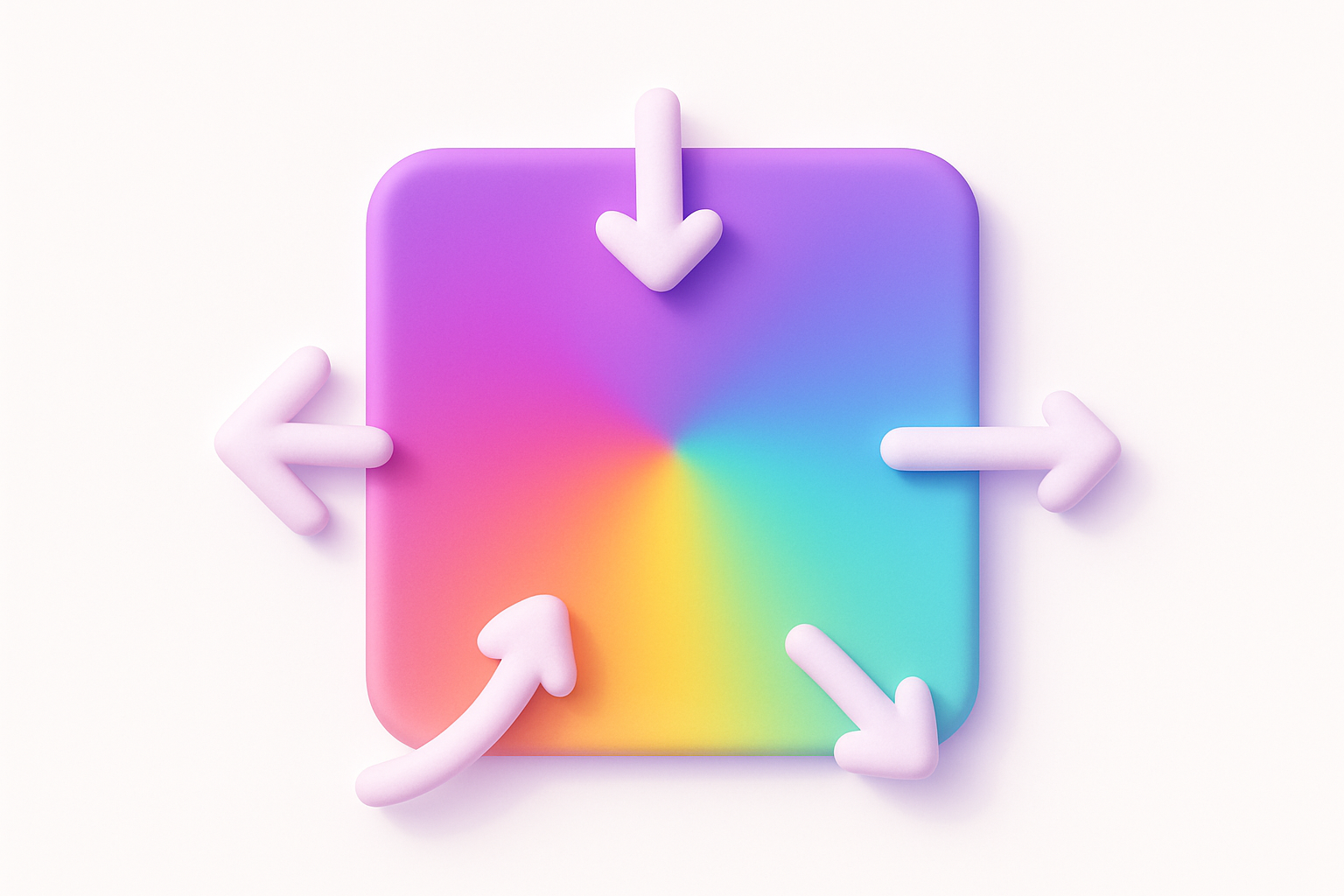
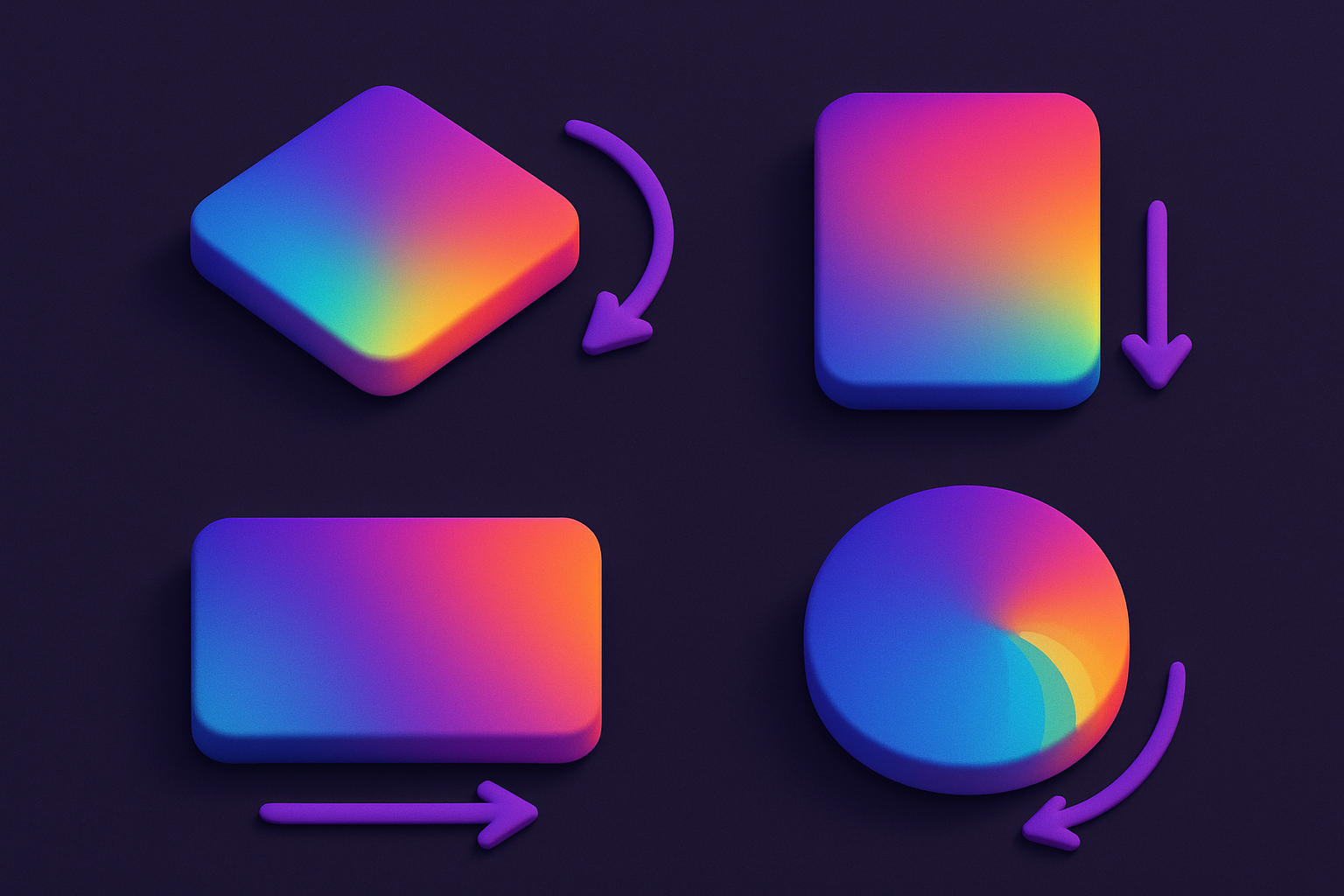
Gradient Image Generator
Generate gradient images with multiple colors, directions, and effects including radial and conic.
Solid Color Image Generator
Generate solid color images at any size with hex color input and preset options.
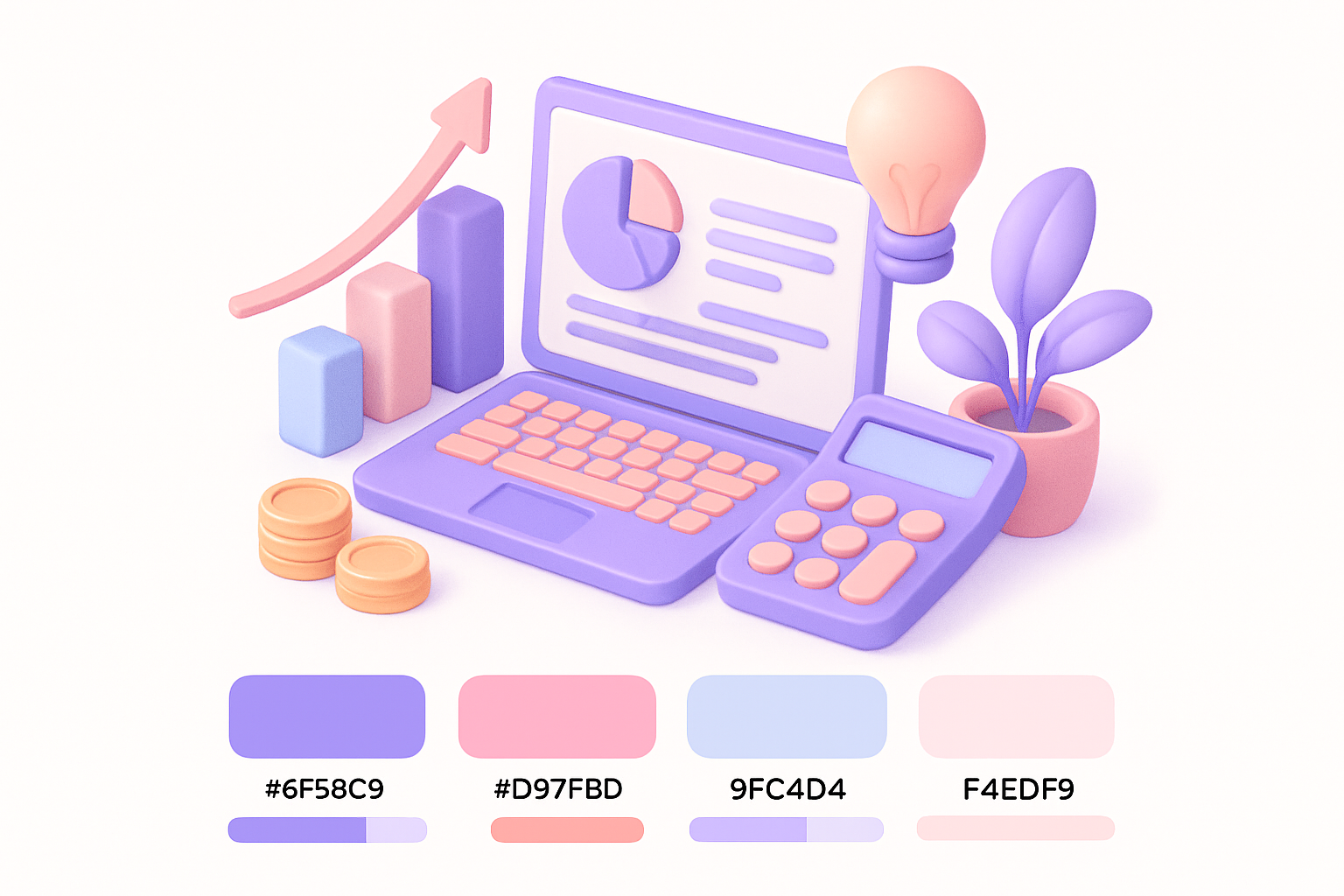
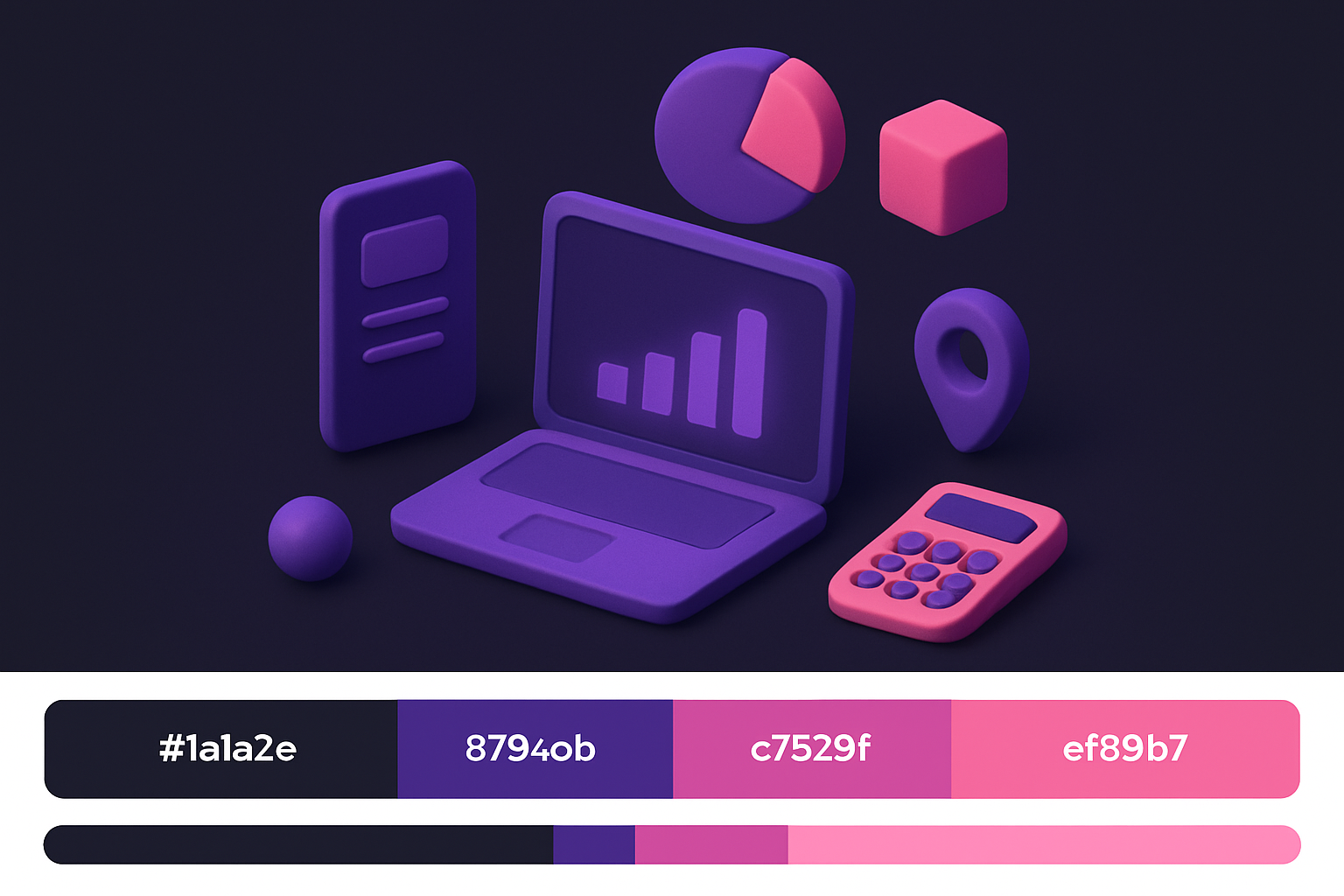
Color Palette from Image
Extract a harmonious color palette from any image using K-means clustering.
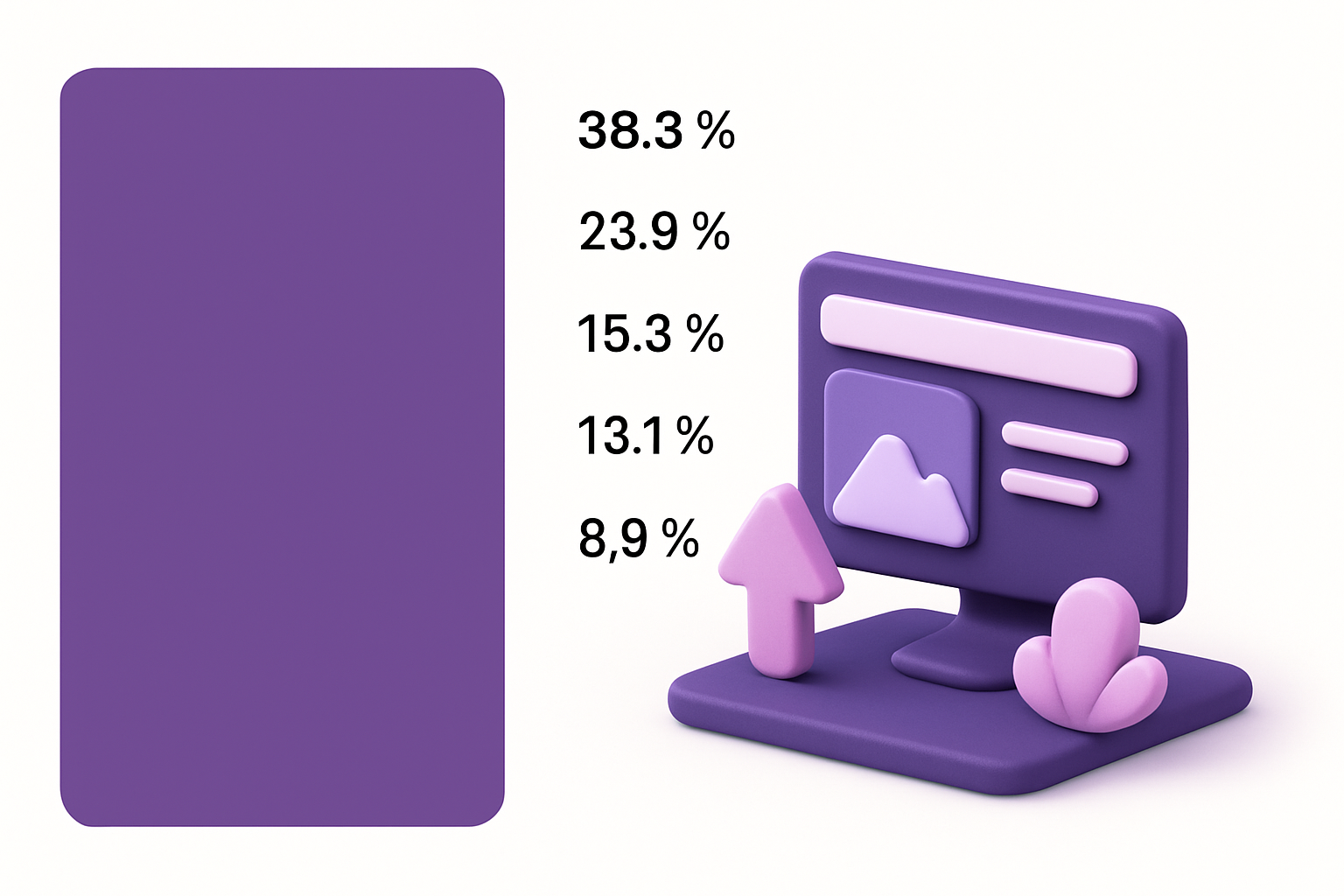
Image Dominant Color
Find the single most dominant color in any image with top-5 color breakdown.
Average Color Calculator
Calculate the mathematical average color of any image in hex, RGB, and HSL formats.
Image Difference Checker
Compare two images and highlight pixel-level differences with a visual diff map.
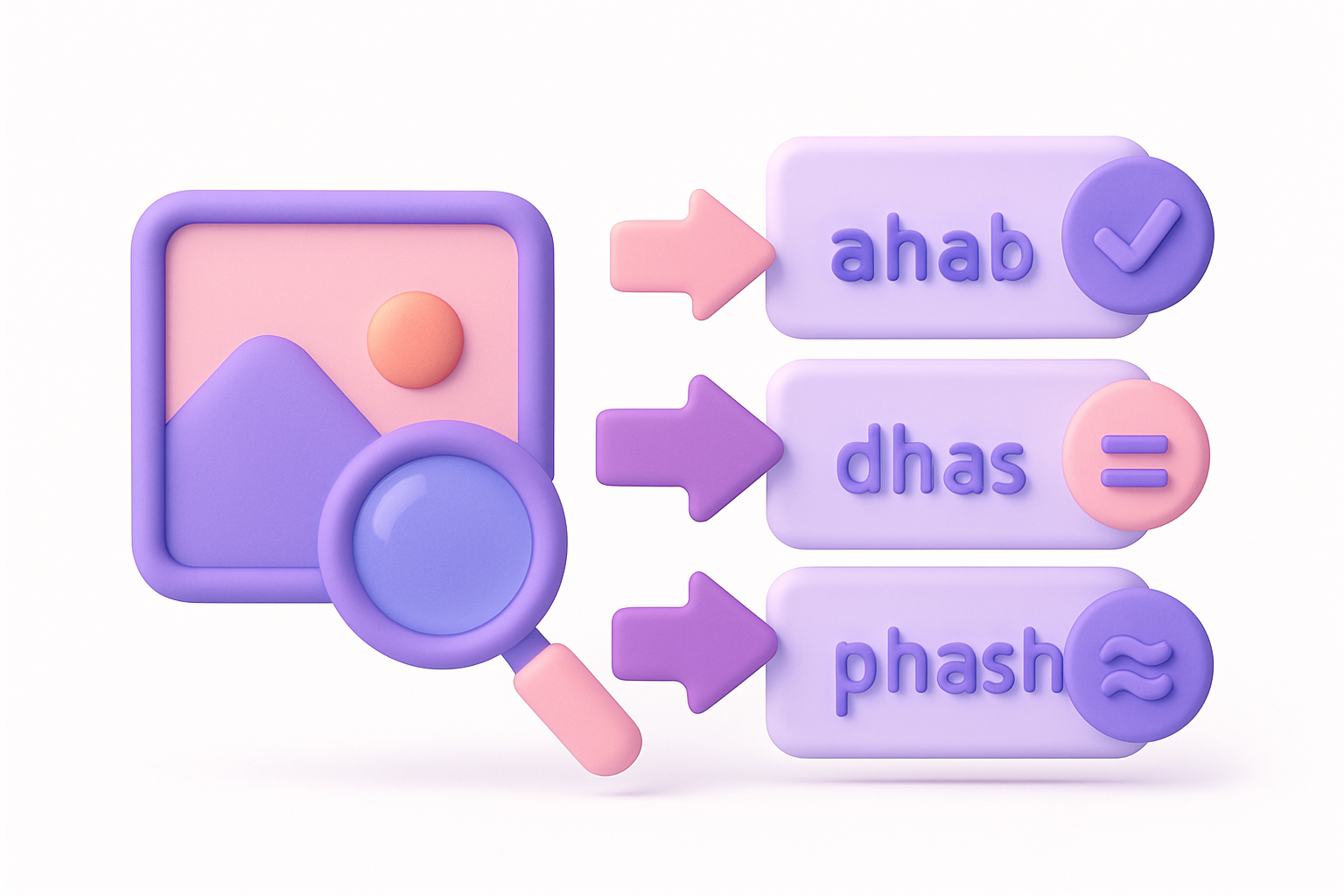
Image Hash
Generate perceptual hashes (aHash, dHash, pHash) for image similarity comparison.
Steganography
Hide secret text messages inside images using LSB steganography, or reveal hidden messages.
Image Channel Splitter
Split an image into separate Red, Green, Blue, and Alpha channel images.
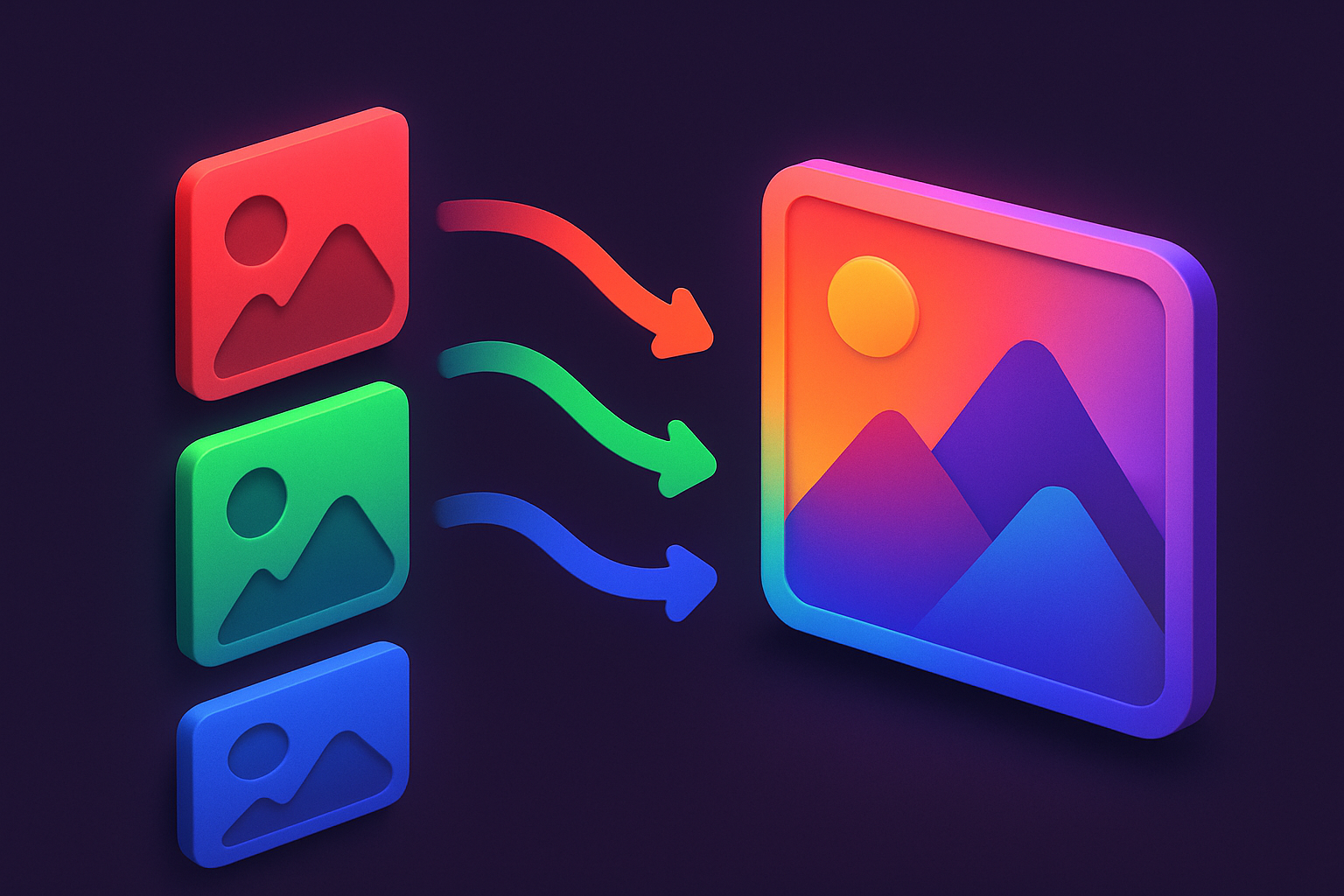
Image Channel Merger
Merge separate Red, Green, and Blue channel images into a single combined image.
Image Blend Modes
Apply Photoshop-style blend modes between two images: multiply, screen, overlay, and more.
Tiled Image Preview
Preview how an image looks when repeated as a seamless tile pattern.
Nine-Patch Generator
Create Android-style 9-patch (.9.png) images with stretchable region markers.
Image LOD Generator
Generate multiple Level of Detail (LOD) mipmap versions of an image at halved resolutions.
Favicon Checker
Preview how a favicon looks at all standard sizes with browser tab and bookmark mockups.
Screenshot to Code
Analyze screenshots and generate basic HTML/CSS layout code from detected regions.
About Image Tools
Our image tools collection offers a comprehensive suite of browser-based utilities designed to handle everyday tasks without any software installation. Every tool processes your data entirely on your device — nothing is uploaded to a server, keeping your files completely private.
Whether you're a professional needing quick conversions, a student working on assignments, or anyone who values privacy, these 119+ free tools are ready to use instantly. No signup, no downloads, no limits.
Common Use Cases
- ✓Quick file processing without installing software
- ✓Privacy-sensitive work that can't be uploaded to cloud services
- ✓Batch operations on multiple files at once
- ✓Cross-format conversions for compatibility
- ✓On-the-go editing from any device with a browser
Frequently Asked Questions
Are these image tools really free?
Yes, every tool is 100% free with no hidden fees, no premium tiers, and no usage limits.
Is my data safe when using these tools?
Absolutely. All processing happens directly in your browser. Your files are never uploaded to any server.
Do I need to create an account?
No. Every tool works instantly without any signup or registration.
Can I use these tools on mobile?
Yes! All tools are fully responsive and work on phones, tablets, and desktops.
What browsers are supported?
Our tools work on all modern browsers including Chrome, Firefox, Safari, and Edge.