
Image EXIF RemoverStrip all EXIF metadata from JPEG images to protect privacy before sharing.
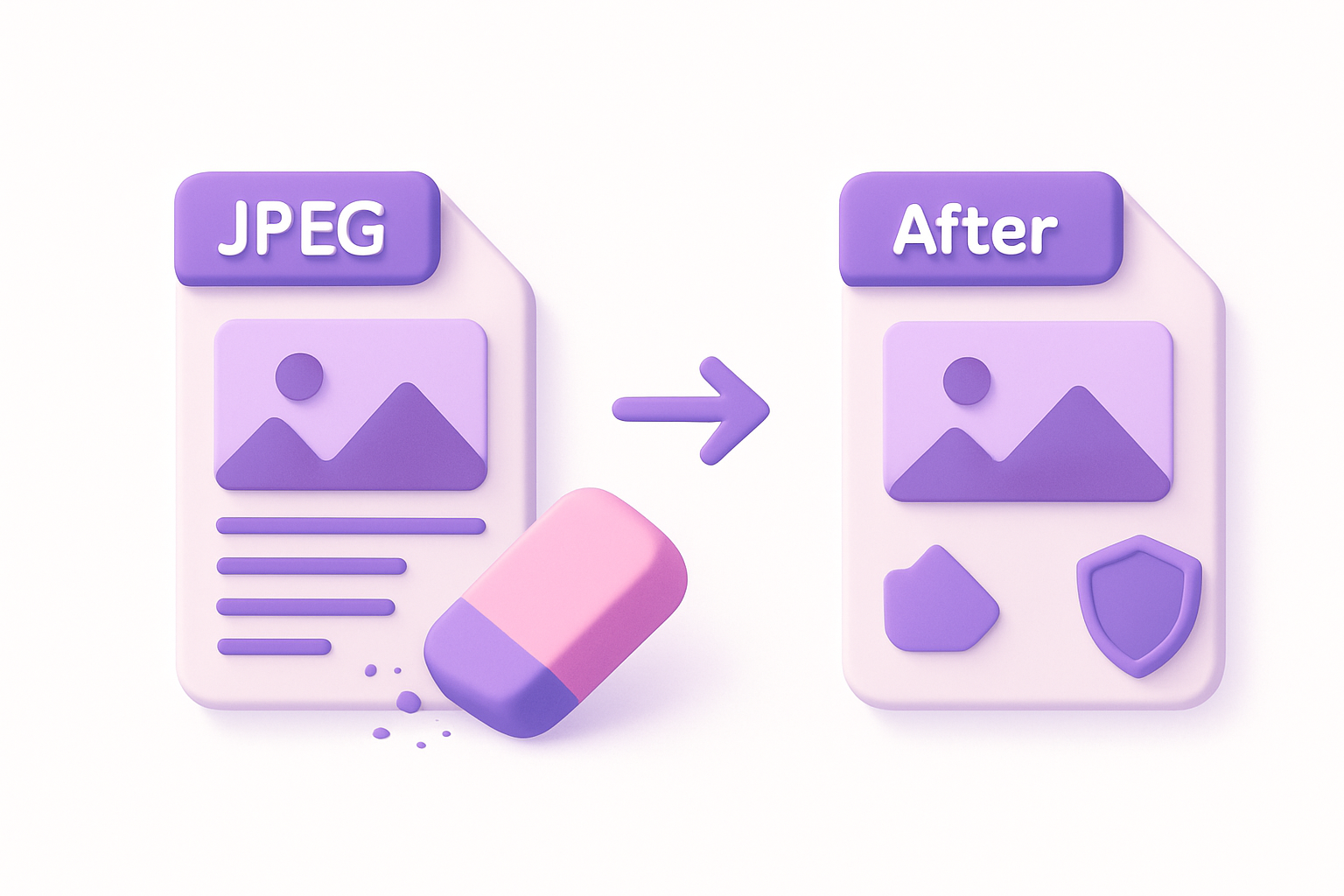

Image EXIF Remover
Strip all EXIF metadata from JPEG images to protect privacy before sharing.
Upload Image
Drop or select a JPEG image to strip its metadata.
Remove EXIF
Click to remove all embedded metadata from the image.
Download Clean Image
Download the metadata-free image for safe sharing.
What Is Image EXIF Remover?
An EXIF removal tool that strips all metadata from JPEG images, including GPS coordinates, camera information, timestamps, and personal data. Essential for protecting privacy before sharing photos online. The tool re-encodes the image through Canvas, which naturally strips all EXIF data while preserving the visual content. All processing happens in your browser for maximum privacy.
Why Use Our Image EXIF Remover?
- Removes ALL metadata including GPS, camera, and personal data
- Protects privacy before sharing photos online
- Canvas re-encoding ensures complete metadata removal
- No server upload — fully client-side processing
Common Use Cases
Privacy Protection
Remove GPS and personal data before posting photos on social media.
Journalism
Strip identifying metadata from source photos to protect contributors.
Legal Compliance
Remove personal data from images for GDPR and privacy law compliance.
Professional Sharing
Share client work without revealing camera gear or editing software.
Technical Guide
EXIF removal works by drawing the source image onto an HTML5 Canvas and exporting as a new JPEG/PNG. Canvas toDataURL and toBlob produce clean image data without any EXIF APP1 markers. The original pixel data is preserved but all metadata headers are excluded. Before/after file size comparison shows metadata overhead. Quality slider controls JPEG compression level.
Tips & Best Practices
- 1Always strip metadata before sharing photos with strangers
- 2Check GPS data first with our EXIF Viewer to see what is embedded
- 3PNG output is always metadata-free since Canvas strips it
- 4File size may change slightly due to re-encoding
Related Tools


Image EXIF Viewer
View all EXIF metadata embedded in JPEG images including camera, lens, and settings.
 Image Tools

Image GPS Viewer
Extract and display GPS coordinates from photo EXIF data with a location link.
Image Tools

Image Metadata Editor
View and edit common image metadata fields like title, description, and author.
Image Tools
Image Format Converter
Convert images between JPG, PNG, and WebP formats with quality control.
Image Tools

Image Resizer
Resize images by exact pixel dimensions or percentage while maintaining aspect ratio.
Image Tools

Image Crop
Crop images with a visual selection rectangle to remove unwanted areas.
Image ToolsFrequently Asked Questions
QWhat metadata is removed?
QDoes it change image quality?
QCan I selectively remove metadata?
QDoes it work with PNG?
QHow can I verify removal?
About Image EXIF Remover
Image EXIF Remover is a free online tool from FreeToolkit.ai. All processing happens directly in your browser — your data never leaves your device. No registration required. No ads. Just fast, reliable tools.