
PDF InterleaveInterleave pages from two PDF documents alternately.
PDF Interleave
Interleave pages from two PDF documents alternately.
Upload Two PDFs
Drop PDF A (odd positions) and PDF B (even positions).
Interleave
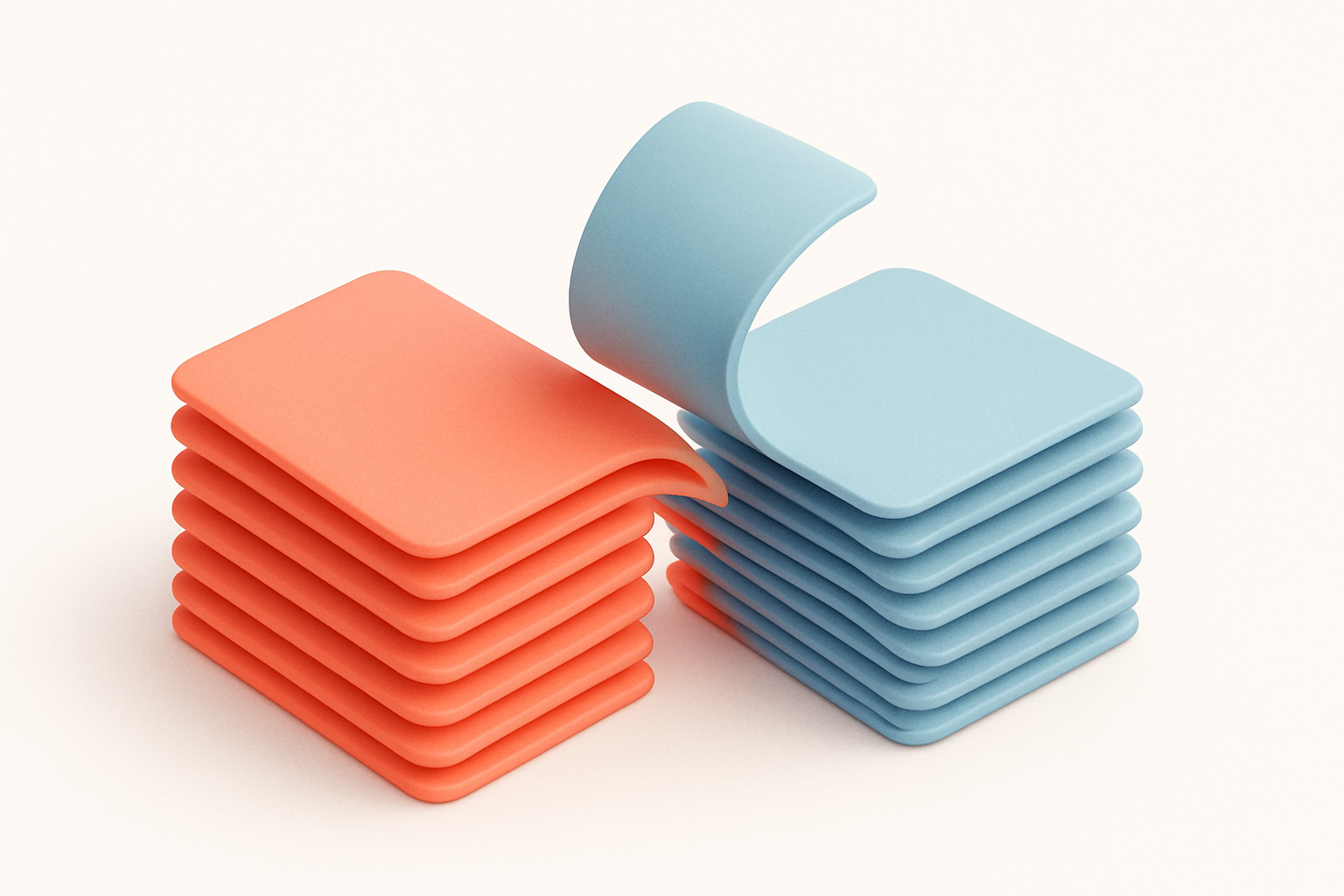
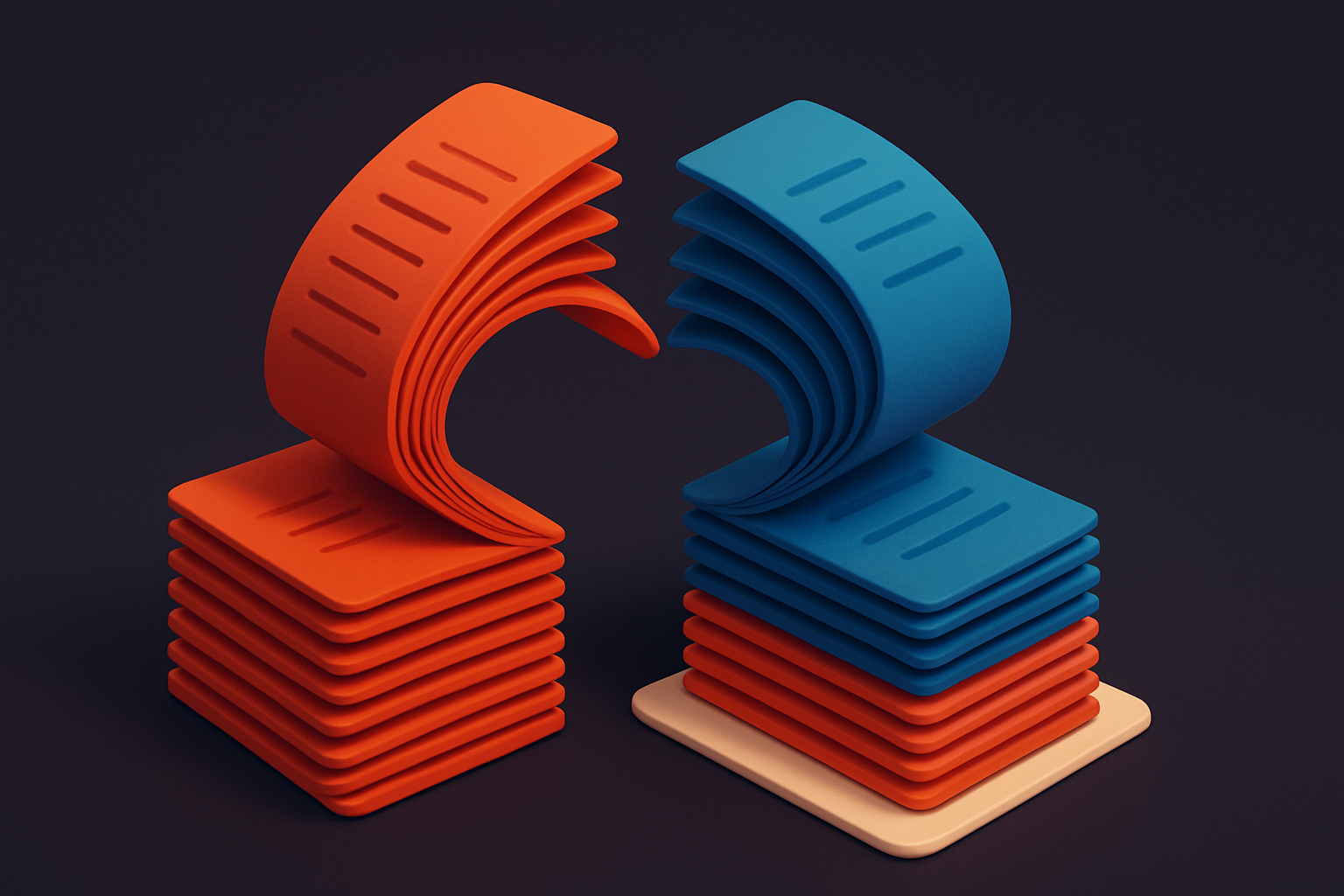
Pages are alternated: A1, B1, A2, B2, etc.
Download
Get the interleaved PDF document.
What Is PDF Interleave?
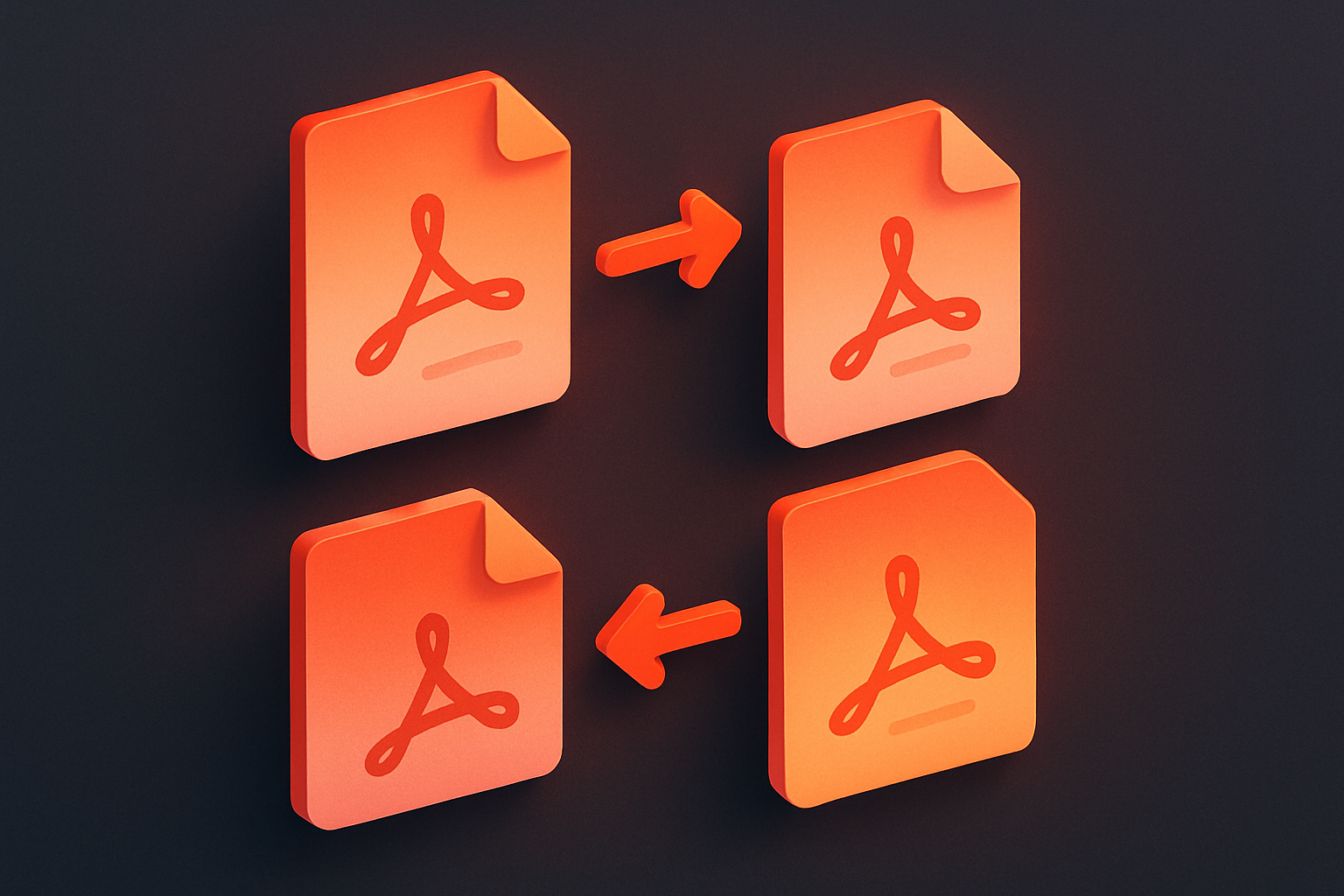
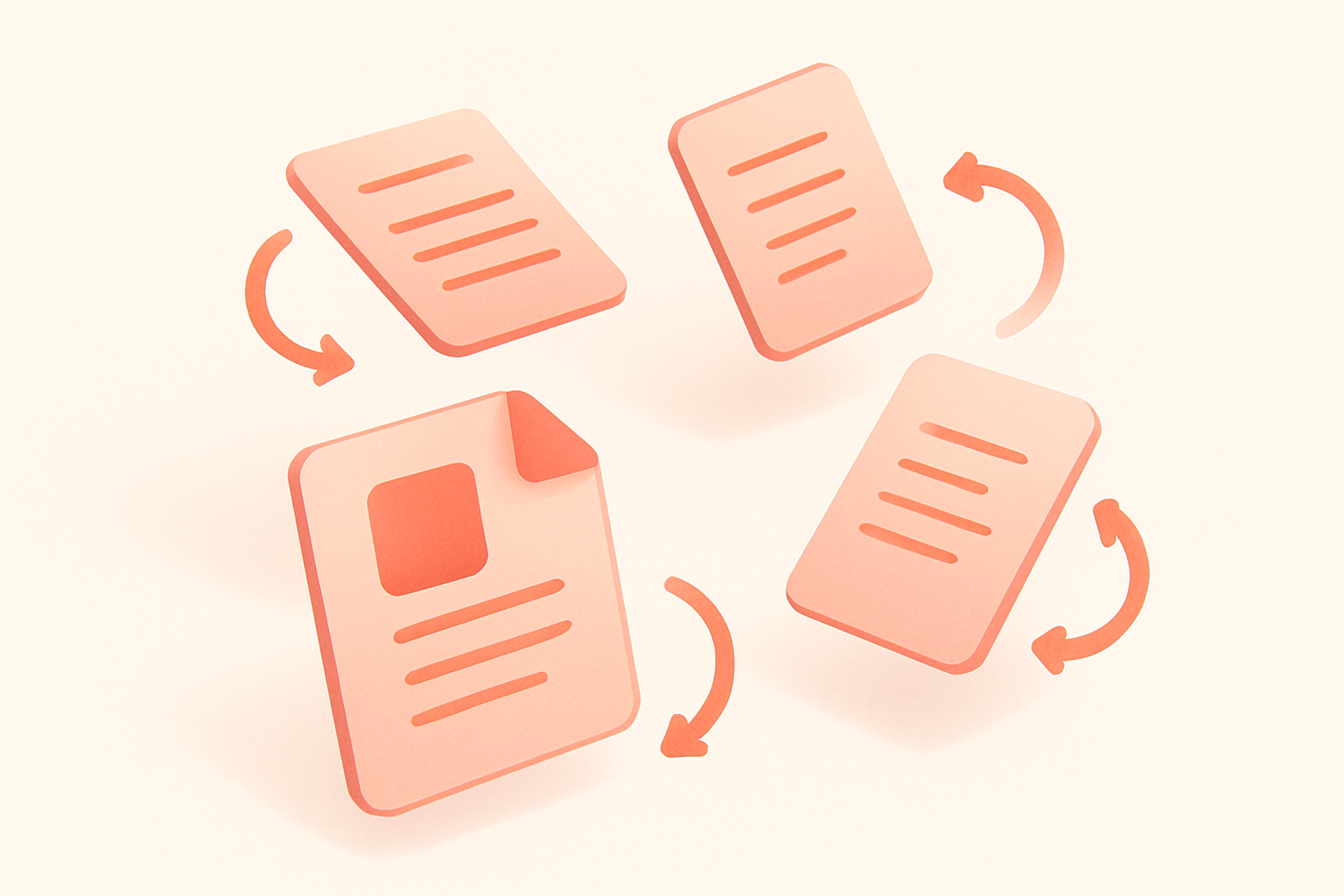
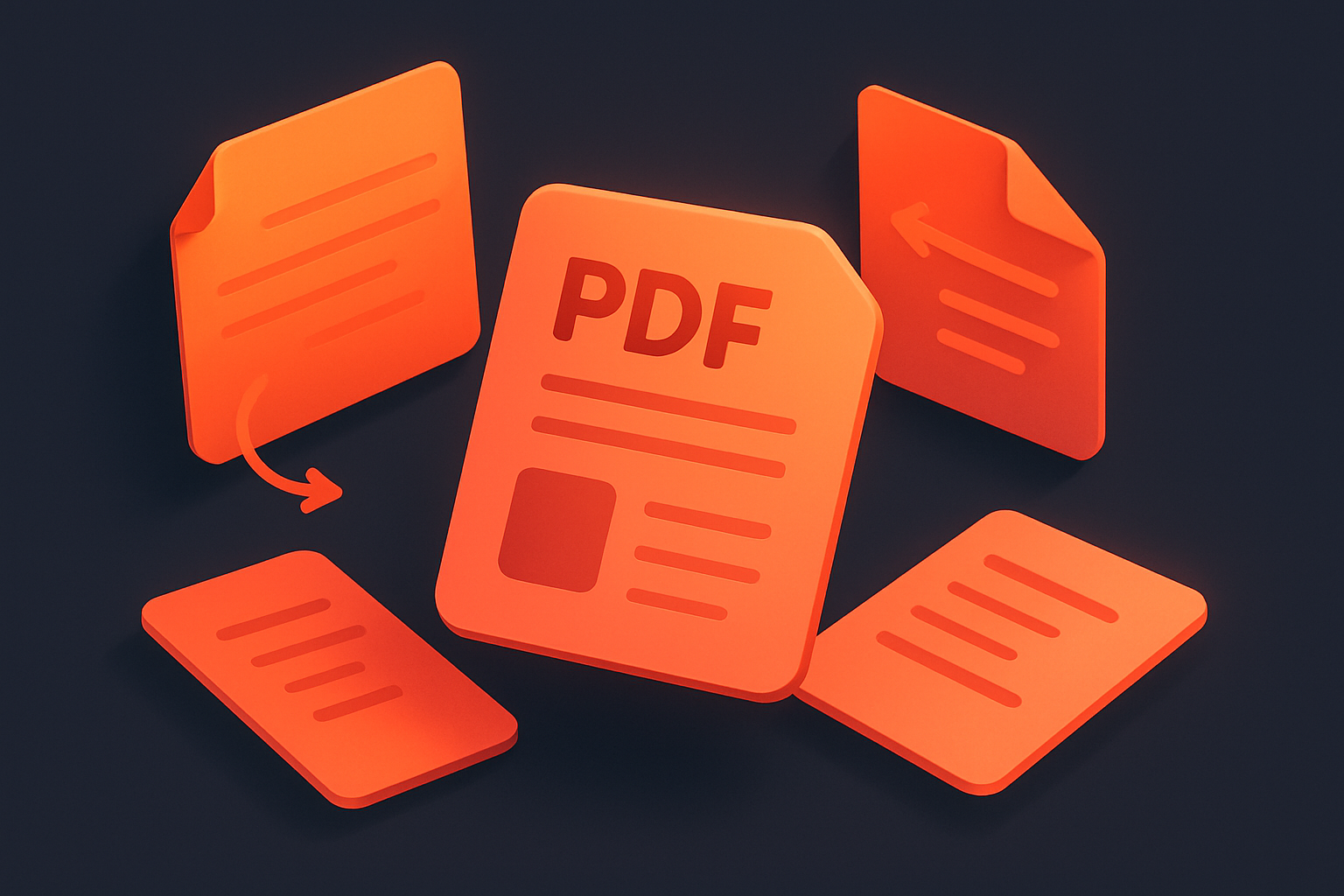
The PDF Interleave tool combines two PDFs by alternating their pages. Page 1 from PDF A, then page 1 from PDF B, then page 2 from A, page 2 from B, and so on. If one PDF has more pages, the remaining pages are appended at the end. Perfect for reassembling double-sided scans where front and back pages were scanned separately, or combining two related documents page by page. Handles PDFs of different lengths gracefully.
Why Use Our PDF Interleave?
- Perfect for reassembling double-sided scans
- Handles unequal page counts gracefully
- Simple two-file drag and drop interface
- Maintains original page quality
Common Use Cases
Scanner Reassembly
Combine separate front/back scan batches into proper page order.
Comparison Documents
Alternate original and revised pages for review.
Bilingual Documents
Interleave translations with original pages.
Study Materials
Alternate question and answer pages.
Technical Guide
Uses pdf-lib to load both PDFs and create a new merged document. Iterates through pages using the maximum page count of either document. For each index, copies the page from document A (if available) then document B (if available) into the new document. Uses copyPages for faithful page reproduction. Handles mismatched page counts by including remaining pages from the longer document.
Tips & Best Practices
- 1PDF A pages appear in odd positions (1, 3, 5...)
- 2PDF B pages appear in even positions (2, 4, 6...)
- 3Works with different page sizes between documents
- 4For reversed back pages, rotate PDF B first
Related Tools
 PDF Tools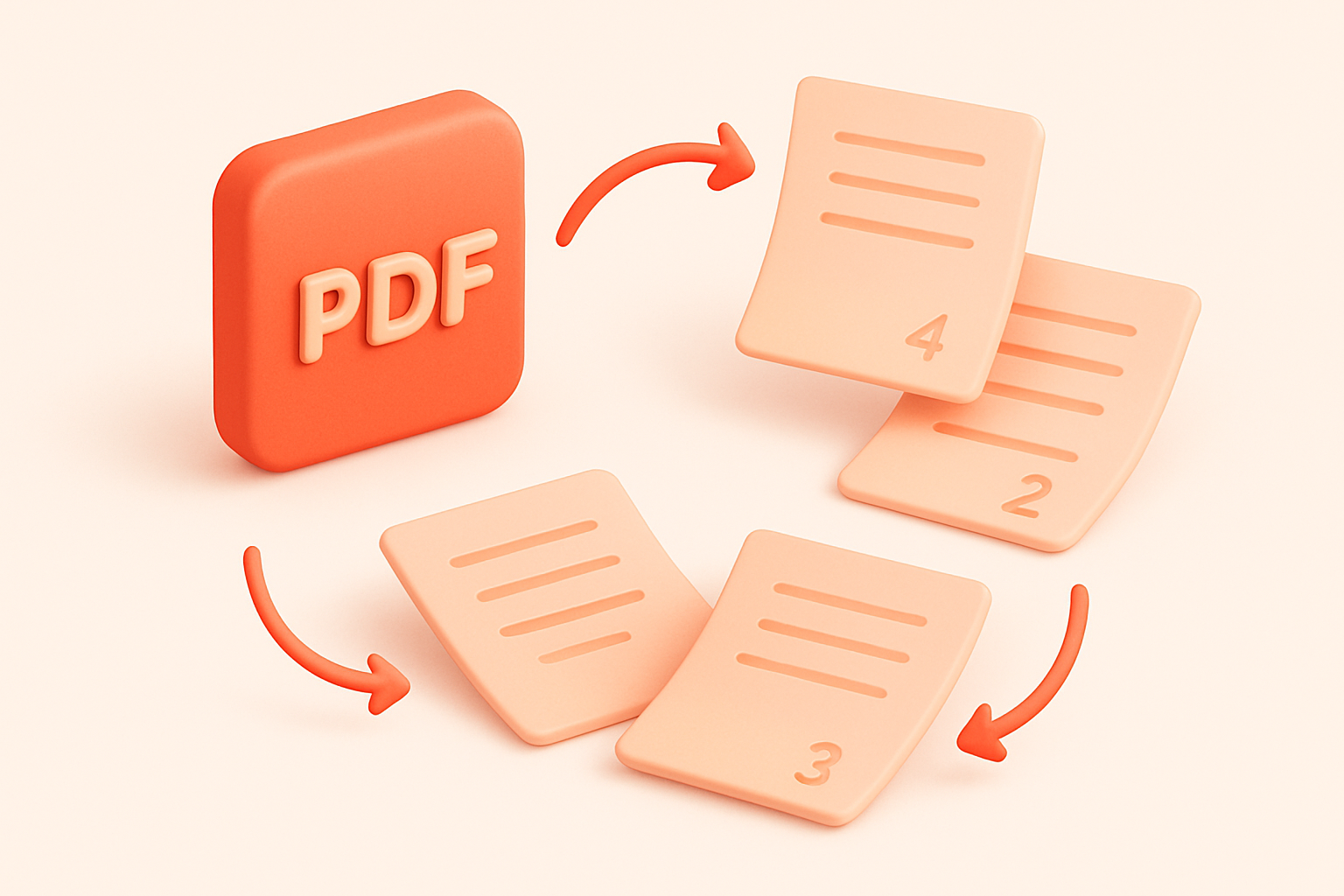
Frequently Asked Questions
QWhat if the PDFs have different page counts?
QCan I interleave more than two PDFs?
QDoes page size matter?
QCan I reverse the order?
QIs the interleave always 1:1?
About PDF Interleave
PDF Interleave is a free online tool from FreeToolkit.ai. All processing happens directly in your browser — your data never leaves your device. No registration required. No ads. Just fast, reliable tools.